When playing movie files, TV shows, video files, and videos on YouTube*, you can drag the edges of the CyberLink PowerDVD window to reduce it in size.
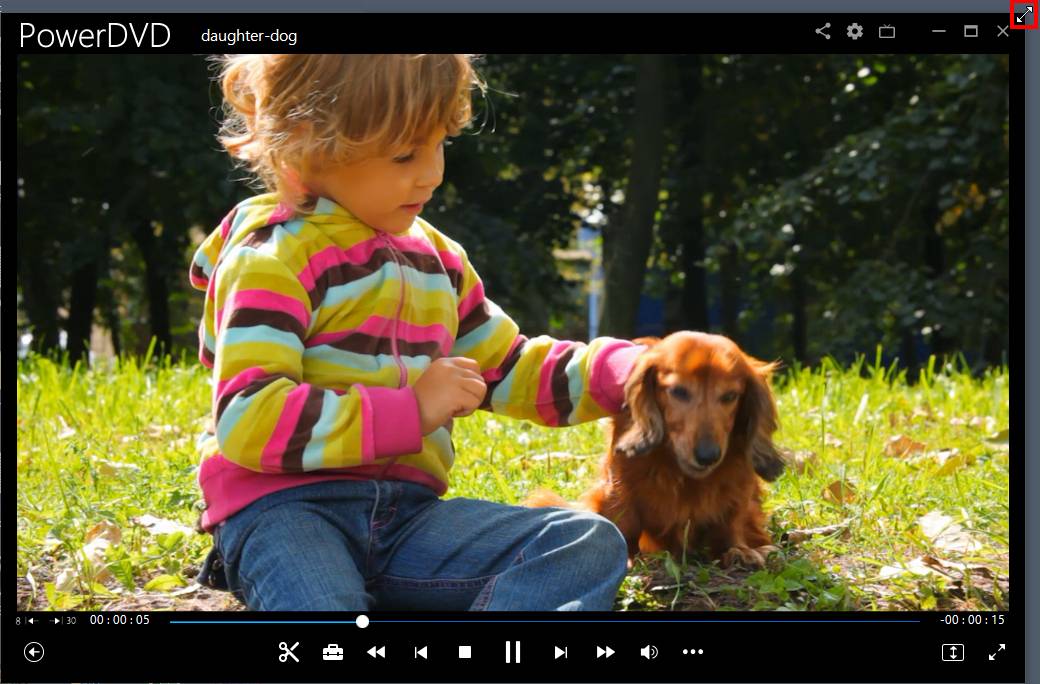
It can be reduced down to 204 pixels, but once the UI size is below 600 pixels, only the main player controls are available.

Click  to keep the mini player on top of all other Windows applications during playback.
Note: * this feature is not available in some editions of CyberLink PowerDVD 23. |
