When you enter TV mode, the program displays as below.
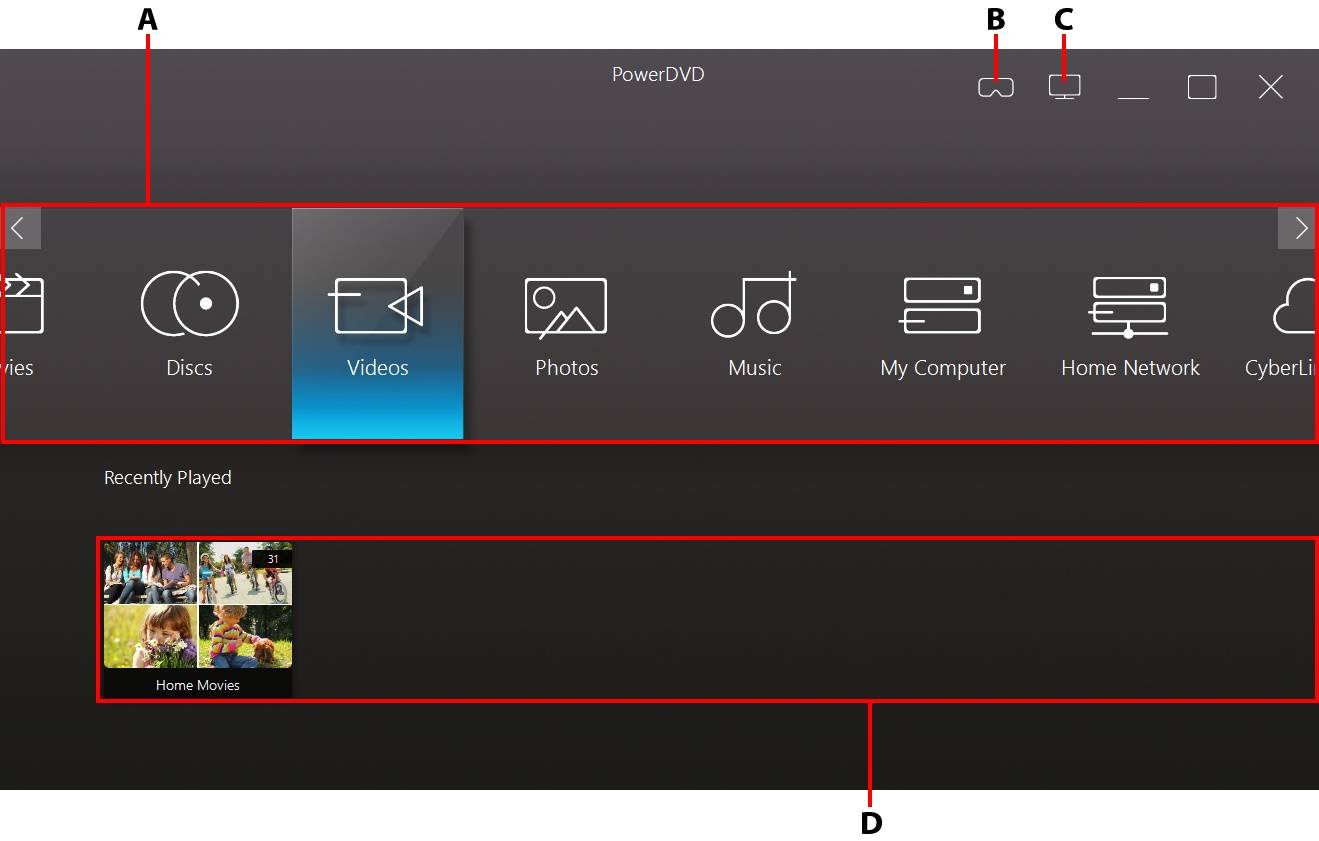
A - Media Panel |
B - Enter VR Mode |
C - Switch to PC Mode |
D - Recently Played/Added |
Note: the TV mode of CyberLink PowerDVD does not support all the program features. Try switching to PC mode if you can't find a feature you are looking for. |