
Layer, Mask, and Composite
Build detailed edits with layers, masks, blending modes, and photo compositing tools.



 PhotoDirector 365 for Mac
 Organize, adjust, composite, retouch, and create with AI: your whole photo workflow, in one app.
Organize your photo library, develop RAW images, build layered compositions, retouch portraits, and create with generative AI, all in one app instead of two or three.
Import, tag, and sort photos with face-based smart collections.
Fine-tune exposure, color, and tone with non-destructive RAW editing.
Combine images, isolate areas, and refine layers and masks.
Realistically smooth skin, enhance facial features, and adjust body proportions.
A full set of generative AI tools in a desktop photo editor.
Quick Actions analyzes your photo and suggests the edits it needs, like enhancement, background blur, and color correction. You decide what to apply and how strong each adjustment should be.
Generate images from text, animate photos, and try on outfits, all within PhotoDirector.
Bring stills to life with motion transfer, swap faces, and replace objects in just a few clicks.

Explore the latest AI models for text-to-image, image-to-video, and text-to-video creation. Compare results and choose the models that best fit your creative goals.
AI helps you start faster. Full photo editing tools let you finish with precision.
Build detailed edits with layers, masks, blending modes, and photo compositing tools.

Fine-tune exposure, HSL, curves, tone, sharpness, lens correction, and image detail.

Work with RAW files, apply batch edits, organize images, and manage larger photo workflows.
Improve image quality by reducing noise, correcting blur, enhancing color, and upscaling resolution with AI-powered enhancement tools.
Remove people, objects, power lines, and backgrounds to create more focused compositions.
Smooth skin, adjust facial features, and reshape body proportions with customizable tools.
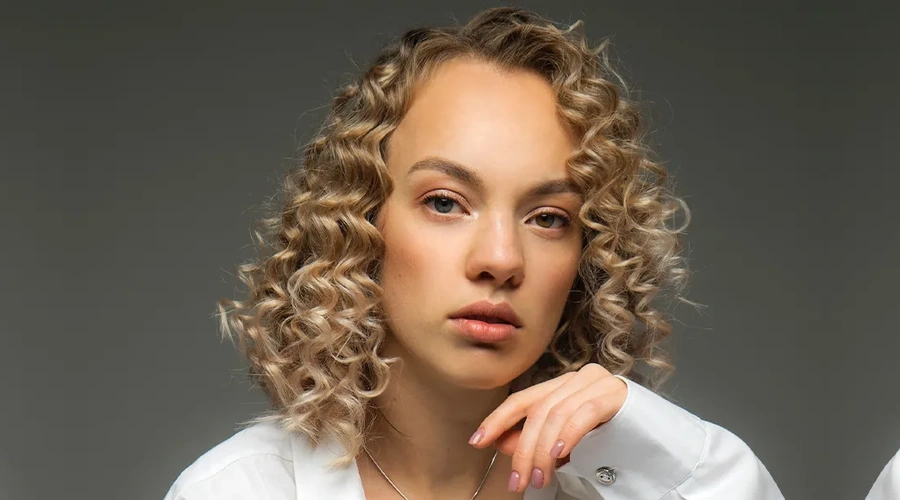
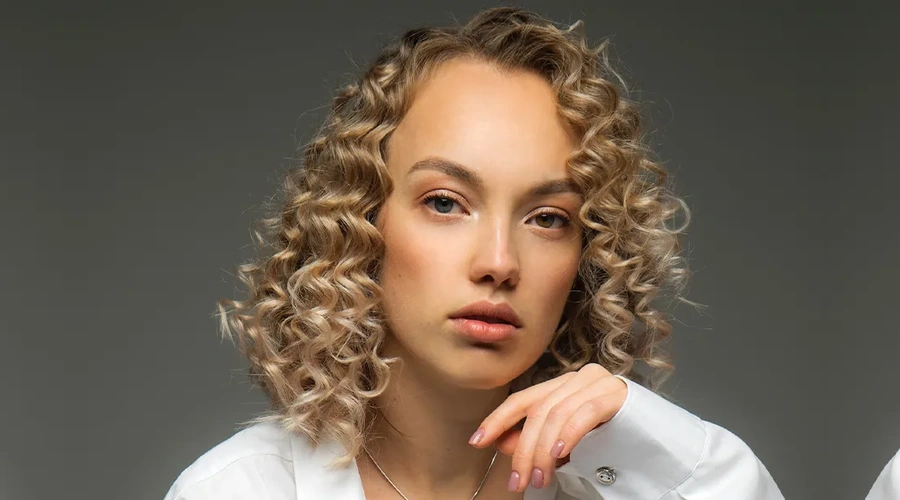


PhotoDirector 365 for Mac is photo editing software for macOS. It pairs RAW adjustments, layers, and portrait retouching with generative AI tools that create images, animate photos, and replace objects. It's made by CyberLink, which has developed multimedia software since 1996.
Yes. PhotoDirector for Mac is free to download, and the core editing tools have no time limit. Generative AI tools run on AI credits and are part of the PhotoDirector 365 subscription, as is full access to the built-in stock library.
Yes. PhotoDirector 365 for Mac runs on Macs with an Apple M1 chip or later. Full requirements:
▶ macOS: 11 or later
▶ Processor: Apple M1 or later
▶ Memory: 4 GB
▶ Storage: 10 GB of free disk space
▶ Display: 1024 x 768, 16-bit color or higher
▶ Internet: needed to activate the software the first time
Both. Beginners can start with Quick Actions, which analyzes the photo and suggests edits such as enhancing the subject, blurring the background, or retouching a portrait. Experienced editors can adjust exposure, HSL, curves, and tone by hand, or build the edit with layers and masks. Adjustment layers and layer masks are non-destructive, so you can change an edit later without starting over.
They cover three jobs:
▶ Create: Generate images from a text prompt, turn photos into videos, animate a character with motion from a video clip, and try on outfits.
▶ Fix: Enhance, upscale, deblur, and denoise photos, and remove people, objects, backgrounds, and power lines.
▶ Retouch: Smooth skin, reshape faces and bodies, and even out skin tones.
Generative AI tools are part of the PhotoDirector 365 subscription. They need an internet connection and run on AI credits. The Features page has the full tool-by-tool list.
For photos, PhotoDirector imports JPG, TIFF, PNG, GIF, BMP, HEIF, and PHI files, plus RAW files from most cameras. It exports JPG, TIFF, PNG, GIF, and PHI. For video, it imports common formats such as MP4, MOV, MKV, and M2TS, and exports MPEG-4. MP4 files encoded in H.265 aren't supported.
Yes. PhotoDirector has a built-in library of millions of royalty-free stock images from iStock by Getty Images. Search for an image and add it to your project without leaving the app. Full access to the library comes with a PhotoDirector 365 subscription.
No. PhotoDirector for Mac is sold as a PhotoDirector 365 subscription, which includes new generative AI features, ongoing updates, and premium asset downloads. If you also edit video, click Buy Now to see the bundle with PowerDirector 365 for Mac.
No. PhotoDirector 365 for Mac and PhotoDirector 365 for Windows are separate subscriptions, so if you edit on both, you need a plan for each.
You can cancel your subscription anytime with no cancellation fees.
Log in to CyberLink Member Zone > Go to Manage Plan > Select your PhotoDirector 365 plan > Click Cancel Subscription.
After cancellation, your premium features will remain active until the end of the current billing cycle. After that, you can keep using the core editing tools of the free version, and your photos and projects will not be lost. For further assistance, please contact CyberLink Customer Support.
PhotoDirector 365 for Mac 