
Layer, Mask, and Composite
Build detailed edits with layers, masks, blending modes, and photo compositing tools.




All-in-One Photo Editor


 PhotoDirector 365
 Organize, adjust, composite, retouch, and create with AI: your whole photo workflow, in one app.
See all plans & pricing
Organize, develop RAW, composite with layers, retouch portraits, and create with generative AI. What usually takes two or three separate apps, together in PhotoDirector.
Import, tag, and sort with smart collections by face.
Exposure, HSL, curves, tone, and lens correction. All non-destructive.
Layers, masks, blending modes, and photo compositing.
Reshape, smooth, and refine faces and bodies naturally.
One of the most complete generative AI toolsets in a desktop photo editor.
Take control of your edits through simple conversation. Quick Actions can suggest common fixes, then you decide what to apply, refine, or change next.
Generate new images, animate stills, replace objects, swap motion, and explore creative looks without leaving your photo editor.
Bring stills to life, transfer motion, swap faces, and replace anything. Powerful transformations in a few clicks.

Always the latest models for Text to Image, Image to Video, and Text to Video. Every project gets the best result, and you spend smarter.
PhotoDirector opens with a choice: run the high-volume work 100% on your PC, with no credits, private and offline, while the most demanding generative work runs in the cloud at top quality. Switch anytime from the top bar.

Optimized for Intel AI PCs, more platforms to be supported soon.
AI helps you start faster. Full photo editing tools let you finish with precision.
Build detailed edits with layers, masks, blending modes, and photo compositing tools.

Fine-tune exposure, HSL, curves, tone, sharpness, lens correction, and image detail.

Work with RAW files, apply batch edits, organize images, and manage larger photo workflows.
Improve clarity, reduce noise, sharpen details, color-correct, and upscale photos with AI-powered enhancement tools.
Remove people, objects, backgrounds, and wires with AI tools designed to clean up photos faster.
Smooth skin, adjust facial details, reshape body proportions, and refine portraits with customizable retouching tools.
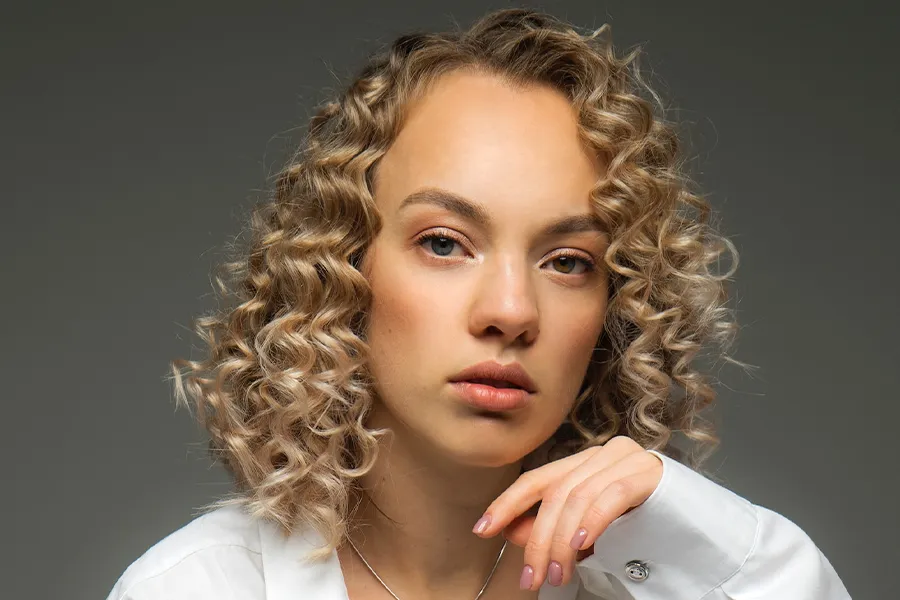
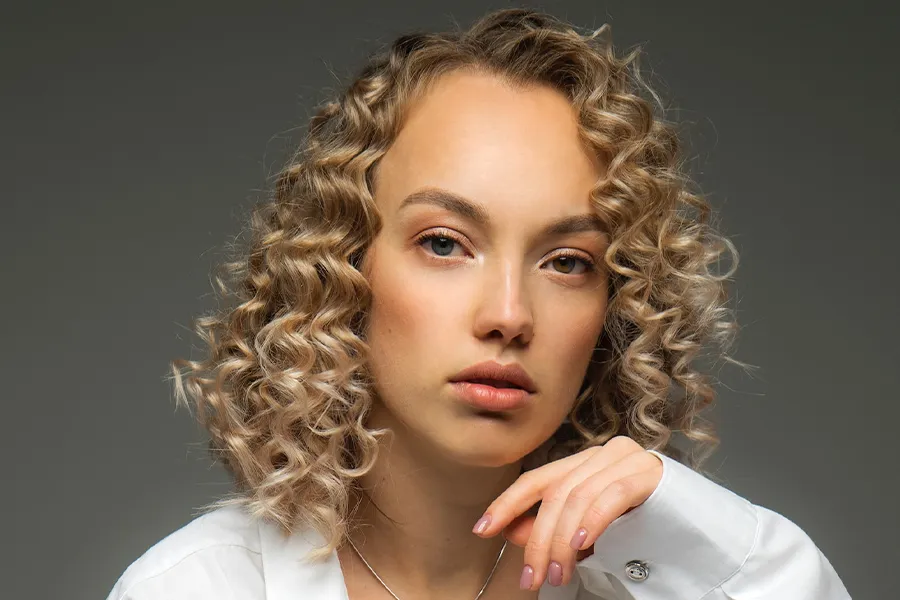


Top reviewers call PhotoDirector an all-in-one editor for organizing, compositing, and creating with AI, as well as an affordable alternative to the usual pro apps.

"The new AI in CyberLink PhotoDirector 365 helps achieve results faster, with tools and wizards supporting design drafts."

"An affordable, AI-packed replacement for Lightroom and Photoshop."
"A capable all-in-one photo editing and manipulation suite that stands out for its AI wizardry, low price, and support for layers."

"CyberLink PhotoDirector is a powerful multi-faceted beast ... offers Photoshop-like compositing tools, as well as numerous generative AI features, and all at an extremely competitive price."
PhotoDirector is advanced photo editing software powered by generative AI. It lets you create, enhance, and transform images with easy-to-use tools. Suitable for both beginners and experienced editors. Available for Windows and macOS.
PhotoDirector is best used for delivering professional, AI-driven image editing without the complex workflow of traditional software. Powered by generative AI, it is highly optimized for:
▶ Photographers & Hobbyists: Who need fast raw processing, advanced layer editing, and image upscaling tools.
▶ Content Creators & Vloggers: Who want to generate AI art, create avatars, and swap backgrounds for social media instantly.
Yes, PhotoDirector offers a 100% free version: PhotoDirector Essential with no time limits. You can use core editing tools and basic AI features forever without any subscription or payment. While advanced AI tools and select export options are restricted in the free version, you can upgrade to the paid plan anytime for full feature access.
Yes. You can choose between a PhotoDirector 2027 one-time purchase (lifetime license) or a PhotoDirector 365 subscription. The lifetime version provides perpetual access to core image enhancement and AI editing tools, while the subscription plan unlocks all new generative AI features, continuous updates, and unlimited premium asset downloads. For detailed information, visit our Compare Plans Page.
Yes, PhotoDirector is 100% safe. Developed by CyberLink, a publicly traded software pioneer since 1996, our software is strictly tested and virus-free. To guarantee absolute security and access to our 30-day money-back guarantee, always download directly from our official website or authorized app stores.
You can cancel your subscription anytime with no cancellation fees.
Log in to CyberLink Member Zone > Go to Manage Plan > Select your PhotoDirector 365 plan > Click Cancel Subscription.
After cancellation, your premium features will remain active until the end of the current billing cycle. Once expired, your account will automatically downgrade to the free Essential version, and your photos and projects will not be lost. For further assistance, please contact CyberLink Customer Support.
Online photo editors are great for quick tweaks, but photo editing software like PhotoDirector delivers unmatched performance and feature depth:
▶ 100% Offline Editing: Work instantly without file uploads, internet bottlenecks, or server delays.
▶ Instant AI Tools: Remove objects and replace backgrounds in seconds.
▶ Pro-Level Freedom: Edit with high-fidelity RAW support and multilayer precision.
▶ High Efficiency:Accelerate your workflow with powerful batch editing and portrait retouching.
PhotoDirector is the best photo editor for beginners because it combines an intuitive, clean interface with automatic AI tools that eliminate the steep learning curve.
This all-in-one software offers non-destructive editing, allowing newcomers to experiment safely. Beginners can achieve professional-quality photo enhancements and creative AI art instantly without complex technical skills.
PhotoDirector is a top choice for photographers, merging precise manual controls with automatic AI enhancements. This software delivers a complete editing experience, including AI Face Swap and AI Image to Video, eliminating the high cost and steep learning curve of traditional, complex platforms.
Yes. PhotoDirector is fully optimized for Windows 11 / 10 and macOS, allowing users to download the corresponding version based on their operating system.
PhotoDirector 365 