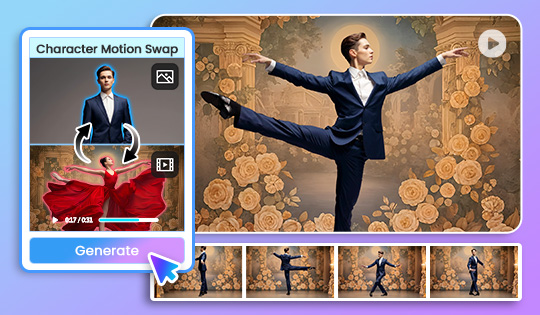
AI Video Generator: Character Motion Swap
Apply motion and expressions from a reference clip to different characters, creating content that can be utilized across different markets without reshooting.



Our latest releases including brand new features, effects packs, templates & more!
Added Wan 3.0, Seedance 2.0, Seedance 2.0 Fast, Seedance 2.0 Mini, Seedance 2.5, and Gemini Omni 1.1. Generate realistic movement, with Seedance 2.5 supporting clips up to 30 seconds.
A simplified and reorganized user interface for media exporting makes it easier to select your output options, file formats, and more. Detailed control now available under the "Advanced" button on the "Export" screen.
Enjoy a streamlined export workflow and create with Happy Horse 1.0, Wan 2.7, and PixVerse 6.0.
Make quick edits to your titles directly in the control panel and in the preview window.
Image to Video now supports Kling 3 and Vidu Q3.
Kick-start your projects with new launcher shortcuts for instant access to your AI Toolbox and the latest features.
Turn still images into dynamic videos and choose from expanded AI model support such as Sora-2, Kling 2.6, and Vidu Q2, all from a single interface.
Apply motion and expressions from a reference clip to different characters, creating content that can be utilized across different markets without reshooting.
