
search cyberlink website user log-in change language
PowerDirector 365 app icon

PowerDirector 365

Powerful Video Editing

Get it on Google Play Download on the App Store
PowerDirector 365 PCMag Editors' Choice: PowerDirector, rated 5.0 out of 5, Exemplary
Best Overall, 2026

5.0 Exemplary, PCMag

AI Voice Changer:
Change Any Voice, Instantly

Transform voices with a huge library of human and effect presets across genders, ages, and languages. No audio expertise required.

AI Voice Changer: Change Any Voice, Instantly

What You Can Do with AI Voice Changer

One Voice, a Hundred Characters

One Voice, a Hundred Characters

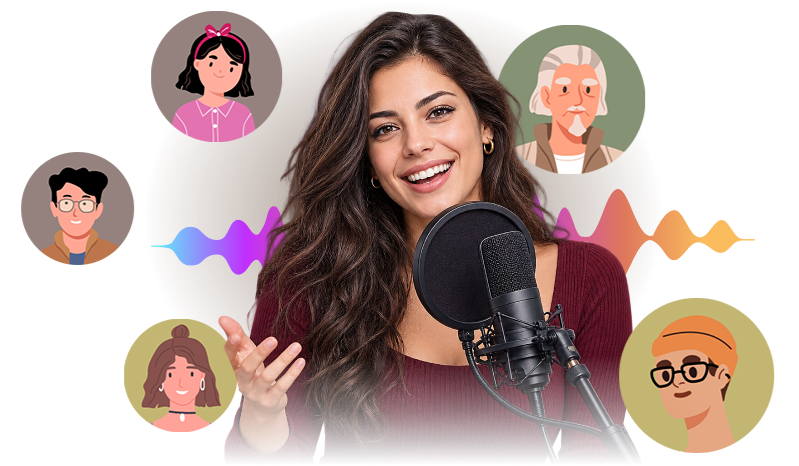
Filter 100+ voice presets and effects by type, language, gender, and age, so you can switch from male to female, sound decades older or younger, or become a completely different character. There's a preset ready to apply.

Free Download 
Change Voices Without Leaving Your Timeline

Change Voices Without Leaving Your Timeline

Select any audio clip on your timeline, whether it's dialogue from your footage, a recorded voiceover, or a standalone audio file, and apply AI Voice Changer directly from the Audio tab. PowerDirector creates a new transformed clip right where you're working.

Free Download 
A Voice for Every Scene You're Editing

A Voice for Every Scene You're Editing

Editing an interview and need to protect a source? Apply a voice disguise before you export. Running a gaming, sci-fi, or comedy channel? Turn your narration into an astronaut, a robot, or a vintage radio host, and give your content a signature voice viewers remember.

Free Download 

How to Change Your Voice in a Video with PowerDirector

How to Change Your Voice in a Video with PowerDirector

Step 1 - Select Your Clip

Add your video or audio to the timeline and select the clip you want to transform. Then click Edit and open the Audio tab.

Step 2 - Choose a Character or Effect

Open Tools and select AI Voice Changer. Filter by type, language, gender, and age, then click a preset, like chipmunk, astronaut, or walkie-talkie, to preview it.

Step 3 - Apply and Preview

Click Apply, and PowerDirector creates a new transformed audio clip on your timeline. Preview the result, fine-tune your project, and export when ready.

AI Voice Changer FAQ

AI Voice Changer is an AI-powered tool built into PowerDirector that lets you change the voice in any video or audio clip. Pick from a wide range of human and effect presets, filtered by type, language, gender, and age, and PowerDirector creates a new, transformed audio clip on your timeline in place of the original.

Some AI Voice Changer presets are free for every PowerDirector user. Upgrade to Premium to unlock a larger voice library, with more options across ages, genders, languages, and sound effects for an even wider range of characters and effects.

AI Voice Changer includes 100+ presets and effects, and that's just the start. Pick from otherworldly voices like Astronaut or Demon, novelty sounds like Megaphone or Old Radio, playful animal voices like Duck or Chipmunk, or natural human voices. Filter by type, language, gender, and age to find your fit.

Yes. You can apply AI Voice Changer to any audio clip on your timeline, whether it's dialogue from your footage, a voiceover you recorded separately, or a standalone audio file with no video attached, like a podcast episode. There's no need to record inside PowerDirector first.

AI Voice Changer fits into everyday editing tasks: disguise an interview subject's voice for privacy in a documentary, turn plain narration into a character for a gaming or comedy edit, add personality to a vlog or product review, or swap a bystander's voice in street or event footage.