
search cyberlink website user log-in change language
PhotoDirector app icon

PhotoDirector

All-in-One Photo Editor

Get it on Google Play Download on the App Store

What’s New in PhotoDirector: 2025 Updates

Our latest releases including brand new features, effects packs, templates & more!

Filter updates by type

New Features

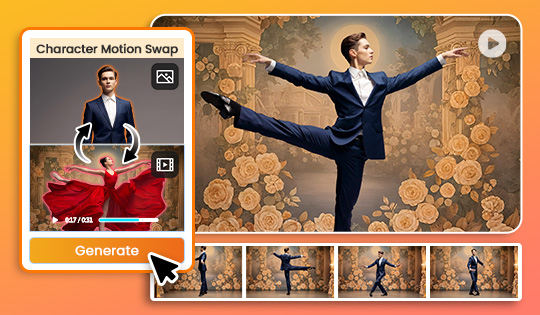
New in AI Image to Video: Character Motion Swap

Animate a photo by applying motion and lip-sync from a reference clip. Use “Keep Photo Background” to bring portraits or virtual hosts to life, and “Keep Video Background” to replace characters inside a scene for business demos or story-driven clips.
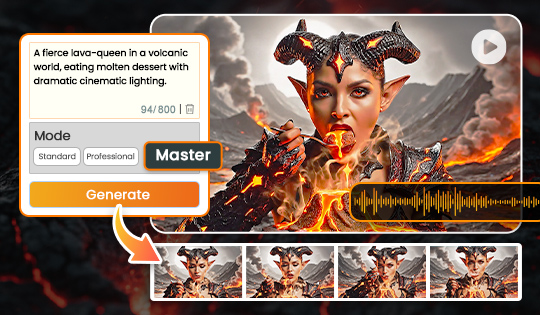
AI Image-to-Video Upgrade: Master Mode

Create film-like clips from images in seconds. Master Mode generates realistic lighting, motion, and mood with tailored sound for truly cinematic results.

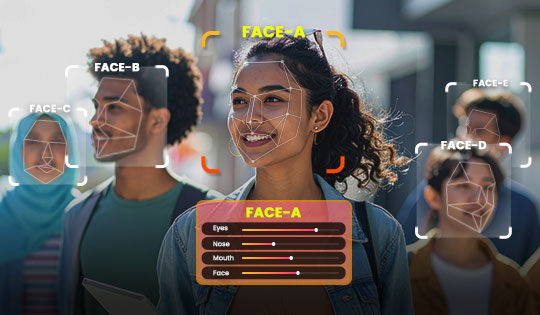
Enhanced Face Tools

Upgraded facial detection now recognizes more faces, including smaller or angled ones that were previously missed for natural and professional retouching.


New Features

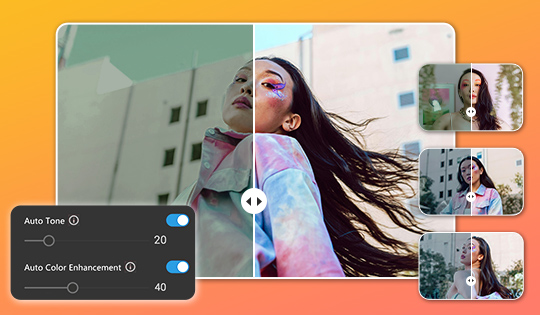
Batch Editor: Auto Tone and Auto Color

Balance lighting and color in entire sets with one click. Each photo is adjusted based on its own qualities, giving new editors fast results while still offering experienced creators full customization.


On-Trend Content Packs

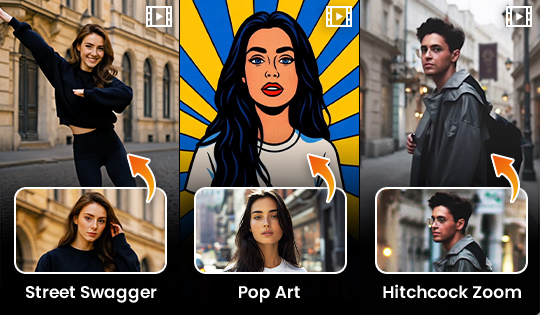
New Image to Video Templates

Transform photos into videos with styles like Street Swagger, Pop Art, and Hitchcock Zoom.


New Features

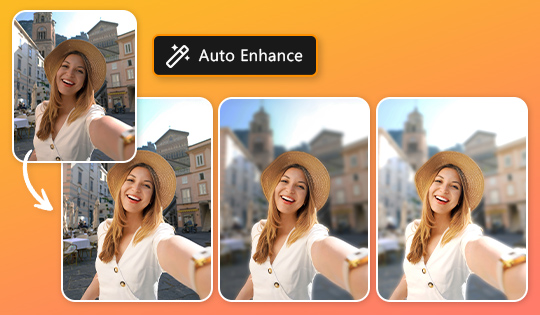
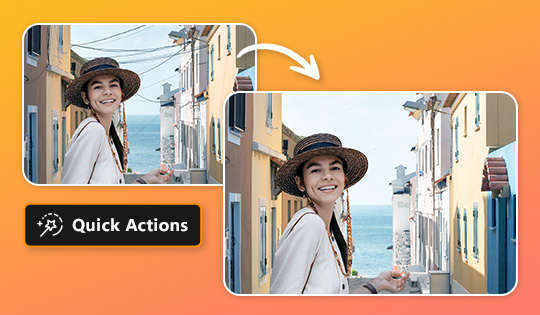
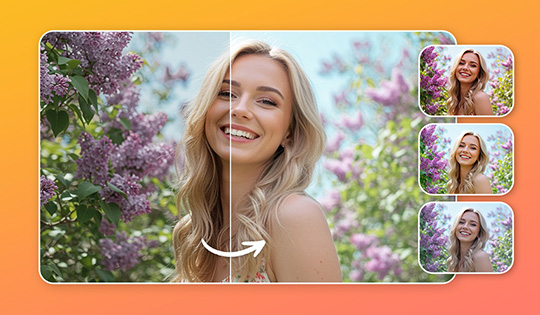
Quick Actions Update

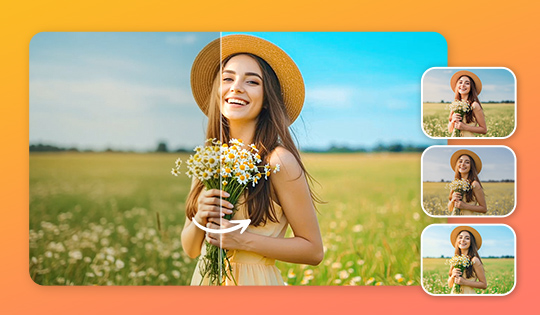
Utilize the Auto Enhance button to instantly achieve three unique looks; each tailored to your photo’s content. From smooth portraits to vibrant food or crisp landscapes, pick your perfect style in one click.


On-Trend Content Packs

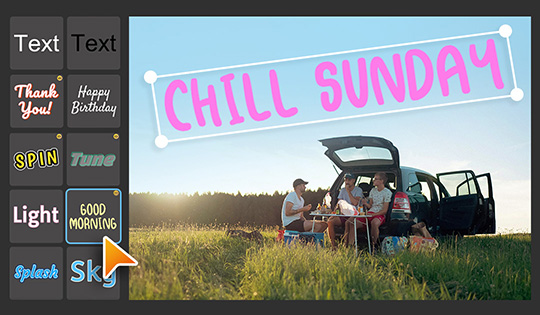
10 New Title Templates

Make your photos pop with bold text design templates. Perfect for creating eye-catching titles that grab attention.

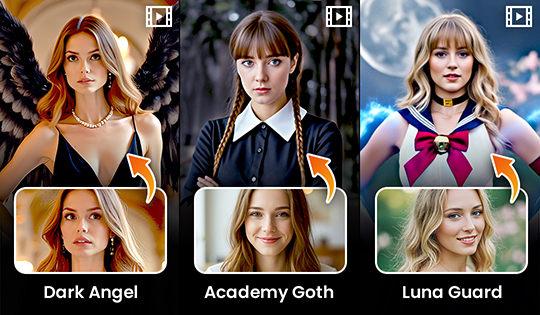
New AI Image to Video Templates

Bring your creations to life with stunning new themes: Dark Angel, Academy Goth, and Luna Guard. Each template effortlessly transforms your images into captivating videos.


New Features

Quick Actions: Wire Detection & Removal

Automatically detects and removes unwanted wires from your image in just a few clicks, saving time and cleanup effort.


On-Trend Content Packs

Hanabi Filters

From soft and dreamy tones to deep and dramatic blues, discover the full range of moods.

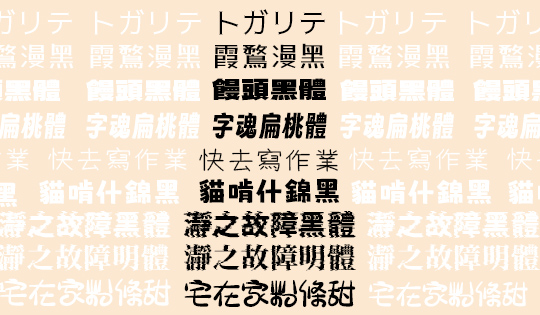
New Fonts

Expand your collection with newly added fonts for Japanese and Chinese, enhancing your editing projects.

Jeju Filters

Transform your images with filters inspired by Jeju Island’s serene coastlines and lush landscapes, capturing its unique light, colors, and tranquil atmosphere.


New Features

Upgraded Quick Actions

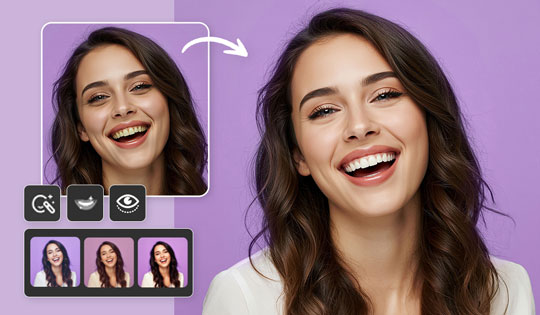
Auto detect faces and scenes in your photos with improved precision, then get instant editing suggestions like skin smoothing, teeth whitening and scene-specific filters.

Face Presets

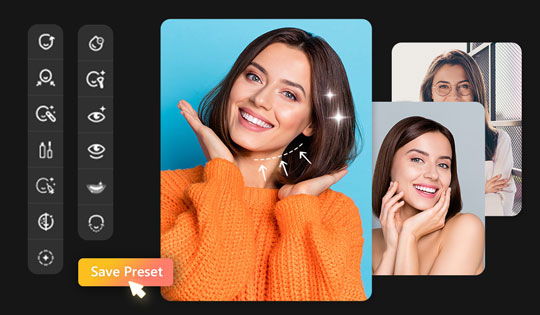
Save your edits as personalized presets and apply them anytime for fast, consistent retouching. Perfect for editing the same person across multiple photos.

One-Click Retouch Control

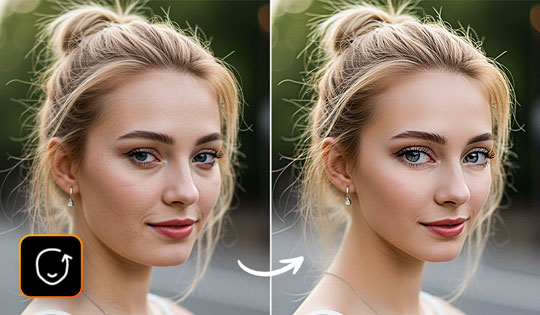
Adjust the strength of one-click face retouch. Achieve flawless skin, brighter eyes, and enhanced features all at once, at the intensity you need.


On-Trend Content Packs

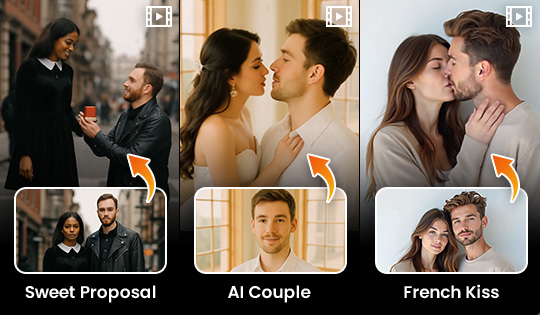
AI Image to Video: New Templates

Turn still moments into cinematic motion with one click. From romantic French Kiss scenes to dynamic Body Shake moves, each template adds emotion, energy, or attitude to your image.


New Features

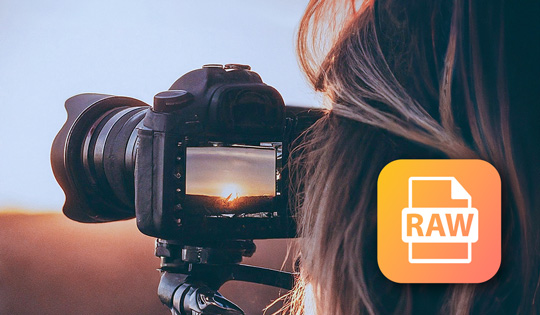
Expanded RAW Format Support

Expanded RAW Format Support: Canon EOS R5, Nikon Z9, FUJIFILM X-H2, Sony A7R V, Sony A1, Sony A7 III, Panasonic S1H, Olympus E-M1, Sony A7CR.

Upgraded Text to Image

This enhancement elevates image quality by delivering incredibly rich and detailed results when using style templates. It makes every generation stand out with a unique, artistic flair.

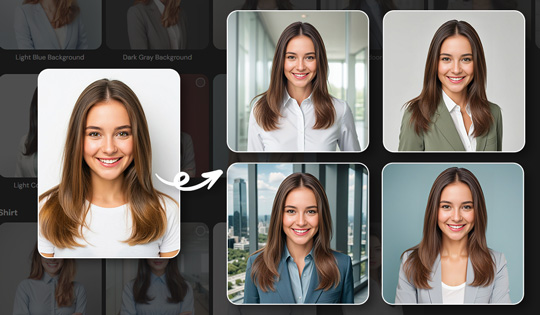
Enhanced AI Headshots

Experience AI headshots with enhanced detail, making them look as natural as real photos. Perfect for effortlessly creating professional-quality images for social media, resumes, and profiles.

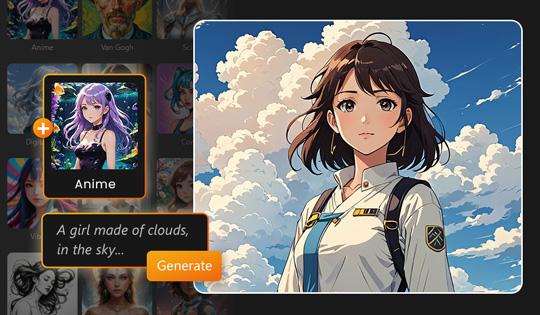
AI Art

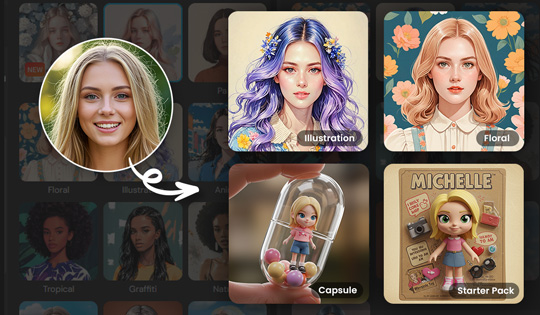
Instantly generate a new visual persona. Import an image, choose from dozens of unique styles, and generate your new image.


New Features

AI Image to Video

Effortlessly transform your ideas into stunning videos. Turn any image into a dynamic, professional-quality video using templates or text prompts. For an extra touch of magic, enable the Sound Generator for perfectly tailored sound effects.

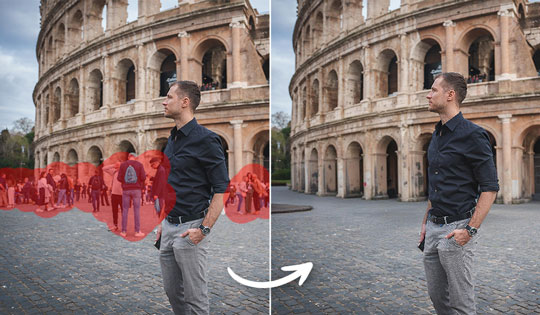
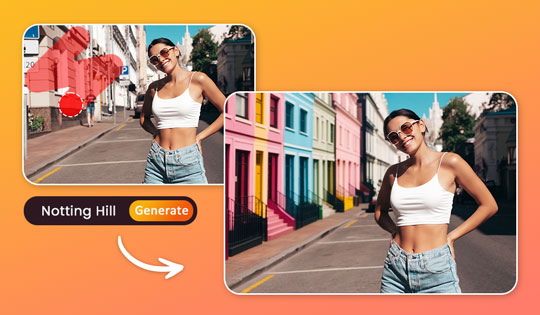
Upgraded AI Object Removal

Harness the full power of Generative AI to remove objects, elements, or text from complex photos with high-quality results.

New Text Templates in Guided Mode

Guided Mode now has new text templates, making it easier than ever to enhance your photos with a range of creative text. Find them under 'Guided Mode' → 'Text Style' and elevate your designs effortlessly.


On-Trend Content Packs

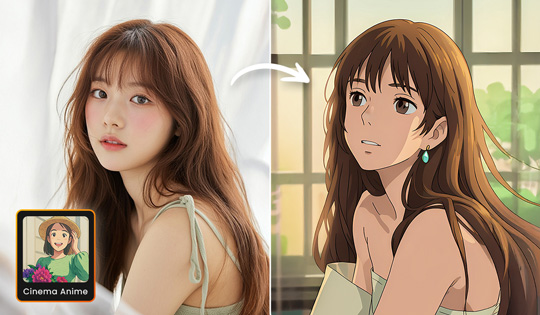
AI Anime: Cinema Anime

Step into a dreamy world with our nostalgic and whimsical anime-style template. It's soft, cinematic, and full of charm.

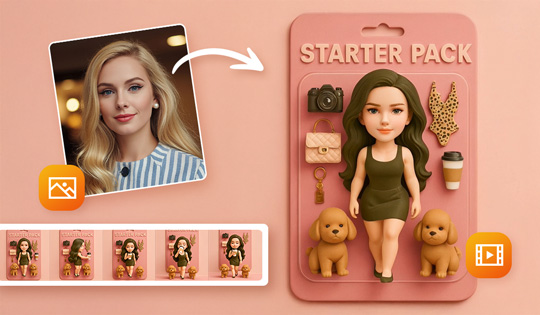
Image to Video: Starter Pack Templates

Turn yourself into an action-packed action figure with animated templates. All you need is a single photo to see yourself reimagined as a bold, stylized collectible full of personality.


New Features

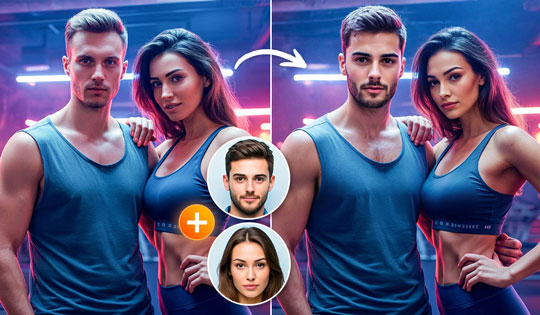
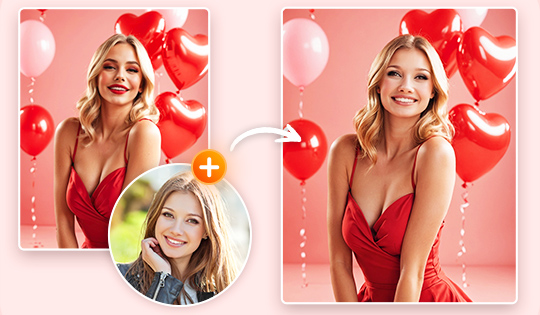
AI Multi Face Swap

Seamlessly swap any face to any photo. Swap up to four faces with friends, family, celebrities, or famous artwork. Create fun, shareable photos across your social media.

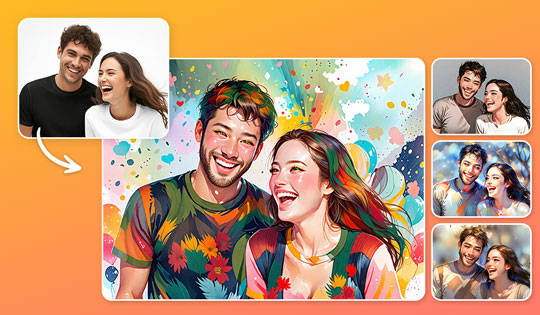
AI Photo to Sketch: Realistic Styles

Transform your photo into a breathtaking sketch with the AI Sketch Generator! Explore a variety of art styles and create realistic masterpieces instantly with just one click.


On-Trend Content Packs

Improved AI Replace

Your generated objects now fit within your image more naturally than ever before.


New Features

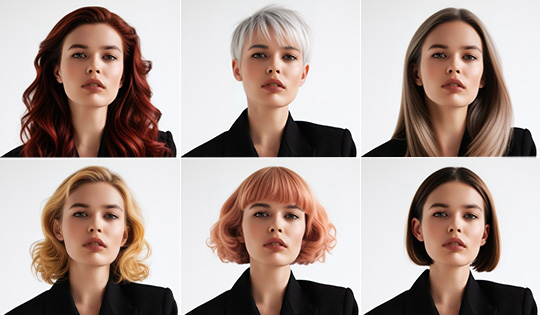
AI Hairstyle

Whether you're trying out a new do, collaborating with your stylist for the perfect look, or updating your social media profile, effortlessly visualize and experiment with new hairstyles before committing to a change. Say goodbye to uncertainty and hello to stunning transformations.

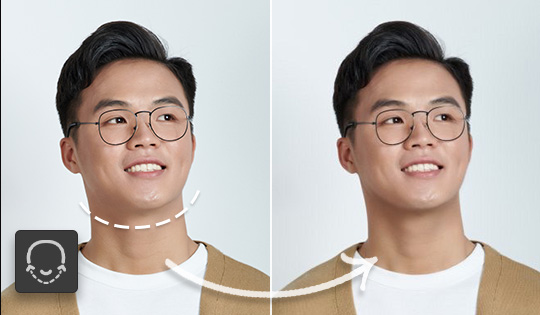
Face Retouch: Jawline

Sharpen jawlines in your photos for a balanced and naturally sculpted look.

Text Template Support for Design Mode

When using Design mode, you now have access to a variety of text templates to enhance your creative workflow.

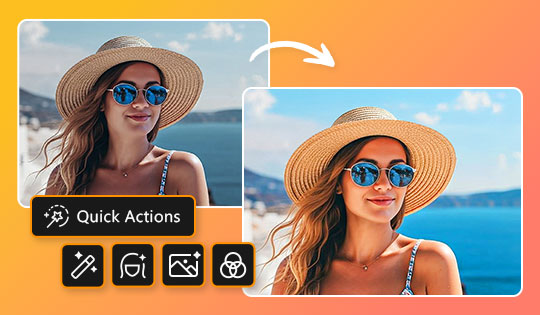
Quick Actions

Harness AI to analyze your photos and instantly apply tailored edits, making enhancements effortless with just one click.


New Features

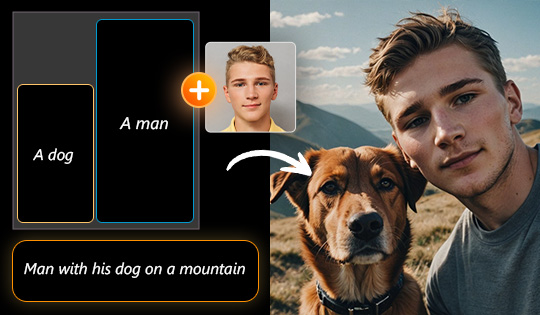
Image Generation With Layout Control

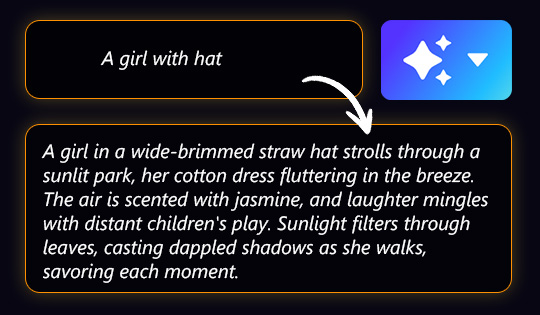
Create AI-generated images exactly as you imagine, with precise control over layouts. Use text prompts, facial references, and style cues to design visual elements, effortlessly specifying their placement, size, and quantity with unmatched accuracy.

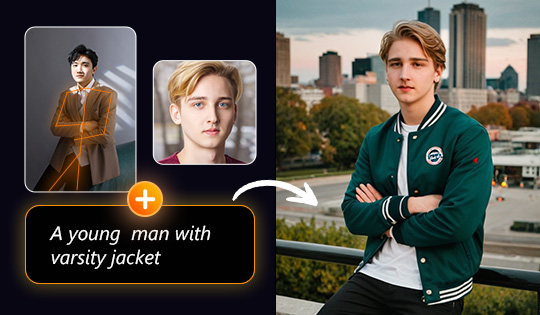
Text-to-Image: Text Prompt + Face + Pose + Style, All in One

Generate images with unmatched speed and accuracy. Our AI Image Generator empowers you to customize faces, poses, and styles simultaneously using text prompts and image references.

Text-to-Image Prompt Enhancements

Enhance your original prompts with added detail and depth, unlocking the potential for richer, more intricate text-to-image creations.

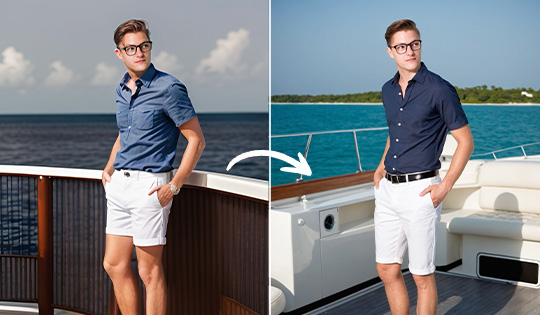
AI Outfit Enhancements

Experience the next-gen of photo-realistic outfit generation, featuring highly detailed designs, natural lighting, and seamlessly matched backgrounds.


On-Trend Content Packs

AI Face Swap: Valentine's Day Styles

Love is in the air! Transform your photos into picturesque masterpieces with the AI Face Swap's Valentine's Day Styles - perfect for holiday cards, social media posts, or sweet surprises for loved ones. Share your affection in a fun, creative way!

Background: Valentine's Day

This romantic collection is filled with vibrant and dreamy designs, perfect for creating heartfelt edits for your loved ones.