





Photo to Video AI: Transform Your Images Effortlessly

Do you want to turn a photo into a video easily? Whether it’s animating a portrait, creating a memory clip, or posting something unique on social media, today there are simple and powerful photo to video AI tools that can make it happen in just seconds.
In this article, explore the best tools to make photos into video and follow a quick tutorial on how to do it step by step.
Top 7 Best Free Tools to Turn Photo Into Video in 2026
- PhotoDirector (Android/iOS)
- MyEdit (Online)
- Promeo (Windows)
- Kling AI (Online)
- Vidnoz AI (Online)
- Invideo AI (Online)
- Clipfly (Online)
1. PhotoDirector

PhotoDirector is one of the most complete photo editing apps. Compatible with Android and iOS, it allows you to make photos into video in just a few taps using ready-made templates or custom effects with prompts.
The many AI tools in PhotoDirector make it a one-of-a-kind editing app. You can use features like automatic subtitles, AI voice generation, talking avatars, and even a powerful video enhancer.
Pros
- Intuitive and powerful mobile app
- Many easy-to-use AI tools
- Plenty of animated effects and transitions
Cons
- Some advanced features require credits
2. MyEdit

MyEdit is a versatile online tool offering several AI features to edit and animate images. Its photo to video AI function lets you create short clips from pictures by adding custom animations or using templates.
What makes MyEdit stand out is its ultra-accessible interface and the ability to switch seamlessly between many AI tools online without installing any software.
Pros
- Fully online, no installation needed
- Easy to use, even for beginners
- Many AI tools available
Cons
- Limited to short videos
3. Promeo

Promeo is a Windows software designed for marketing content creation. It offers thousands of video templates, either AI-generated or pre-designed, where users can insert their images to make photos into video for promotional purposes.
Its strength lies in how fast it produces professional-quality content, even for beginners. The templates are perfectly adapted for social media, ads, and stories.
Pros
- Ideal for marketing and social media videos
- Rich library of AI video templates
- User-friendly tools for quick results
Cons
- Only available on Windows
4. Kling AI

Kling AI is a high-performance photo to video AI generator that creates realistic animations by adding camera movements, zoom effects, and natural motion.
Accessible via browser, it also provides advanced options such as motion control and start/end frame selection. Its signature: high-quality AI animations in just minutes.
Pros
- High-quality realistic animations
- Precise control over movement and transitions
- Accessible directly online
Cons
- Requires strong internet connection
- Longer wait times for free users
- Credits required for the latest technology
5. Vidnoz AI

Vidnoz AI is a simple and efficient online tool to turn photo to video animations. It offers various styles (cartoon, claymation, etc.) and lets you add text and music.
Its advantage: a clear interface and videos generated in less than 2 minutes, with a free option available.
Pros
- Very fast and easy to use
- Several video styles available
- Free access
Cons
- No control over final effect
- Short video duration
- Lower quality on the free version
6. Invideo AI

Invideo AI makes it simple to create videos from photos by uploading your image and adding a short text. The AI then generates an animated video with movements and effects.
What makes it unique: the ability to generate personalized videos directly from text prompts combined with images.
Pros
- Ultra-fast automated video creation
- Generate from both text and images
- No installation required
Cons
- Limited customization
- Sometimes needs multiple attempts for best results
7. Clipfly

Clipfly is an online AI platform that transforms images and text descriptions into customized videos. It offers a variety of styles and templates to create videos in just a few clicks.
Its unique feature: a diverse catalog of styles, including animation, cartoon, illustration, and even Ghibli-style videos.
Pros
- Several options for video creation
- Easy to use
- Some fun templates like AI Kissing
Cons
- Some limitations on free customization
- Credits required for advanced features
How to Make Photos Into Video for Free?
Want to turn a photo into a video for free? Here’s how to easily convert an image into a video with PhotoDirector.
- Download and install PhotoDirector – Install the free PhotoDirector app on your Android or iOS device.
- Go to the AI Videos function – Open the app and select this tool from the home screen.
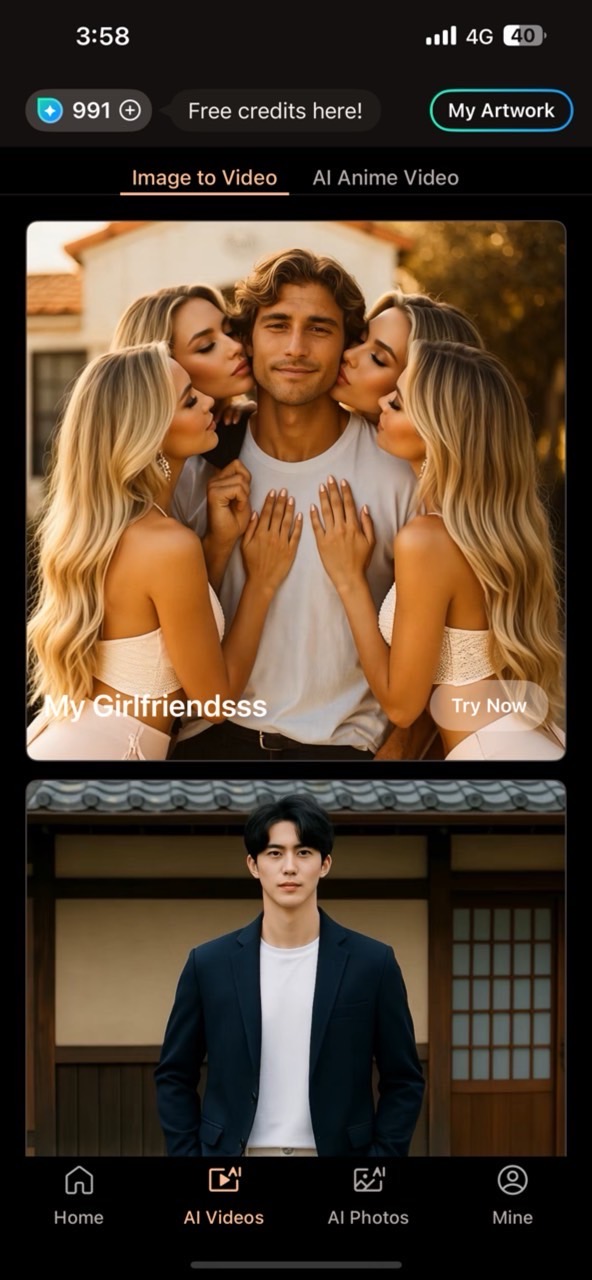
- Import your images – Add a single portrait, two photos, or even a group image to create your AI animation.
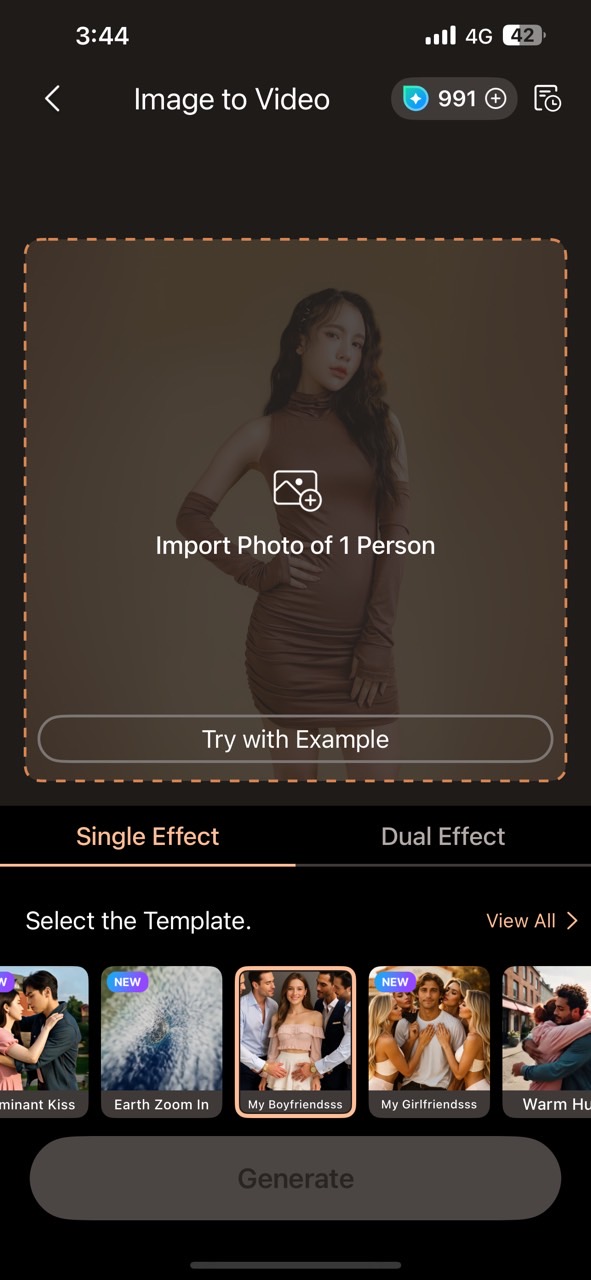
- Choose a template – Browse the available templates or select "Custom" to create your own animation. Once ready, tap "Generate Video".
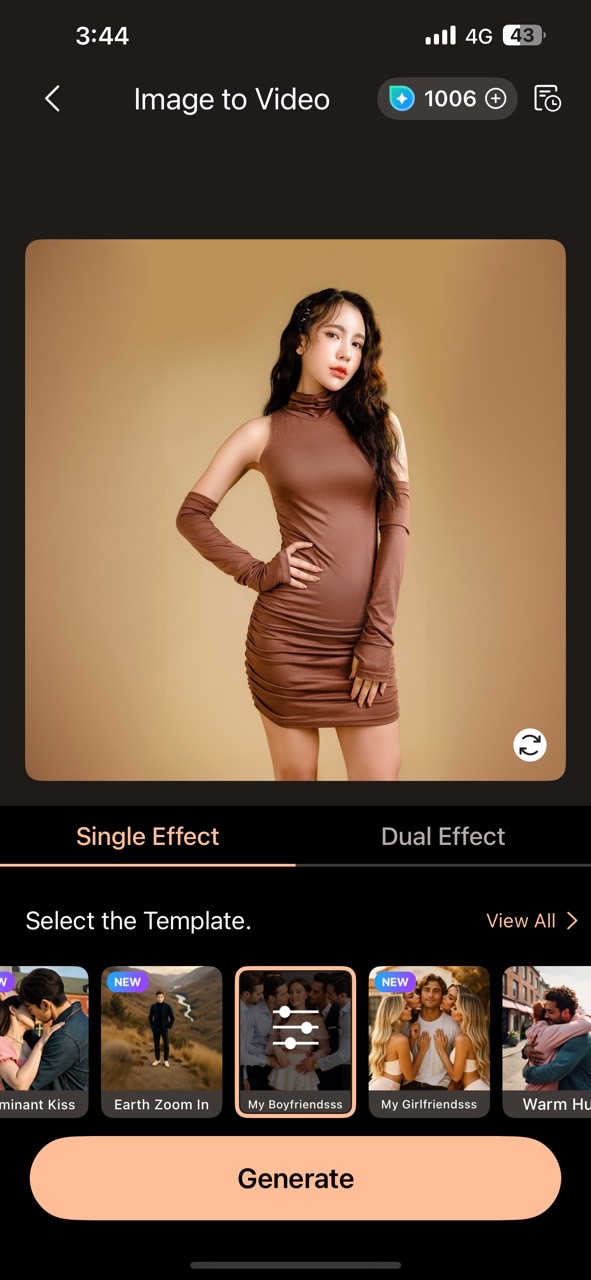
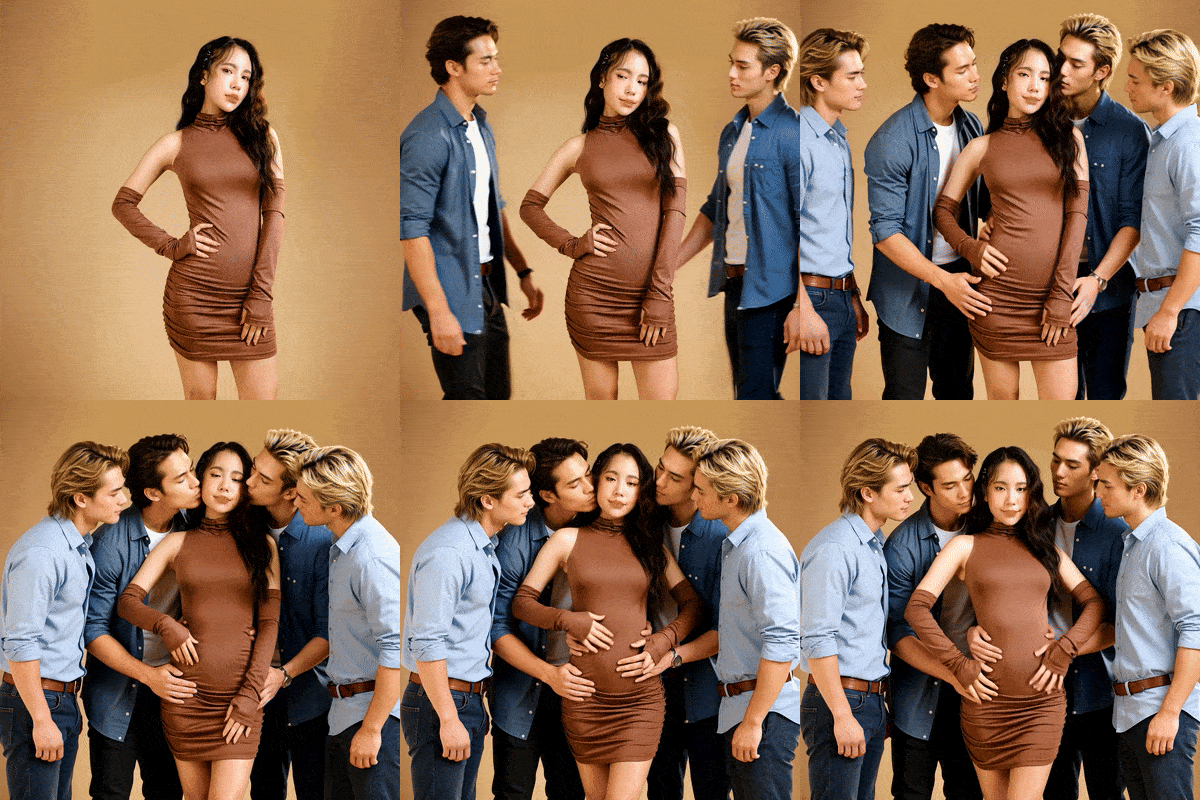
- Preview and share – In just seconds, your AI-powered animated photo will be ready to preview and share on social media!


Frequently Asked Questions
- Download the app PhotoDirector app on Android or iPhone.
- Go to the Photo to Video AI feature from the home screen.
- Import your photos to make photos into video.
- Choose a template or customize your video creation.
- Create and share your video for free on social media.
- Install PhotoDirector app for free on your smartphone.
- Select the Photo to Video AI option in the app.
- Add your photo or multiple images to animate.
- Apply a template or customize the video.
- Create and export your video directly on mobile.
The best free generator to turn a photo into a video is undoubtedly PhotoDirector app. This mobile app (Android and iOS) offers a simple and intuitive interface, allowing you to make photos into video in just a few minutes. Simply import your photo, choose a template or customize the animation with a text prompt, and the AI will do the rest.


![10 Best Christmas Card Ideas to Amaze Your Family [2026]](https://dl-file.cyberlink.com/web/content/b2695/l_Thumbnail.webp)


