



Elf Yourself Photo: Create Elf Yourself Xmas ECards Online

Bored with traditional Christmas eCards? Try elfing yourself and create a hilarious Christmas eCard to celebrate the holidays!
In this article, you'll learn how to elf yourself in a photo and turn it into a unique animated eCard.

- How to Elf Yourself Online For Free With AI
- How to Make Animated Elf Yourself Christmas ECards With AI
- Try More Fun Christmas Photo Ideas
- FAQ About Elf Yourself
How to Elf Yourself Online For Free With AI
No editing skills needed! Just upload your selfie and let advanced AI do the rest in seconds.
- Open MyEdit in the web browser and head to AI Face Swap.
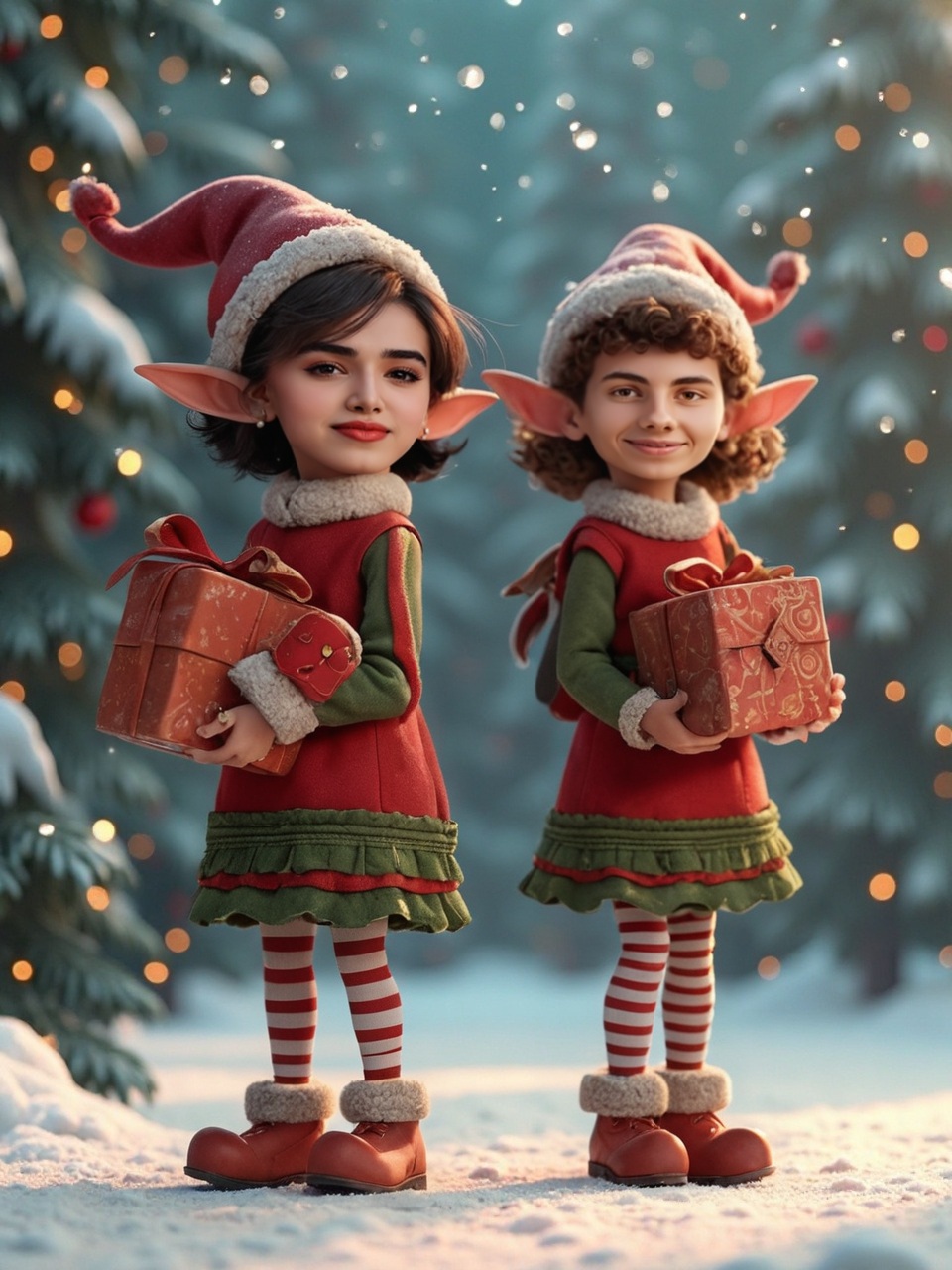
- Use the elf image below or find one on your own. Upload it as a target image.
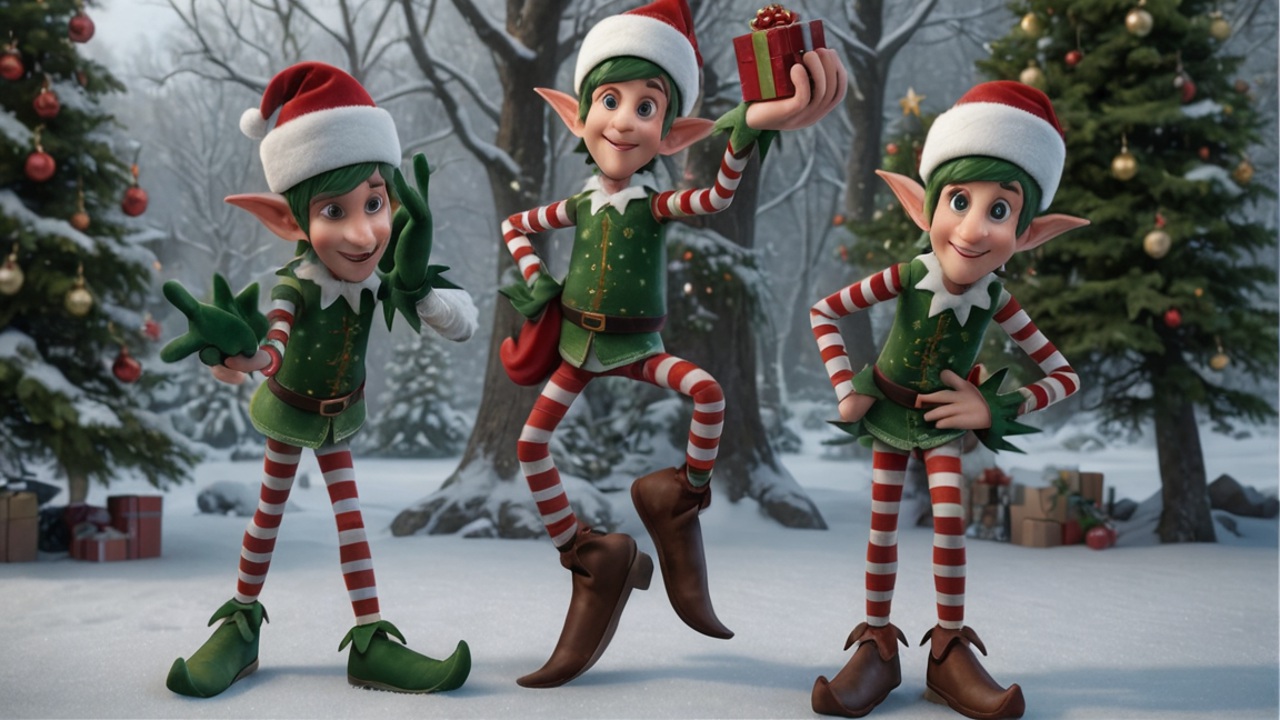
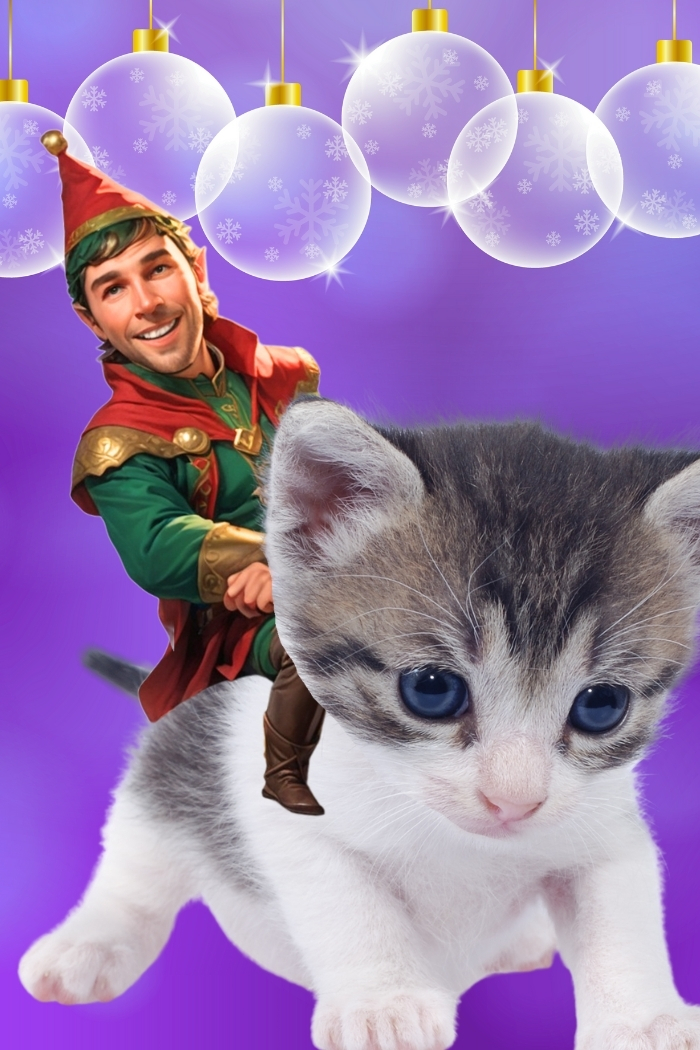

- Upload your selfie or your friends' and family's photos to match the faces in the target image.
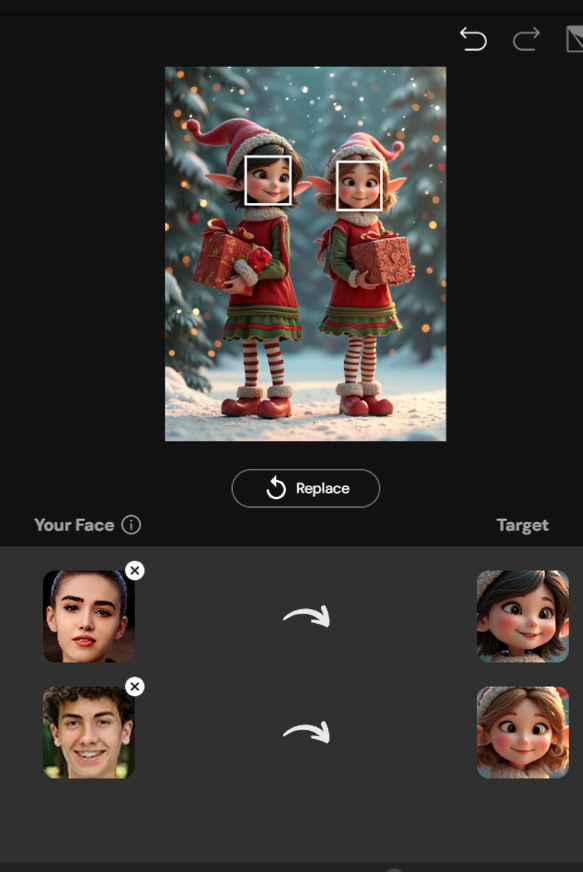
- Click "Generate" and share the funny photo!


How to Make Animated Elf Yourself Christmas ECards With AI
Creating a funny and festive Christmas eCard doesn't require skills or hours anymore. Follow the steps below to make your own “Elf Yourself” Christmas eCard effortlessly.
- Open MyEdit in the web browser and head to Image to Video.
- Uplod your elf photo.
- Describe the movement you want in detail. Try prompts like "elf dancing" or "sending a gift to someone."
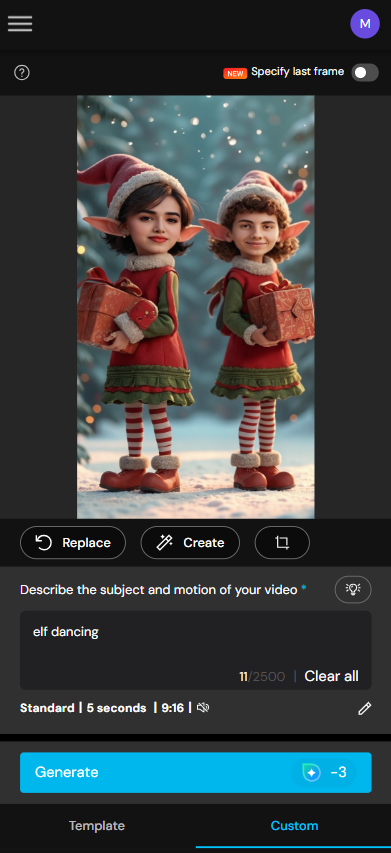
- Click "Generate" and check the result. Then, go to Video Editor to add warm or halirious Christmas quotes.
- Share your personalized Christmas eCard to everyone🔥



Try More Fun Christmas Photo Ideas
Looking for more ways to spread holiday cheer? From turning yourself into a playful elf to creating cozy winter portraits and festive group photos, AI makes it easy to bring your Christmas photo ideas to life. Just upload a selfie, pick a holiday-themed style, and let the magic happen in seconds. Check out our Best Christmas Photo Ideas for even more inspiration!
Get a sneak peek at Christmas photos and videos made with MyEdit templates.


FAQ About Elf Yourself
Elf Yourself is a fun holiday app that lets you turn yourself, friends, or family into dancing elves in a personalized video or photo. Beyond the app, people can also create their Elf Yourself photos using AI face swap features, available from plenty of online tools.
Simply upload a photo, choose an elf template, and let the app animate your image. You can then download or share it as a Christmas eCard.
Yes! You can add multiple faces to the same video, making it a fun group eCard for friends, family, or coworkers.
No! The process is automatic—just upload your photos and pick a template. The app handles all the animation and festive effects.

The CyberLink Editorial Team is composed of product testing specialists and content creation experts with over 20 years of hands-on experience and rigorous research in the multimedia editing industry. As the official voice of CyberLink, the team consistently delivers practical, easy-to-follow tutorials across video, photo, and audio editing, while highlighting AI innovations, product insights, and emerging industry trends. Their work empowers millions of creators worldwide each year to elevate their content. Beyond the blog, the team actively shares editing tips and product updates across YouTube, Facebook, Linkedin and Pinterest.
😎 Outside of their work, they enjoy capturing travel moments and meticulously editing photos and videos for their social channels.
![8 Best AI Image Upscalers in 2026 [Free & Paid Options]](https://dl-file.cyberlink.com/web/content/b2767/l_Thumbnail.webp)


