Dreamina AI Image Generator: A Review on Feature, Cost & Results

Dreamina AI is gaining attention as a free AI image generation tool in a highly competitive AI art space. It allows creators to turn text prompts into stunning visuals quickly, making AI art and designs more accessible to beginners and casual users.
In this guide, you’ll learn what Dreamina AI is, how to use it step by step, and what kind of results you can expect. We’ll also introduce MyEdit, a strong alternative for AI image generation and image-to-video creation, so you can compare the tools and choose the best fit for your creative needs.

- What Is Dreamina AI?
- How to Generate AI Images with Dreamina AI?
- Dreamina AI Review
- Dreamina AI Image Generator Alternative
- FAQ About Dreamina AI
What Is Dreamina AI?

Dreamina AI is an AI image generation tool developed by FaceMeng Technology, a subsidiary of ByteDance, the parent company of TikTok. It aims to make AI-powered visual creation accessible to everyday users—no professional design or drawing skills required. The platform focuses on simple prompts, fast generation, and flexible editing, allowing users to create illustrations, digital art, and stylized visuals with minimal effort.
Key Features
✅ AI Image Generator
Users can generate images by entering simple text prompts, with strong language support even for non-English users.
✅ Reference Image Upload
You can upload images as visual references to guide composition, style, or character design for more precise results.
✅ Multiple Outputs per Prompt
Each prompt generates 4 image variations, giving users more options to choose from or refine.
✅ Built-in Canvas Editor
Supports basic editing such as:
- Smart removal
- Inpaint
- Retouching
- Text overlay
Pros & Cons of Dreamina AI
Pros
- Free to use with a low learning curve
- Easy-to-use interface suitable for beginners
- Amazing results for stylized art (pixel, anime, illustration)
- Built-in editing tools
Cons
- Realistic styles may show issues (hands, facial alignment, proportions)
- System stability can vary (generation delays or failed outputs)
- Heavy usage of AI generation might require additional fees (credits, paid plans)
Dreamina Costs
Currently, Dreamina AI is free to try, with daily free credits that allows users to generate images and short videos without payment. Each generation consumes credits, so heavy usage may quickly use up your daily allowance.
For creators who want more, paid subscription plans are available, offering additional credits, higher resolution outputs, and watermark removal. Access and credit limits may vary by region.
| Plan | Cost | Offerings |
|---|---|---|
| Free Plan | $0 | Daily credits for images/videos, watermark on outputs, limited usage |
| Basic Plan | $18 | 1K monthly credits, watermark removal, 2K generation with Seedream, priority processing |
| Standard Plan | $42 | 4K monthly credits, watermark removal, 2K generation with Seedream, priority processing |
| Advanced Plan | $84 | 15K monthly credits, watermark removal, 4K generation with Seedream, unlimited top priority processing |
How to Generate AI Images with Dreamina AI?

It's easy to create AI art and images with Dreamina AI. Just enter your text prompt, choose a preferred model, and set the resolution and size, you'll get your image result soon. Waiting time varies according to subscription plan (Free, Basic, Standard or Advanced). Read on to follow the step-by-step guide!
- Go to Dreamina website.
In order to use the image generator, please log in to Dreamina AI with your Google, Tiktok, FaceBook, CapCut or email account.
- Type in the text prompt for your creation.
Click on Explore and choose the type of creation you'd like to generate (image, video, or avatar). Then, describe your vision as detailed and specific as possible. This helps Dreamina AI to produce results that aligns your imagination.
- View and download the result.
Dreamina AI generates your AI images within seconds. You can download the generated images or refine them with follow-up prompts.


Dreamina AI Review
In our experience, Dreamina AI shines at generating illustration styles, anime characters, and natural landscapes. Its outputs often feature vivid colors, delicate compositions, and rich atmospheres, making it ideal for:
- Images for social media sharing
- Novel or book covers
- Visual concepts


The platform especially excels at girly characters, abstract dreamy backgrounds, and fantasy scenes. Its true standout is the ability to bring imaginative concepts to life, such as:
- 3D fantasy-style graphics
- Miniature worlds and capsule scenes
With the right prompts, Dreamina AI encourages playful experimentation and limitless creativity.


While strong for stylized and fantasy visuals, Dreamina AI struggles with realistic human figures. Common issues include:
- Slight misalignments in hand structures
- Imperfect facial feature proportions
- Occasional deviations in realistic body proportions


Dreamina AI Image Generator Alternative
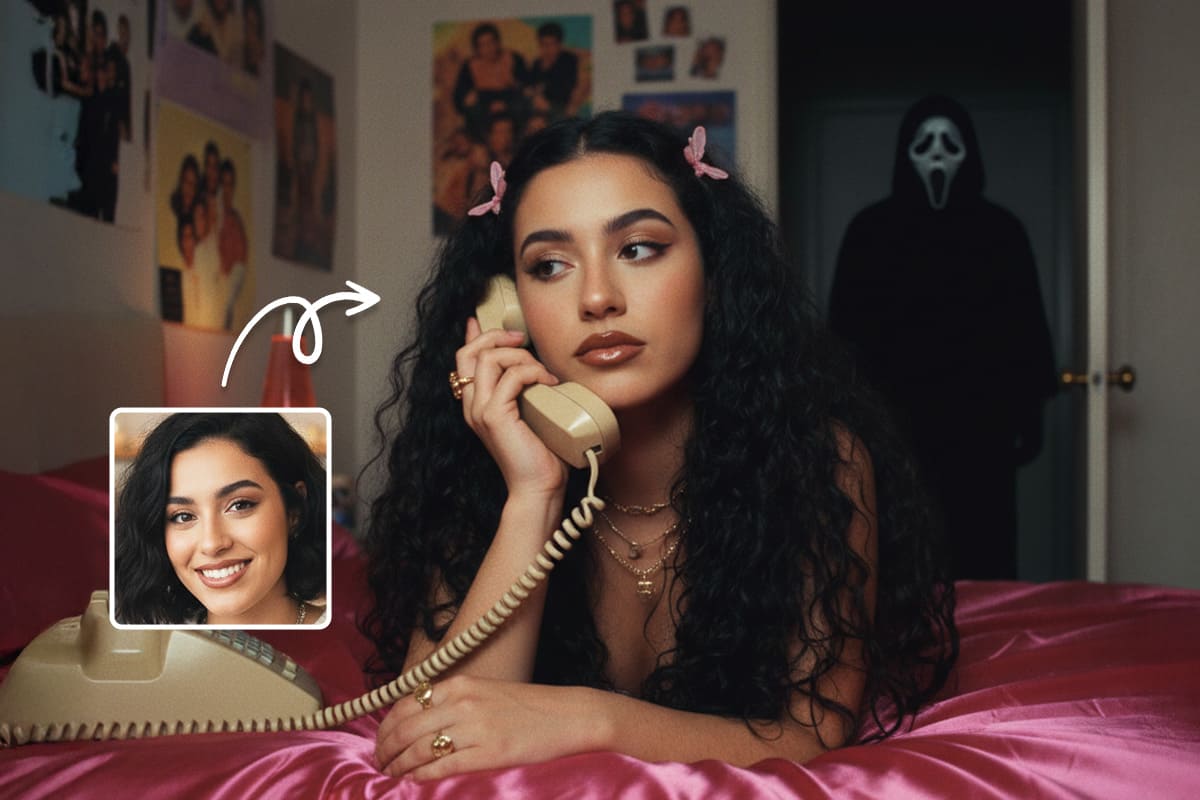
While Dreamina AI excels at creative, stylized, and fantastical images, it struggles with photorealistic outputs. If you want to generate or redesign realistic photos, we've found a powerful online alternative that can fill that gap—MyEdit.
MyEdit AI Image Generator

- Cost: Free to use with daily credits.
*For heavier usage, subscription plans start at just $4/month. - No Watermarks: All outputs are clean and ready to share.
- Image Generation Model: Supports FLUX.1, MyEdit AI, Nano Banana, and GPT-Image-1.5
- Art Styles: Offers 20+ default styles, all fully customizable to match your vision.
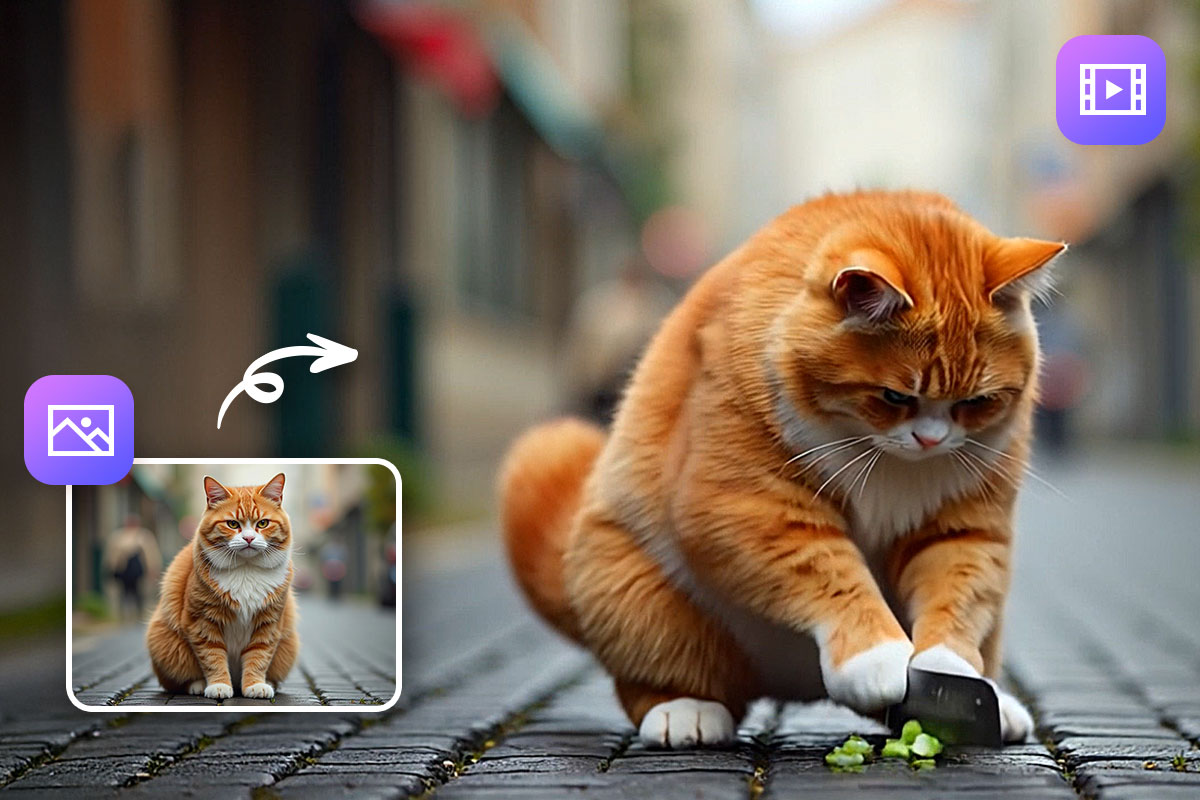
- Video Capabilities: Includes Image-to-Video and Text-to-Video features, with 25+ photo animation templates to bring your creations to life.
AI Generation with MyEdit
If you want photorealistic AI images or want to animate your photos, MyEdit is a versatile tool that makes it easy. Here’s how to get started:
- Go to MyEdit website and choose AI Image Generator tool.
- Enter text prompt and upload a reference image if you'd like
- Select Style and Settings
- Click Generate and MyEdit creates your AI image in no time.
- Click Turn into Video on the bottom right corner of the result image.
- Choose a preset animation template or enter video prompt in the text box.
- Click Generate and AI video will be ready to view and share in minutes.
Image Generation

Video Generation

To animate your AI generated image, simply:
MyEdit AI Image to Video Results


FAQ About Dreamina AI
Yes! Dreamina AI offers free daily credits to generate images and videos. Heavy users may encounter daily limits, and may require a subscription plan for more credits and priority processing.
Dreamina AI is better suited for stylized, creative, and fantasy outputs. Realistic images may have minor inaccuracies in proportions or facial details. For photorealistic results, we recommend tools like MyEdit.
Yes, it supports video generation, but the feature is currently in beta and mainly available in the Chinese version. The international version requires application for access.
Free outputs from Dreamina include watermarks. With paid plans, watermarks could be removed.
Yes. MyEdit is a strong alternative for photorealistic image generation and also supports image-to-video creation with no watermark.