Seedance 2.0 Ultimate Guide: Free Trial, Tutorial & Alternative

Speaking of AI video generation, if you think Sora is already powerful enough, ByteDance's latest launch, Seedance 2.0, might completely blow your mind!
In this article, we cover Seedance 2.0's features and pricing, fun prompts to try, a video generation guide, and a look at its top alternative.
⚠️Please note that Seedance 2.0 is currently available only in Chinese. The interface and features do not yet support other languages. Instead, you can try MyEdit, which offers a multilingual interface.
- What is Seedance 2.0
- Seedance 2.0 Pricing
- How to Use Seedance 2.0 (Prompt Included)
- Alternative to Seedance 2.0 Video Generation
- Seedance 2.0 Use Cases
- FAQs About Seedance 2.0
What is Seedance 2.0? Key Features & Spec
Seedance 2.0 is the next-generation video generation and multimodal understanding AI model launched in February 2026 by ByteDance, the tech powerhouse behind TikTok. This AI video model doesn't just create videos. It acts like a virtual director that understands camera language, human anatomy, and even the laws of physics.
The Seedance 2.0 model is currently in limited beta testing and can be accessed on ByteDance's Jimeng AI (China) and Dreamina AI (International) platforms. However, access is restricted to users in Mainland China and requires a paid subscription. Therefore, we recommend trying MyEdit, an online AI video generator that integrates multiple AI video models into one platform, as an alternative.

Key Features of Seedance 2.0
Compared to its predecessor, this model is positioned as a director-level creative tool. Here are some highlighted features:
- Cinematic Quality and Control
- Fully Automated Workflow
- High Consistency
- End-to-End Workflow
Supports native 1080p high-quality video generation with a powerful physics engine for smooth, realistic motion.
Not only generates visuals but also designs storyboards, matches sound effects, generates music, and synchronizes multilingual lip-syncs, integrating directing, cinematography, editing, and scoring into a single model.
Supports multi-camera storytelling while maintaining character consistency across shots and precise camera movement control.
Users can upload scripts to generate entire scenes or create new videos with consistent aesthetics from screenshots, significantly lowering the barrier to professional video production.
Technical Spec of Seedance 2.0
| Core Dimension | Specification Details |
|---|---|
| Image Input | Formats: JPEG, PNG, WebP, BMP, TIFF, GIF Quantity: ≤ 9 File Size: < 30 MB |
| Video Input | Formats: MP4, MOV Quantity: ≤ 3 Total Duration: [2, 15]s File Size: < 50 MB Pixel Range: 480p - 720p (409,600 - 927,408) |
| Audio Input | Formats: MP3, WAV Quantity: ≤ 3 Total Duration: ≤ 15s File Size: < 15 MB |
| Text Input | Natural Language Prompts |
| Generation Length | 4 - 15 seconds (Customizable) |
| Audio Output | Integrated Sound Effects (SFX) Background Music (BGM) |
| Interaction Limits | Max 12 files for mixed multimodal input. Tip: Prioritize assets with the most visual or rhythmic impact. |
Overall, the most impressive aspect of Seedance 2.0 is that it demonstrates almost human-like directorial storytelling, excels in character consistency, and can simultaneously generate ambient sound and voices.
Is Seedance 2.0 Free? Free Trial & Pricing
Seedance 2.0 is available in an Chinese app called Xiao Yun Que (小云雀), which is also owned by ByteDance, where free users can generate one video per day. If you want to create more cinematic videos with Seedance 2.0, a Jimeng AI China subscription is required. As of February 2026, new users can try it for seven days for just ¥1 RMB.
| Subscription Plan | Monthly Fee | Usage |
|---|---|---|
| Free Member | ¥0 /month | Daily free points |
| Basic Member | ¥1 / 7 days (approx. USD$0.14) | 1,080 points per month / No watermark / Accelerated video generation |
| Standard Member | ¥119 /month (approx. USD$17.21) | 4,000 points per month / No watermark / Accelerated video generation |
| Premium Member | ¥299 /month (approx. USD$43.25) | 15,000 points per month / No watermark / Fastest video generation |
💡For the latest pricing, please refer to the Jimeng AI official website; the above is for reference only.
How to Use Seedance 2.0 (Prompt Included)
Using Seedance 2.0 to generate videos is simple. Like usual, you can generate AI videos via dialogue commands:
- Access Jimeng AI China website and activate a Basic Membership.
First, register a China TikTok account across regions, then use it to register a Jimeng AI China account. After registering, upgrade to a paid membership via the plan section.
- Select "Video Generation", choose the "Seedance 2.0" model.
💡Note: For AI ethics, Seedance 2.0 currently does not support generating videos using real human faces.

- Enter AI video commands in the dialogue box.
For a good Seedance 2.0 prompt, please include the subject, camera, style, movement, and constraints. Below are four copy-paste prompts for different use cases.
Cinematic Character Intro (Atmospheric)A weary traveler in a dusty leather cloak. He slowly removes his wide-brimmed hat and exhales, looking toward a sunset.Low-angle medium shot, slow dolly-in towards his face, shallow depth of field. Cinematic 35mm film, warm golden hour lighting, soft film grain. Maintain facial features, no jitter, smooth cloth physics, 5s.
Premium Product Showcase (Commercial)A matte black luxury watch on a velvet stand. The watch rotates slowly while soft light reflects off the glass. Close-up macro shot, smooth gimbal orbit, steady motion. Style: High-end studio photography, cool-toned lighting, crisp reflections. Keep logo sharp, no warping, tripod-stable, no background flickering.
Action & Motion (Dynamic)A sleek red sports car. Drifting through a rain-slicked city street at night, water splashing from the tires. Low-profile tracking shot following the rear bumper, wide-angle lens. Cyberpunk aesthetic, neon blue and pink lighting, realistic rain physics. Stable car silhouette, consistent reflections, no sudden camera zooms.
Lifestyle & Vibe (Authentic UGC)A young chef in a bright, modern kitchen. She expertly tosses vegetables in a steaming wok with a confident smile. Eye-level medium shot, subtle handheld sway for an authentic feel. Bright natural morning light, vibrant colors, documentary style. Constraints: No extra limbs, keep kitchen background consistent, smooth steam movement.
- Upload the first and last frame images respectively.
Seedance 2.0 allows you to specify the first and last frames by uploading images for better results.

- Click Generate and review the video.
Seedance 2.0 will generate the video based on your prompts, which may take some time. Please be patient. Once completed, you can download and share your video.

Since Seedance 2.0 has a high usage barrier, if you want an all-in-one AI platform with multiple models and English interface, you shouldn't miss MyEdit!
Best Seedance 2.0 Alternative for Fast and Easy AI Video Generation
MyEdit is an all-in-one AI video/image/audio online editing tool! It not only supports text-to-video and image-to-video generation but also features Character Motion Swap. This ensures you are never limited by your existing assets, allowing you to create your ideal video masterpiece anytime.
Furthermore, MyEdit provides a comprehensive suite of tools, including AI Art, AI background removal, AI upscaling, AI face swap, and AI object removal, enabling seamless creation within a single platform.
- All-in-one platform supporting multiple AI models
- High and consistent video quality
- Rapid feature releases and continuous improvements
- No installation, ad-free, works on mobile & desktop
- Generated videos/images have no watermark and are commercially usable
- Hundreds of "image-to-video" templates for one-click short video generation
- Daily free login points for AI features
- Rich video, image, and audio editing tools
📝Text to Video
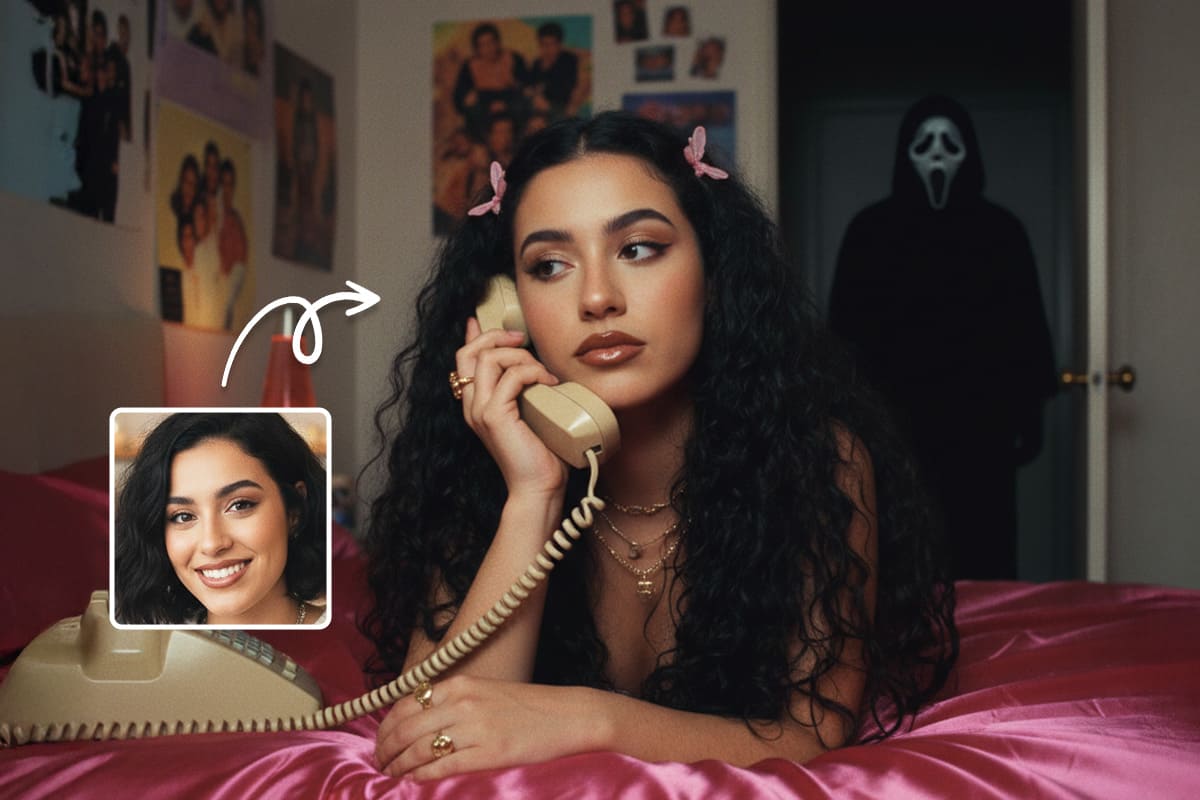
Want to create your own videos from scratch? Try MyEdit's AI Text-to-Video feature.
MyEdit supports multiple popular AI video generation models on a single platform, including Veo 3.1, Sora 2, and Kling. You can select your preferred AI model to generate videos!
The operation is intuitive: simply enter a scene description such as 'a fluffy bunny on a lush lawn' or 'a fairy soaring through an enchanted forest,' and the AI will instantly transform your imagination into a vivid animated video! If you're unsure which prompts to try first or how to structure a detailed description, check out our AI Prompt Guide for inspiration.
🖼️ Image to Video
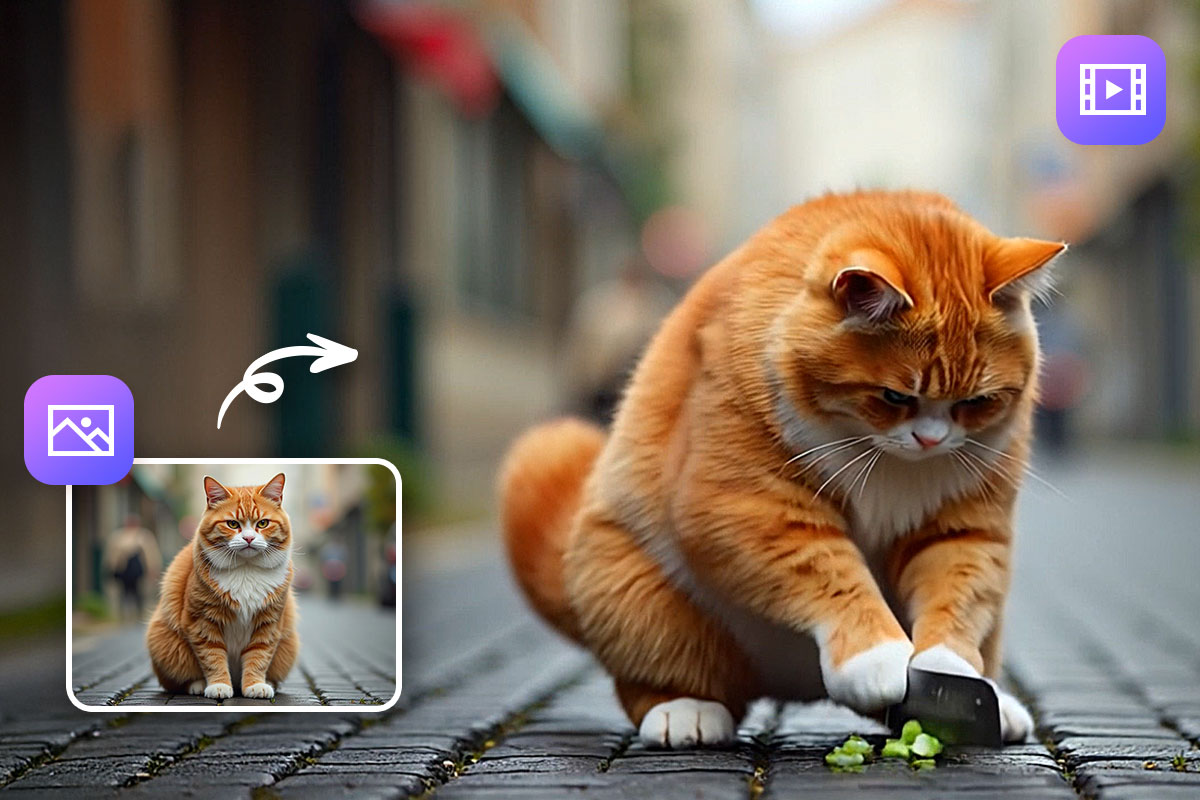
Ever wondered what it's like when photos come to life? With MyEdit's Image to Video feature, you can easily animate your static images!
Unlike Seedance 2.0, MyEdit comes with many fun and creative AI video templates, so with just one click you can quickly generate a variety of videos.
Whether it's trending AI dances and transformations, or heartwarming effects like AI hugs and kisses that bring your photos to life, MyEdit has you covered. There's no need to worry about writing complicated prompts—your content will stand out instantly!
👯 Character Motion Swap

Want to try popular Tyla Chanel dances or meme poses? With MyEdit's Character Motion Swap feature, it's easy!
Simply upload a photo and a reference video, and the AI will instantly apply the movements and expressions from the reference to your subject—perfect for fan creations or memes!
Seedance 2.0 Use Cases
Advertising and E-commerce
Create engaging product demonstrations with synchronized narration, lifestyle visuals, and brand storytelling. You can reference existing brand assets while generating fresh marketing content, making it ideal for product launches, ads, and online store promotions.
Content Localization
Produce multi-language video versions with native lip-sync. By referencing the original footage, you can maintain consistent motion and visuals while generating new dialogue for different markets, helping brands expand globally.
Storyboarding to Video
Transform static storyboard panels into animated video sequences. Simply upload your storyboard images and describe the motion or transitions to quickly turn creative concepts into dynamic visual content.
Template-Based Creation
Upload a reference video style you like and generate new content in a similar format using your own characters, products, or scenes. This is useful for maintaining brand consistency or recreating trending video formats.
Creative Ideation
Experiment with new storytelling concepts, visual styles, and cinematic effects. Seedance 2.0 can help creators quickly visualize ideas, test different directions, and accelerate the creative development process.
FAQs About Seedance 2.0
Yes. Currently, to use Seedance 2.0, you need to register a China TikTok account across regions to log in to Jimeng AI China and subscribe to a paid membership.
Tests show that Seedance 2.0 can highly mimic a person's accent and appearance even without user-provided prompts or voice files.
This raises AI privacy and copyright concerns, leading ByteDance to pause using real human material as reference for video generation to protect user rights and maintain a stable creative environment.
We recommend the free online video/audio/image editing tool MyEdit. With built-in tools like AI Text to Video and Image to Video, you can easily generate various AI videos in one click.
Videos generated with MyEdit can be used for both commercial and personal purposes. No need to worry about copyright issues!

Cyberlink AI Research Team specializes in tracking the fast-moving world of generative AI. We deliver clear insights that help creators navigate emerging tools and technologies. Our work focuses on competitive AI tool analysis and trends across video and photo creation, helping creators stay ahead in an ever-evolving AI landscape.