144p to 4K TikTok AI Trend: How to Create Viral Videos

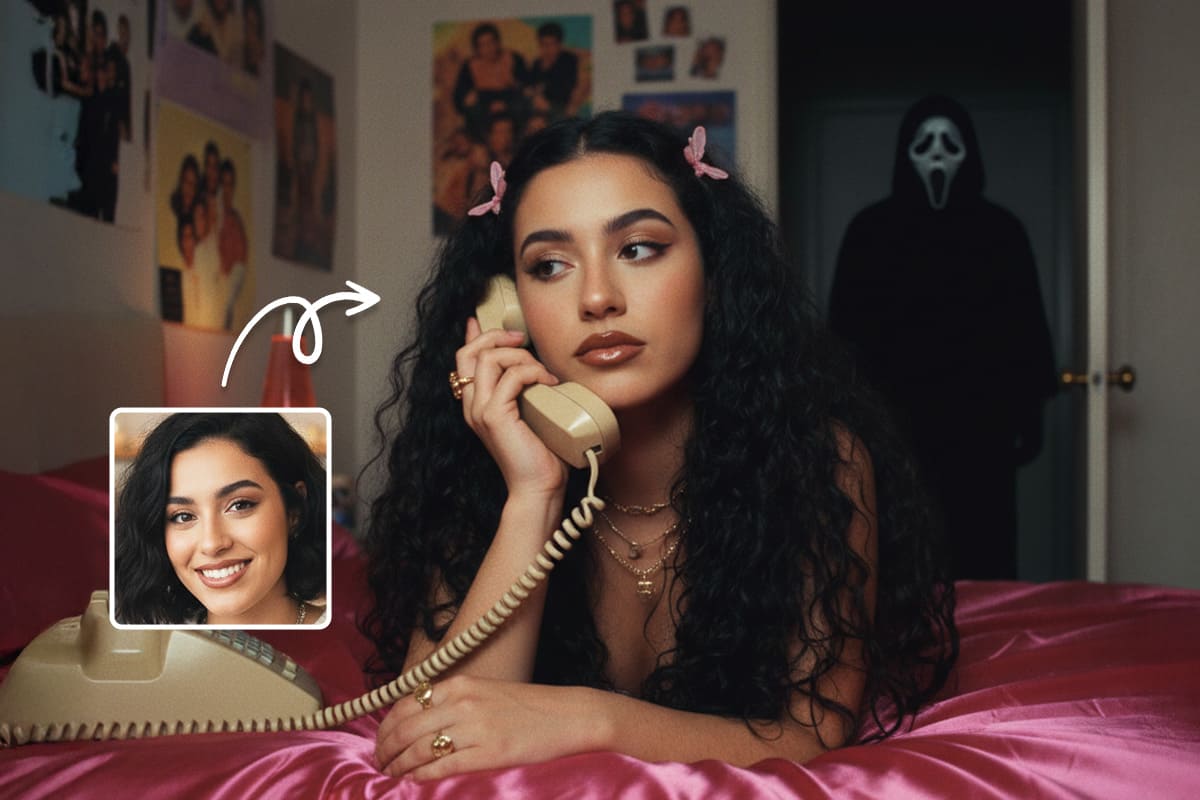
- Upscale Image to 4K 👉 MyEdit's Edit by Chat
- Enhance Video 👉 MyEdit's Video Enhancer
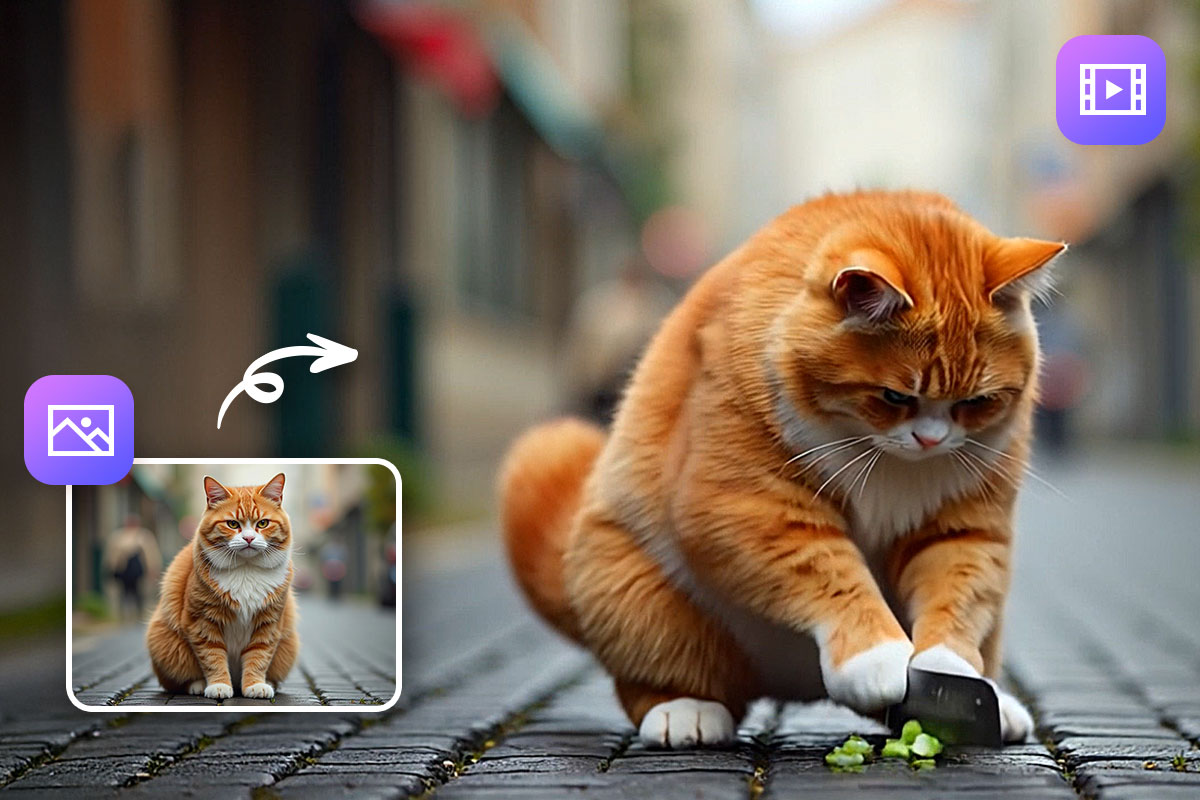
- Combine Video & Image 👉MyEdit's Video Editor
- What is the 144p to 4K Trend?
- Tutorial: How to Achieve the 144p to 4K Effect
- Best Video & Image Upscaler
- FAQs About the 144p to 4K Trend
What is the 144p to 4K Trend?
@milei_zaza Legendary memes from 144p to 4K - part10 #4k #fyp #meme ♬ sonido original - Krevion
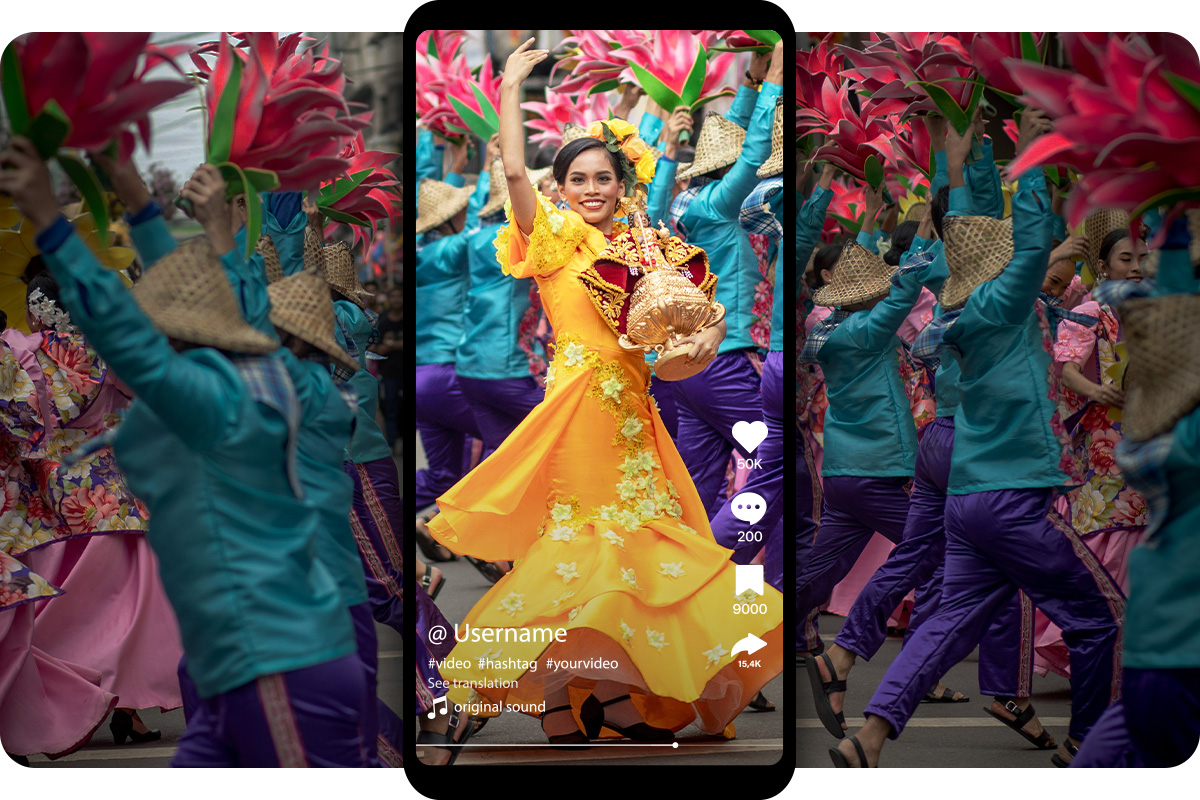
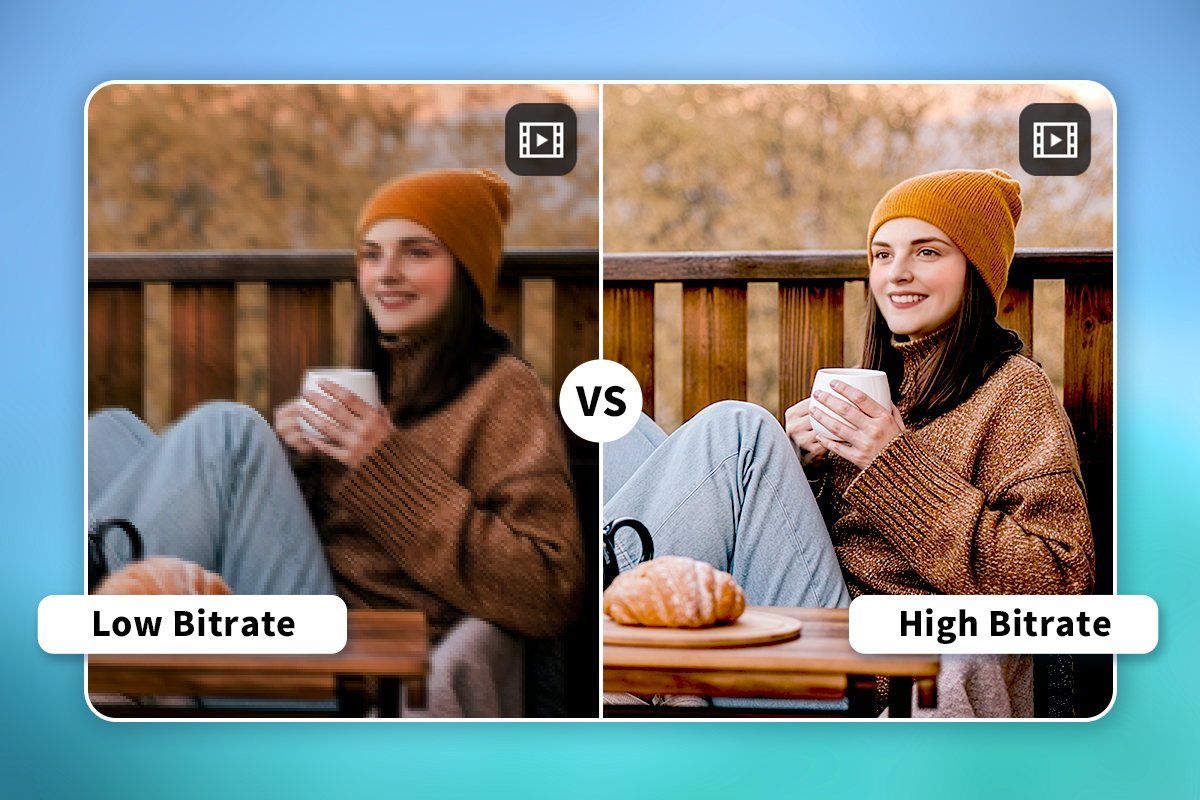
The "144p to 4K" trend is a captivating visual phenomenon currently dominating TikTok. These videos begin with a deliberately pixelated, low-fidelity internet meme, and within seconds, the visual snaps into a crystal-clear, ultra-high-definition 4K image.
Right when the tension builds and the music hits its beat drop, the abrupt shift from compressed, crude imagery to a crisp 4K visual generates a visceral "wow" moment.
Click here to join the trend immediately, or check out the step-by-step tutorial here.
Tutorial: How to Achieve the 144p to 4K Effect
Want to craft your own viral transformation? You don't need professional-grade equipment or an expensive digital arsenal. By utilizing the intuitive MyEdit Edit by Chat tool and its video editor, you can achieve this effect in just three simple steps:
- Source Your Meme and Take a Screenshot: First, scour the internet for an old, low-quality video or a grainy meme clip. Find the exact moment in the video where you want the dramatic quality shift to occur. Pause the video right before the transition and take a screenshot of that final frame to save as a static image.

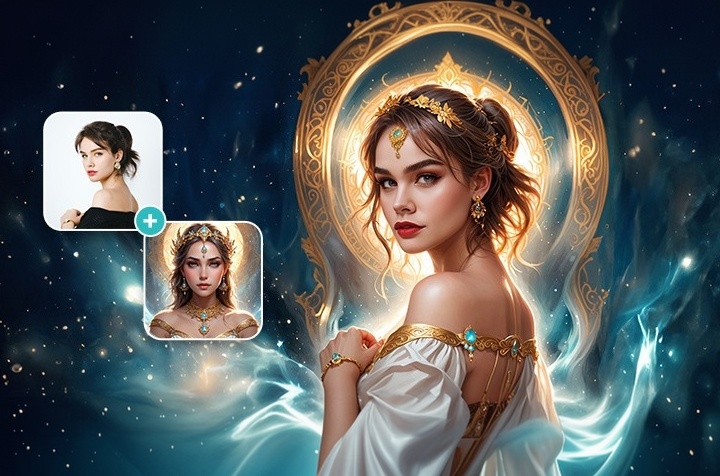
- Use the MyEdit Edit by Chat Tool: Open up MyEdit. Upload your low-resolution screenshot into the chat window and simply type in this exact prompt: "Convert this photo to 4K resolution". Within seconds, MyEdit's generative AI will reconstruct the image, replacing the blurry pixels with a stunning, hyper-realistic 4K masterpiece.

- Assemble with a Video Editor: Finally, open up your preferred Video Editor. Import your original low-quality video clip alongside your newly generated 4K image. Place them side-by-side on your timeline, and align the transition with the audio track's heavy beat drop. Now you can share it on social media!
Best Video & Image Upscaler
If you are looking for the absolute best video and image upscaler on the market, look no further than MyEdit. As the "144p to 4K" trend proves, modern generative AI tools empower creators to achieve visually striking results without needing a background in graphic design or complex video production. MyEdit completely lowers the barrier to entry, ensuring your content always looks professional-grade.
Key Features
- Edit by Chat: MyEdit stands out as the ultimate creative companion with its state-of-the-art conversational interface. You no longer have to navigate confusing menus—simply tell the AI to "Convert this photo to 4K resolution," and watch your media transform instantly to revitalize old memories or jump on the latest TikTok trends.
- Video Enhancer: Need to enhance moving footage directly? Easily upgrade your low-quality, blurry clips into stunning, hyper-detailed videos with just a few clicks.
FAQs About the 144p to 4K Trend
It's a highly popular video format where a low-quality, pixelated meme video plays alongside a specific audio track, then abruptly shifts into a hyper-detailed, static 4K image precisely at the music's beat drop, creating an intensely satisfying visual contrast.
No, it is actually a clever visual illusion. Rather than upscaling an entire video file frame-by-frame, creators simply take a screenshot of the last frame of the low-quality video. They then use an AI image generator to create a high-quality version of that single frame and edit it into the video timeline.
Not at all! You can easily achieve this look using MyEdit's accessible Edit by Chat tool for the AI image generation, combined with any basic or free Video Editor to stitch the final clips together.
AI 4K refers to the process of using advanced artificial intelligence algorithms to enhance and upscale lower-resolution media (like 144p or 1080p) into ultra-high-definition 4K resolution (3840 x 2160 pixels). Unlike traditional scaling that just stretches existing pixels and makes the image blurry, AI predicts and generates missing details, sharpens edges, and removes noise to create a genuinely crisp and realistic high-quality image.
Upscaling an image to 4K is incredibly easy with modern AI tools. Simply upload your low-resolution photo or screenshot to an AI generator like MyEdit. Using the Edit by Chat feature, you can just type a prompt like "Convert this photo to 4K resolution." The AI will instantly analyze and reconstruct the image, providing you with a sharp, high-definition 4K file ready to download and use in your projects.

As industry experts in generative AI, the CyberLink AI Research Team has spent over 5 years benchmarking and analyzing the rapidly evolving landscape of creative technology. The team conducts rigorous testing of emerging AI tools for content creation, delivering weekly insights and practical workflows that help millions of creators worldwide each year identify the most suitable AI solutions to enhance their productivity.
😜 Outside of their research, the team actively experiments with AI-driven video creation, builds content across social platforms, and explores new side projects, all with the long-term goal of achieving greater creative and financial freedom.


![16 Best Free Graphic Design Software [2026]](https://dl-file.cyberlink.com/web/content/b1360/top_1200x800.jpg)