



FaceMe® FaceMe® Security

FaceMe® Security

Enterprise face recognition that runs securely on your network

An all-in-one solution for access control, threat detection, and investigations powered by industry-leading face recognition
FaceMe Security

Facial Recognition for Axis ACAP and AXIS Camera Station

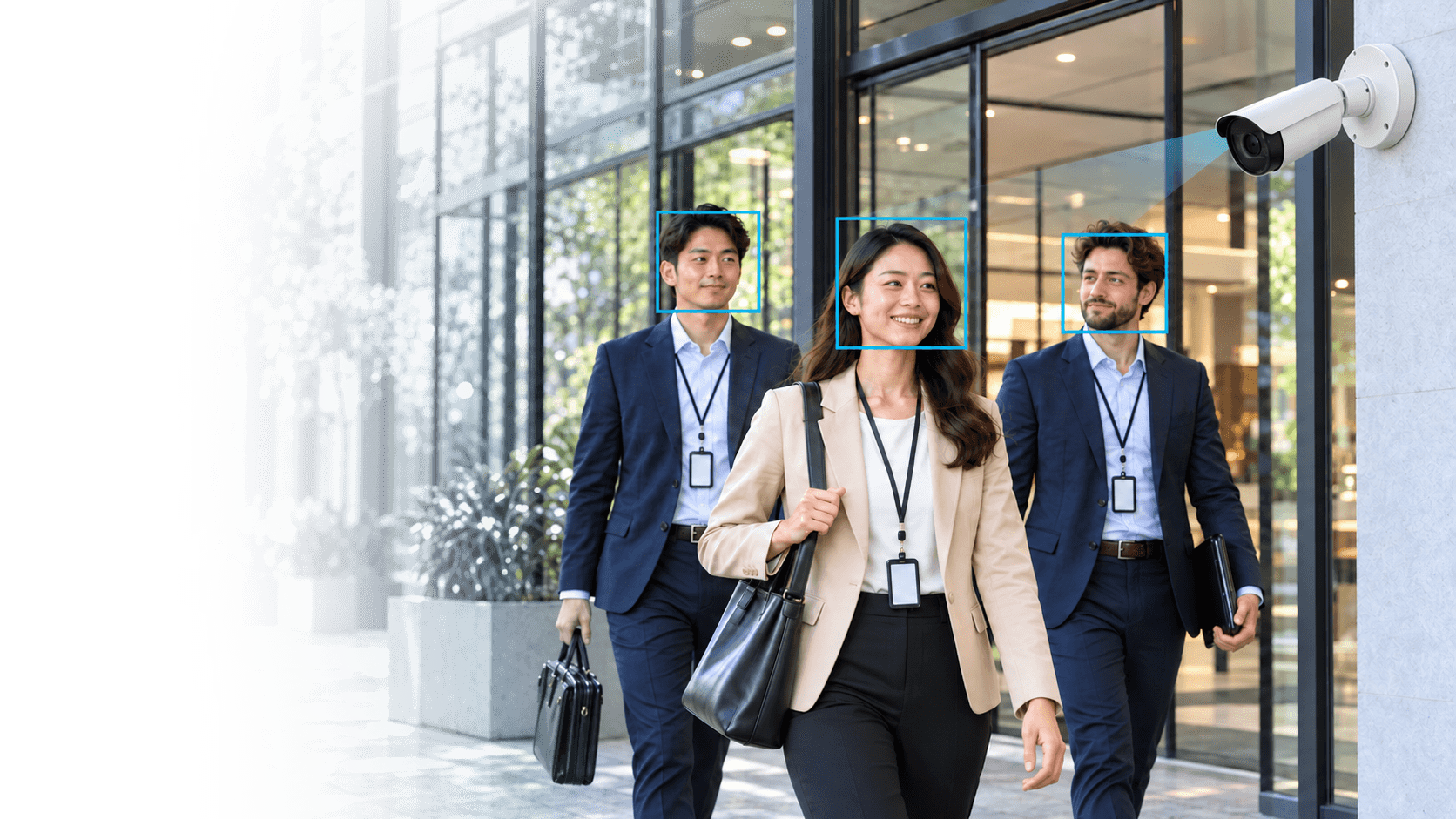
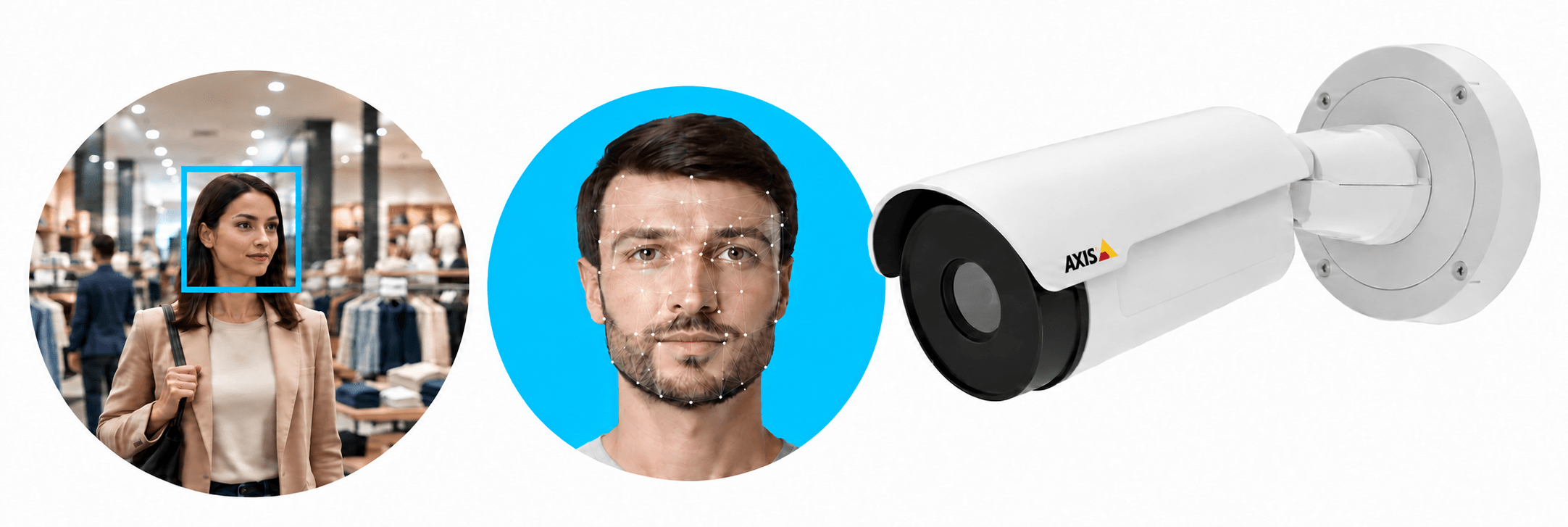
FaceMe® Security brings facial recognition to Axis cameras through ACAP and AXIS Camera Station, enabling access control, real-time alerts, and event investigations.

Book a Demo
Axis Communications Axis Technology Integration Partner Program

Axis is a global leader in video surveillance, offering network solutions for video surveillance, access control, intercom, and audio systems. As an official Axis Technology Integration Partner, CyberLink integrates its top-tier FaceMe® facial recognition technology with Axis solutions to enhance security and operational efficiency.

FaceMe® Security for the Axis Ecosystem

FaceMe® Security extends Axis solutions with facial recognition through ACAP, event investigation in AXIS Camera Station Pro, access control and automated responses through VAPIX®. System integrators can choose on-camera or workstation-based recognition to match camera capabilities and deployment requirements, tailoring security solutions to each site.

AXIS Camera Application Platform (ACAP)
Recognize at the Edge

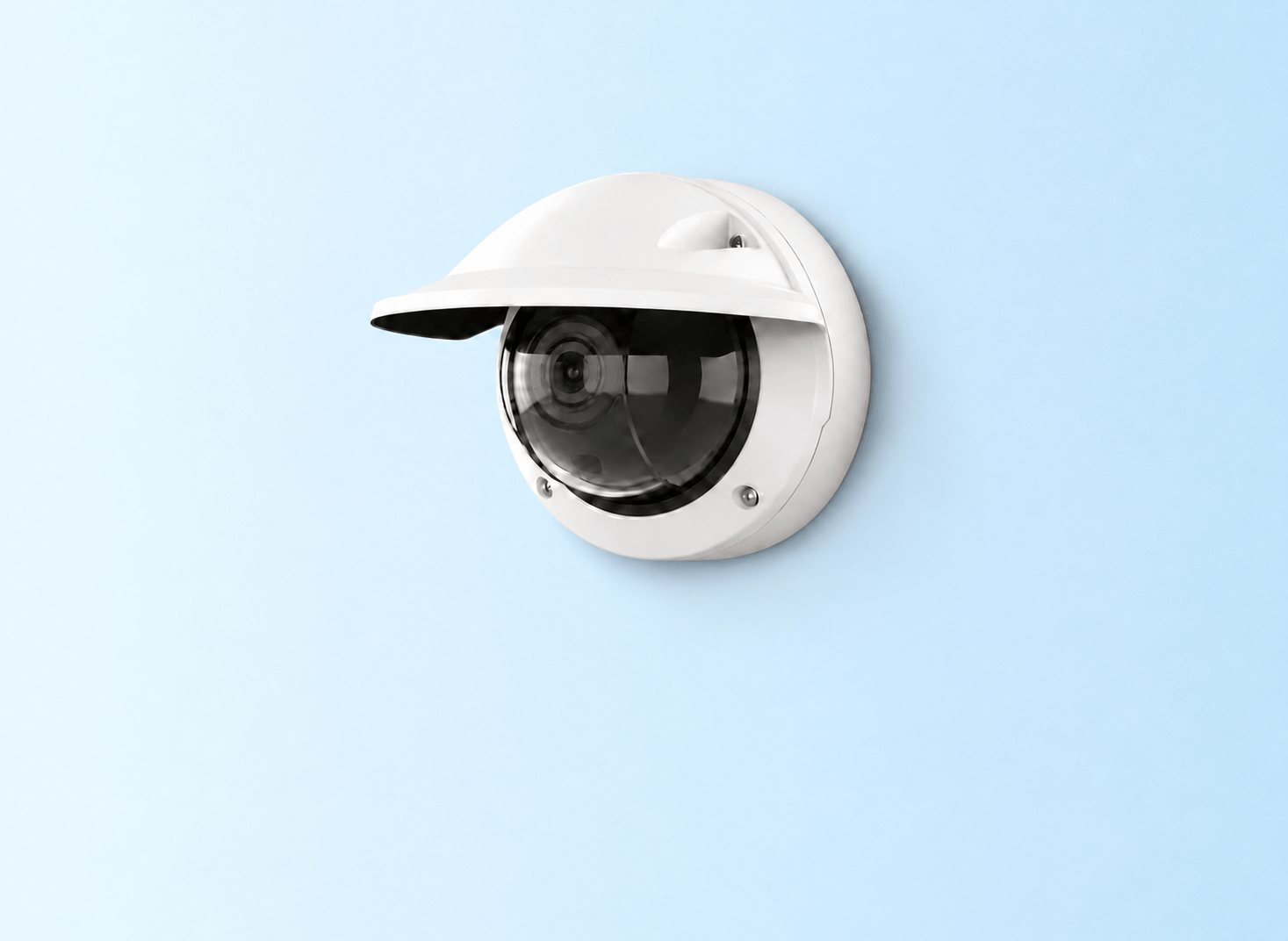
Install the FaceMe® Security ACAP application on supported Axis cameras

ARTPEC-8Face detection and template extraction run on the camera, while facial matching runs on a workstation
ARTPEC-9Full 1:N facial recognition runs on the camera, without requiring a dedicated recognition workstation
AXIS Camera Station (ACS)

Monitor and Investigate

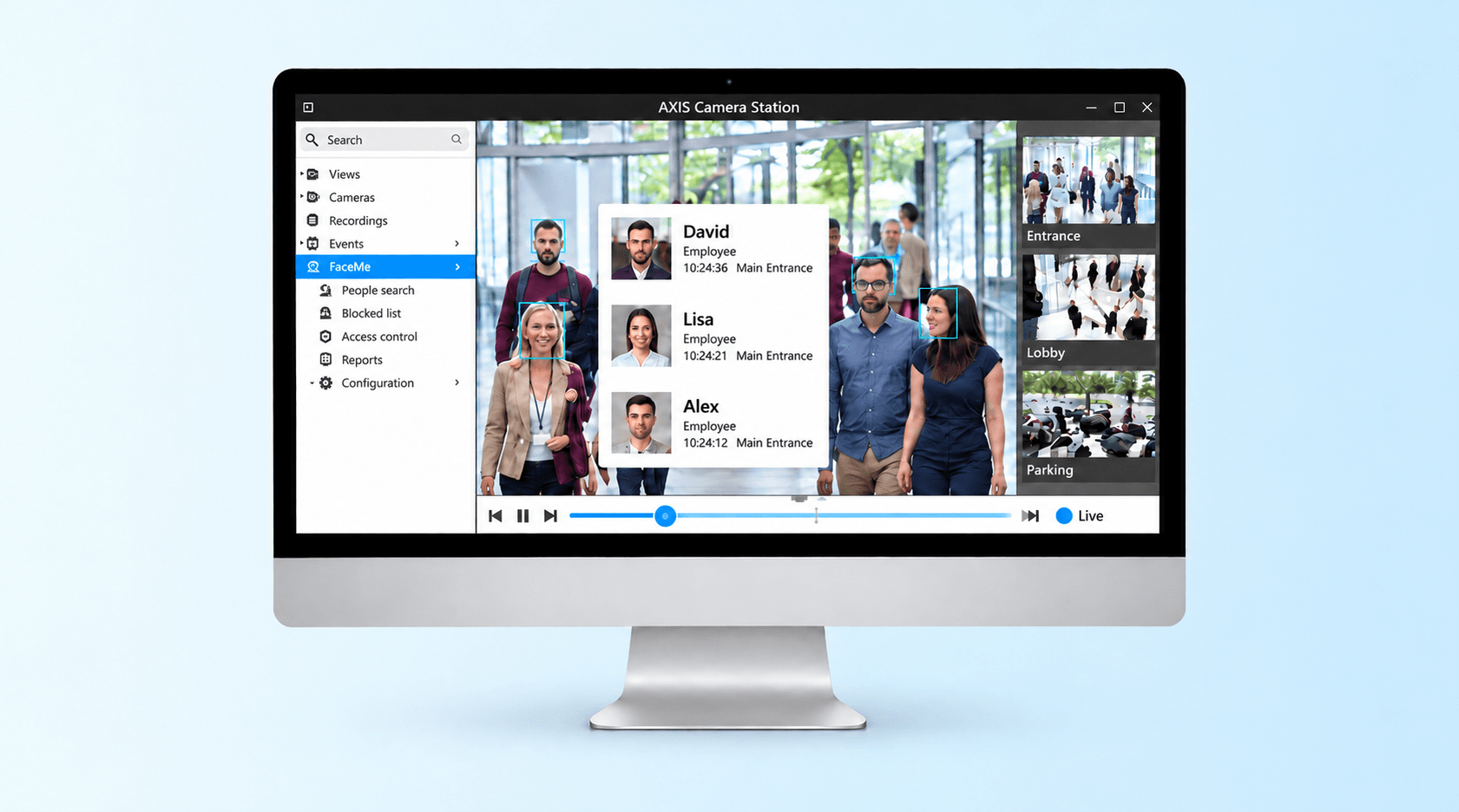
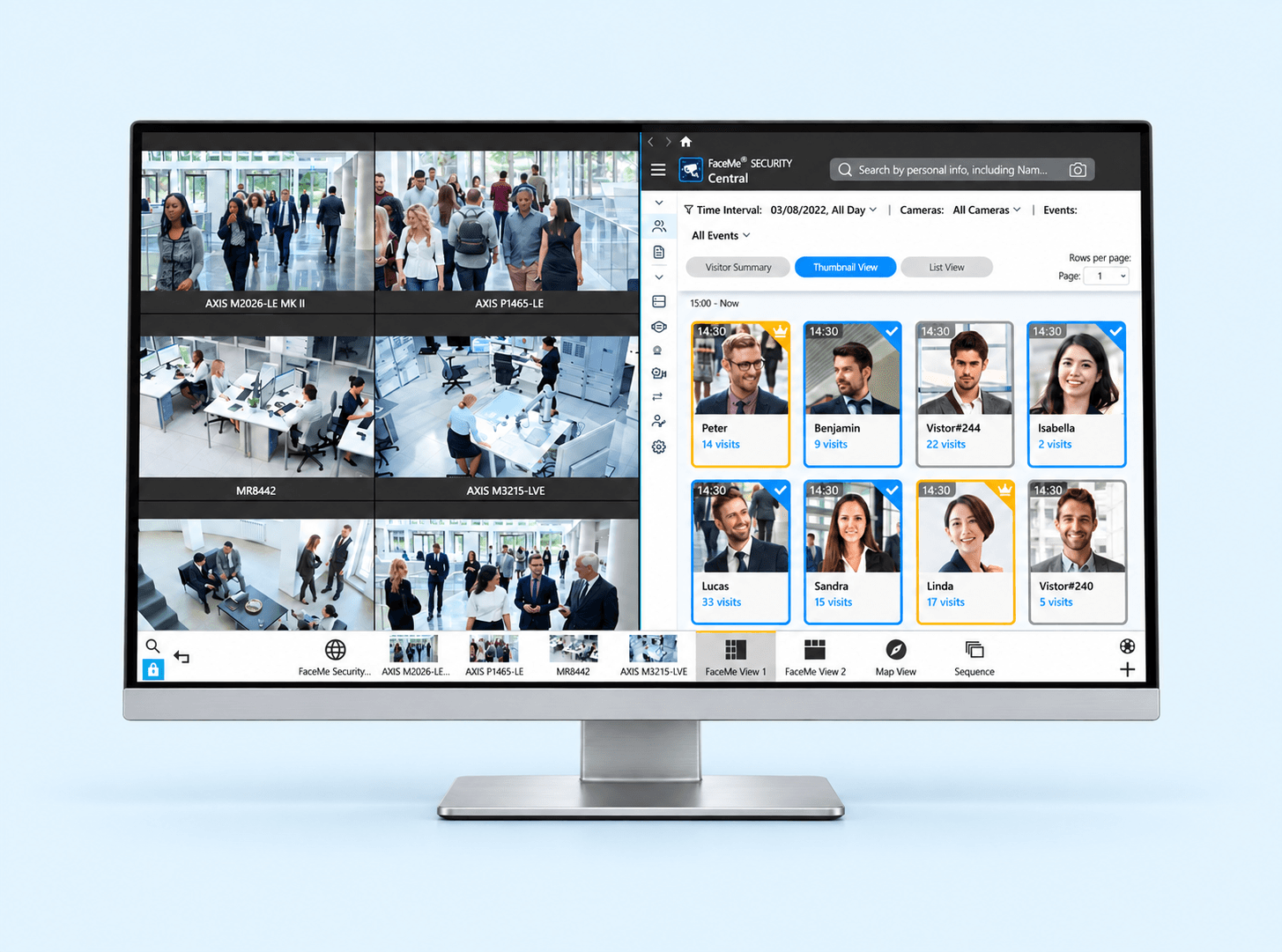
View live video alongside FaceMe® Security recognition records and locate recorded events with FaceMe® bookmarks.

Axis APIs (VAPIX®)

Trigger Devices and Alerts

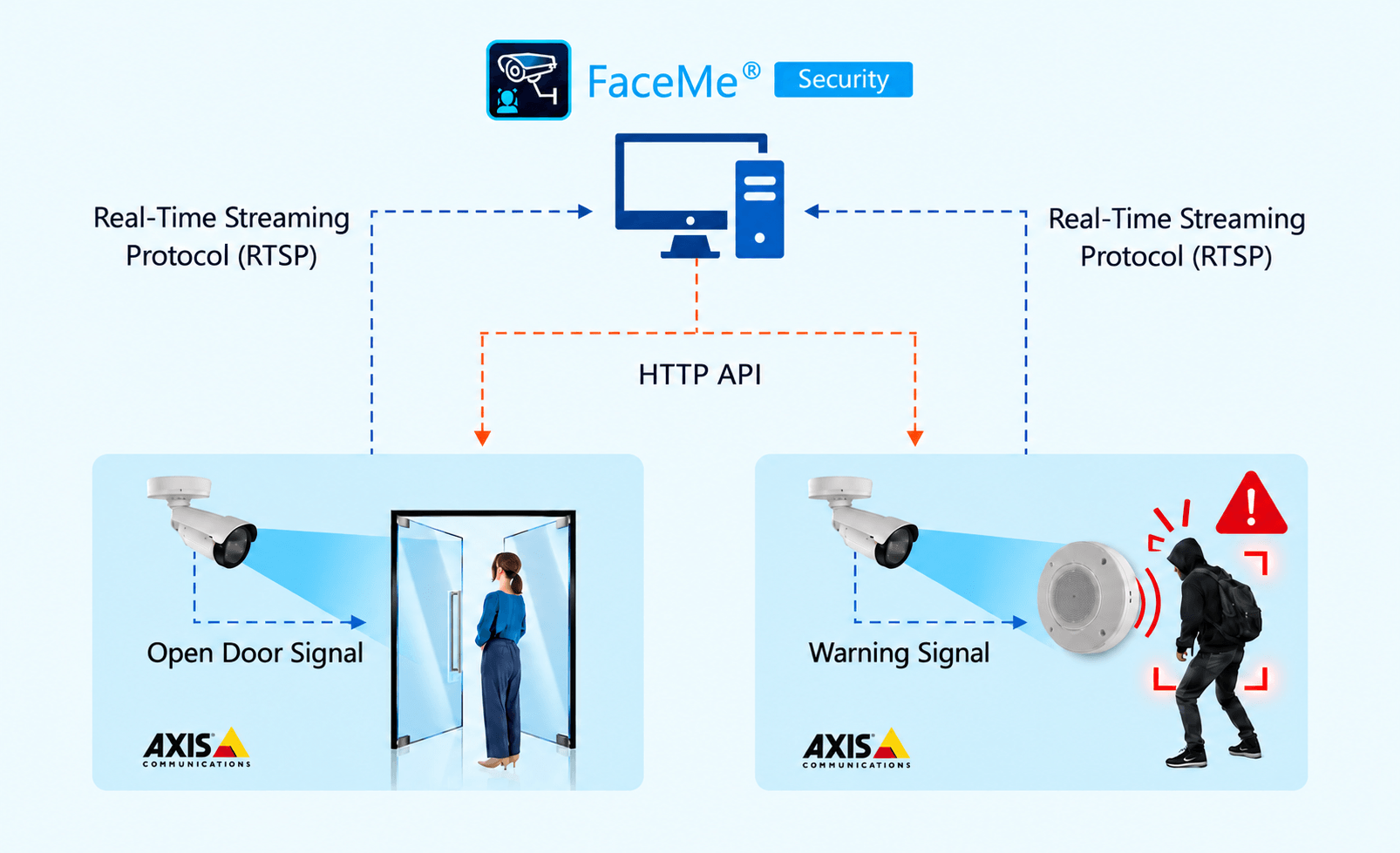
Use facial recognition events to activate supported Axis I/O devices and network strobe speakers through VAPIX®.

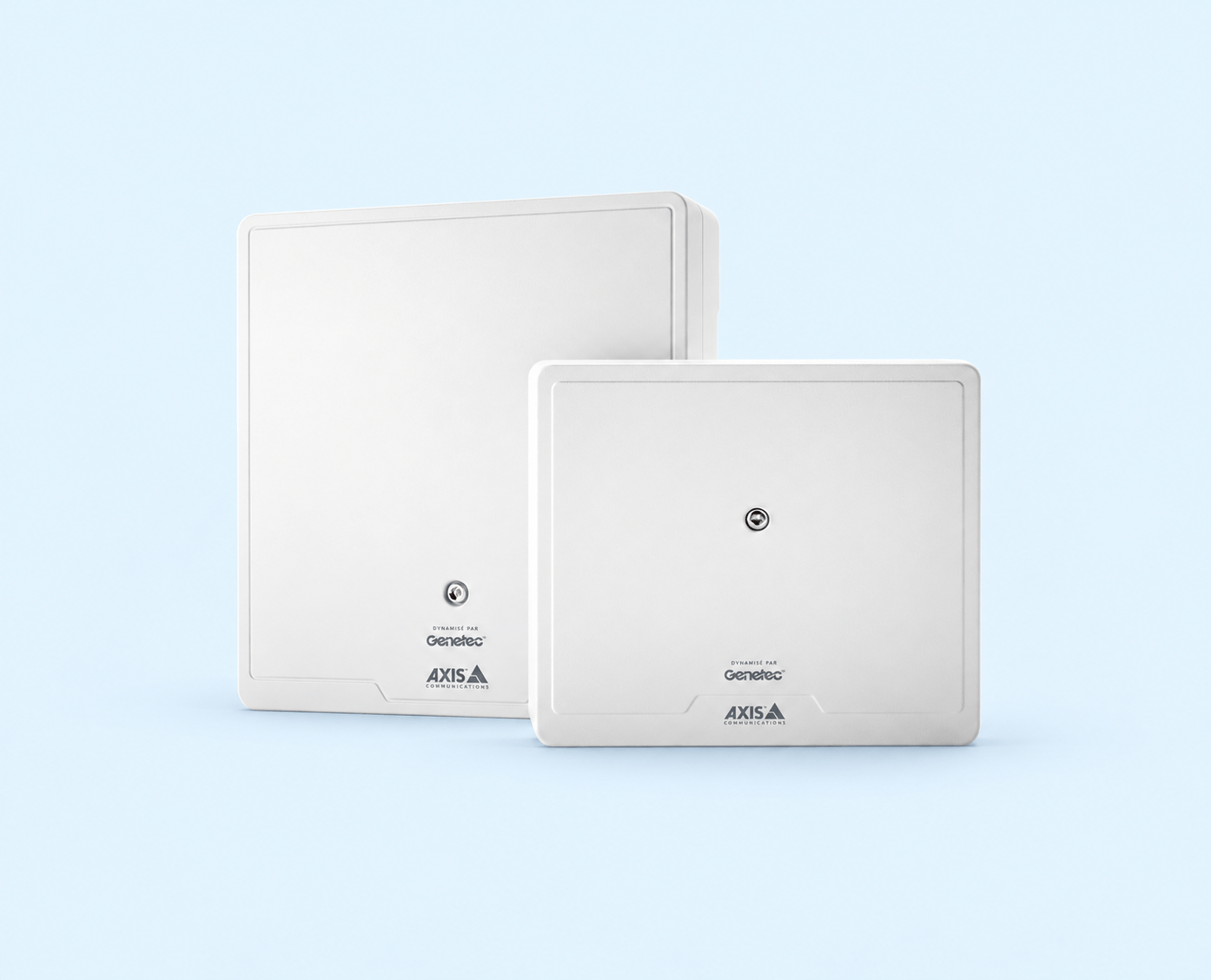
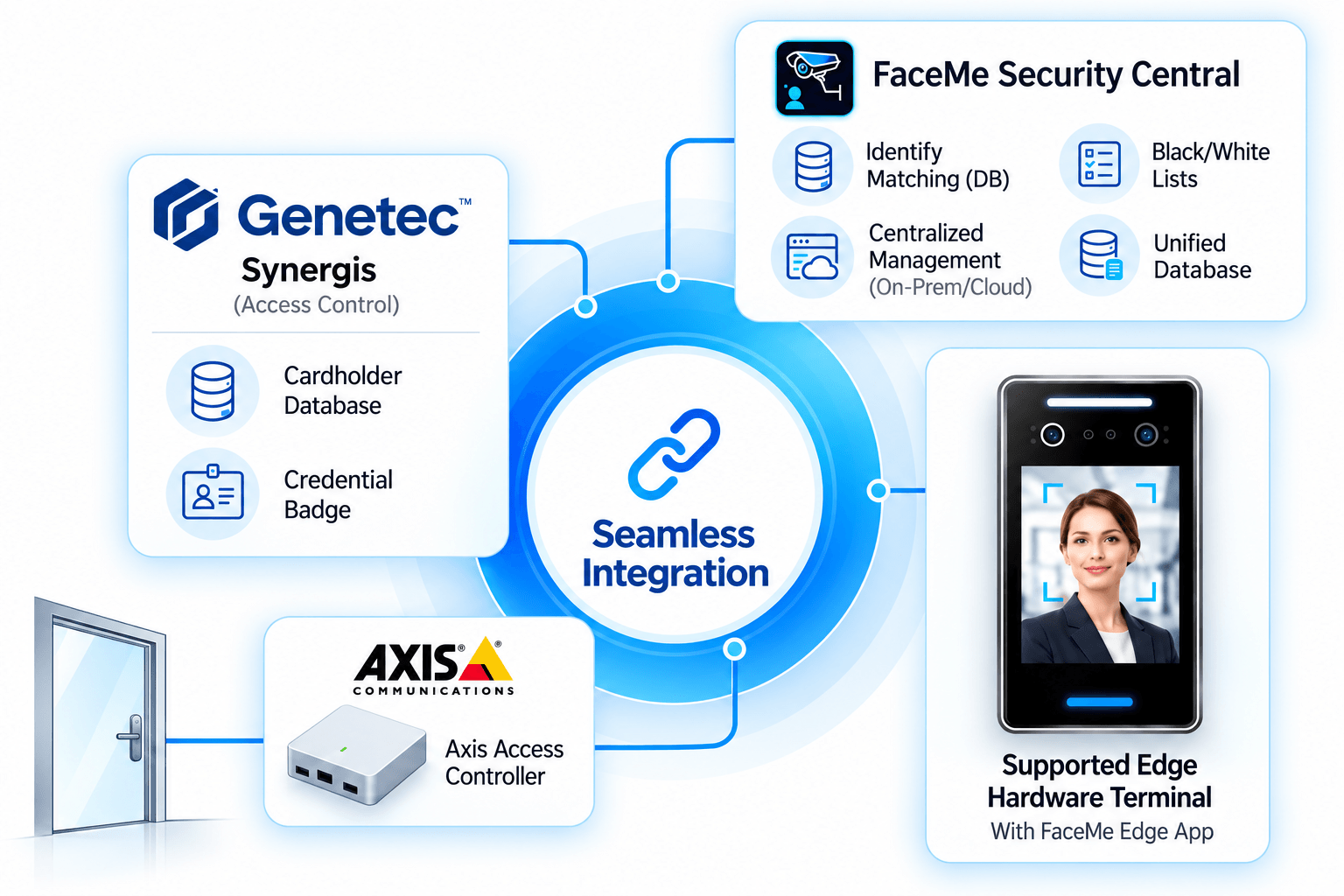
Axis Door Controllers with Genetec Synergis™

Apply Existing Access Rules

Connect facial recognition with the supported Axis A1610 / A1210 Powered by Genetec deployment to use existing access permissions and schedules.

Deploy Facial Recognition on Axis Cameras with ACAP

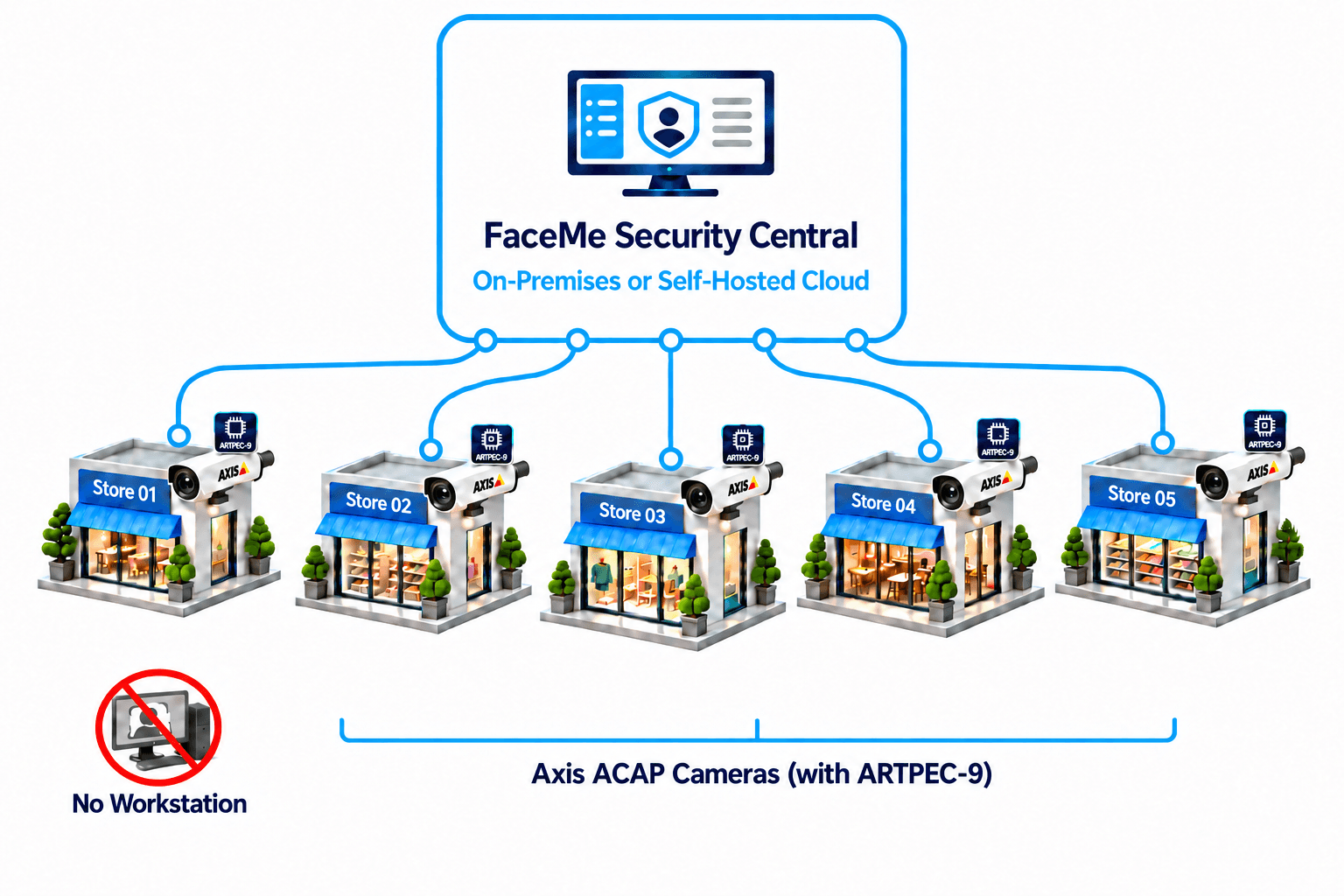
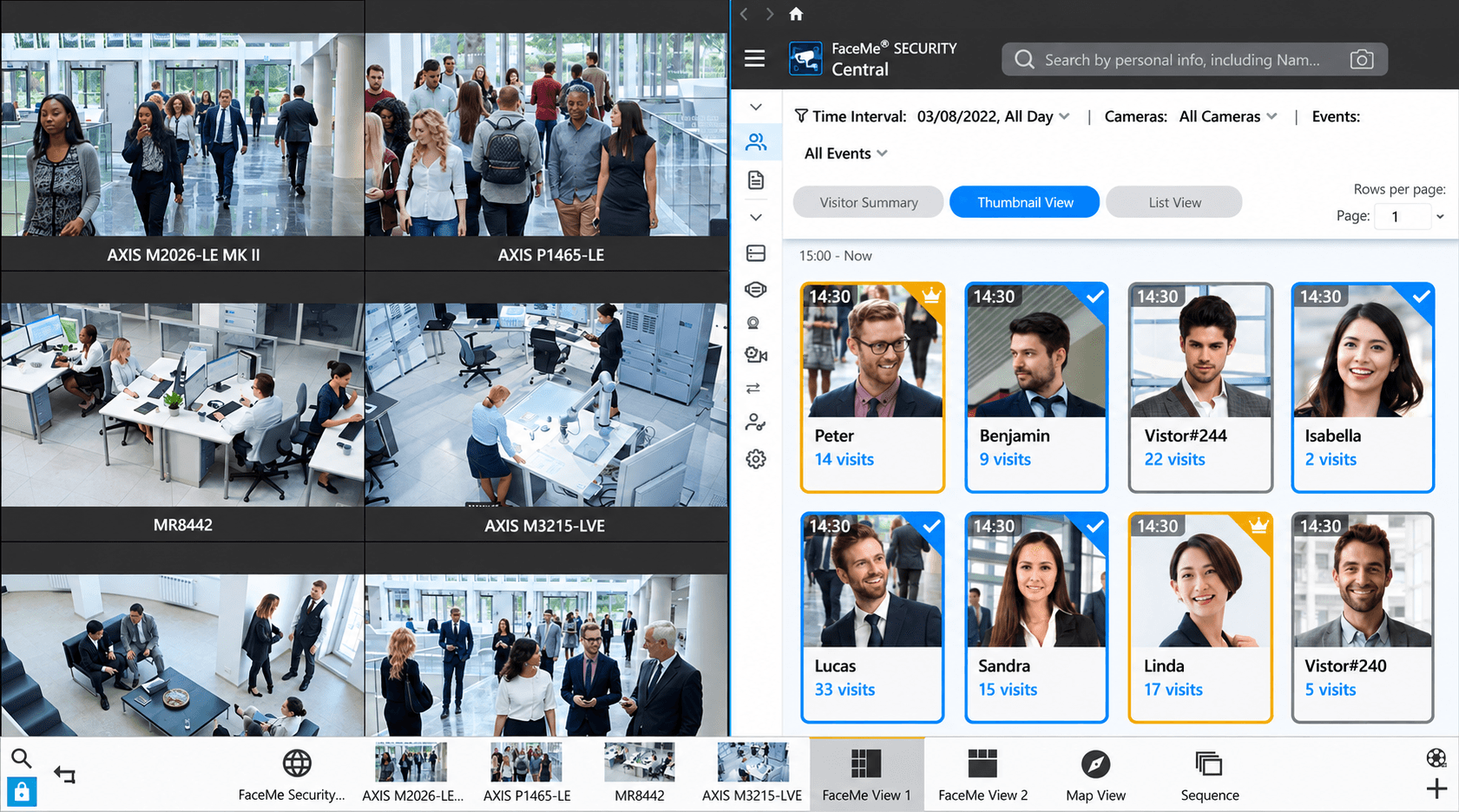
FaceMe® Security uses ACAP to run facial recognition processing on supported Axis cameras. Depending on camera capabilities, processing can be partially offloaded or performed 100% on camera, eliminating the need for a dedicated recognition workstation. FaceMe® Security Central provides centralized management.

ARTPEC-8

Reduce Workstation Computing Requirements

On-camera face detection and template extraction can reduce workstation computing requirements by up to 66%.

ARTPEC-9

Deploy Without Recognition Workstations

Reduce the hardware your team needs to purchase, power, and maintain at each site.

ARTPEC-9

Choose Where Central Runs

Deploy FaceMe® Security Central on-premises or in your own AWS cloud to meet IT requirements.

ARTPEC-9

Reliable Recognition During Disruptions

Cameras continue local recognition using stored facial template if the connection to Central is lost.

Full On-Camera Recognition with ARTPEC-9

Supported ARTPEC-9 cameras perform facial recognition locally, eliminating the need for a dedicated recognition workstation and reducing installation, power, and maintenance requirements at each site.
  • Use FaceMe® Security Central to manage cameras, enrolled people, rules, and recognition records across sites

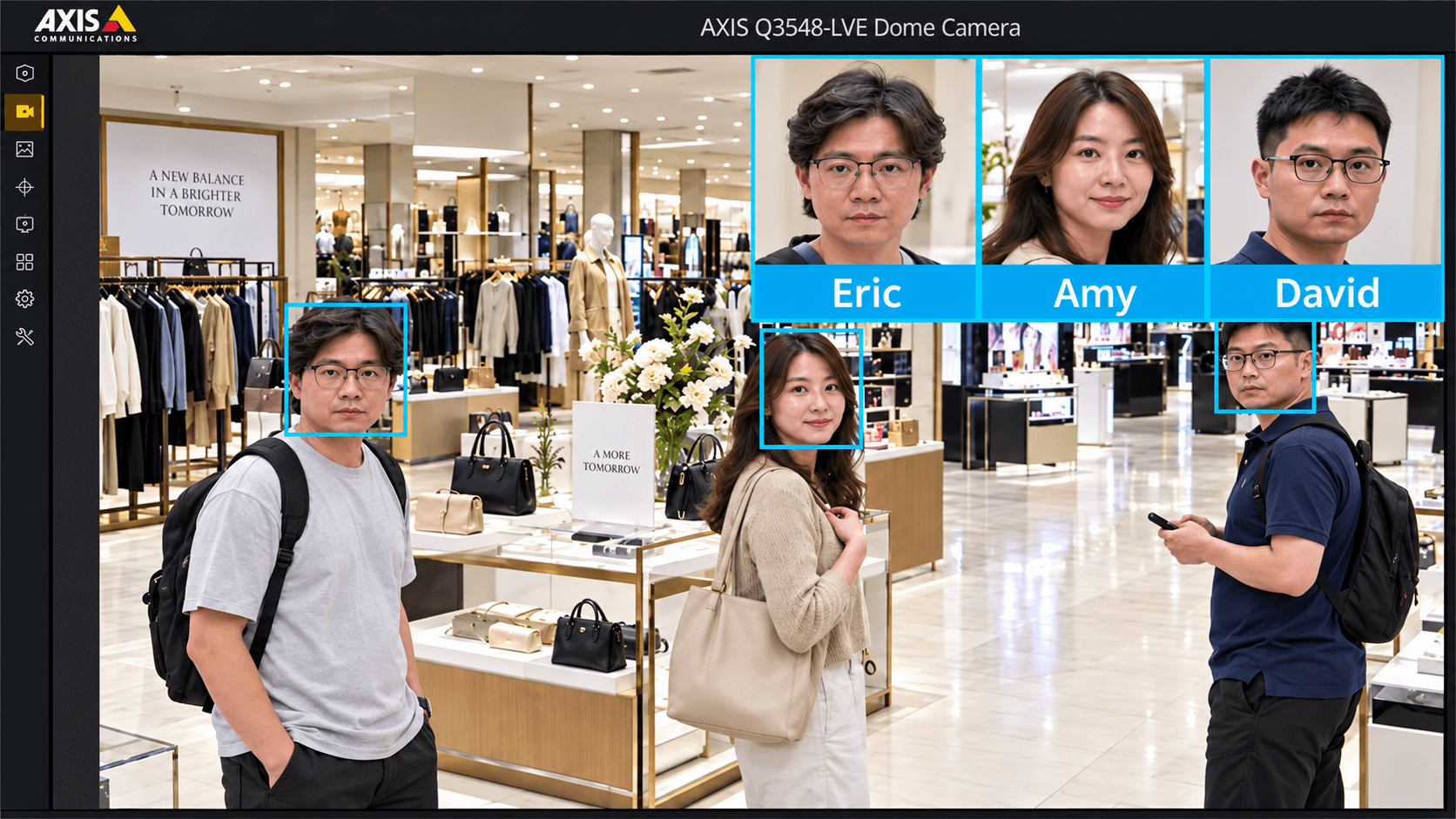
View Recognition Results in Live and Recorded Video

On supported ARTPEC-9 cameras, the FaceMe® Security ACAP application embeds face boxes, matched names, and photos in the video stream for display in compatible VMS platforms.

  • Live and recorded:View recognition matches in real time and review recordings associated with relevant events
  • Flexible display:Turn face boxes and thumbnails on or off, and resize the recognition result card

On-Camera Recognition, Low Resource Usage

CPU usage

20%

Memory usage

300MB

Face database

10,000faces

People traffic

510people / hour

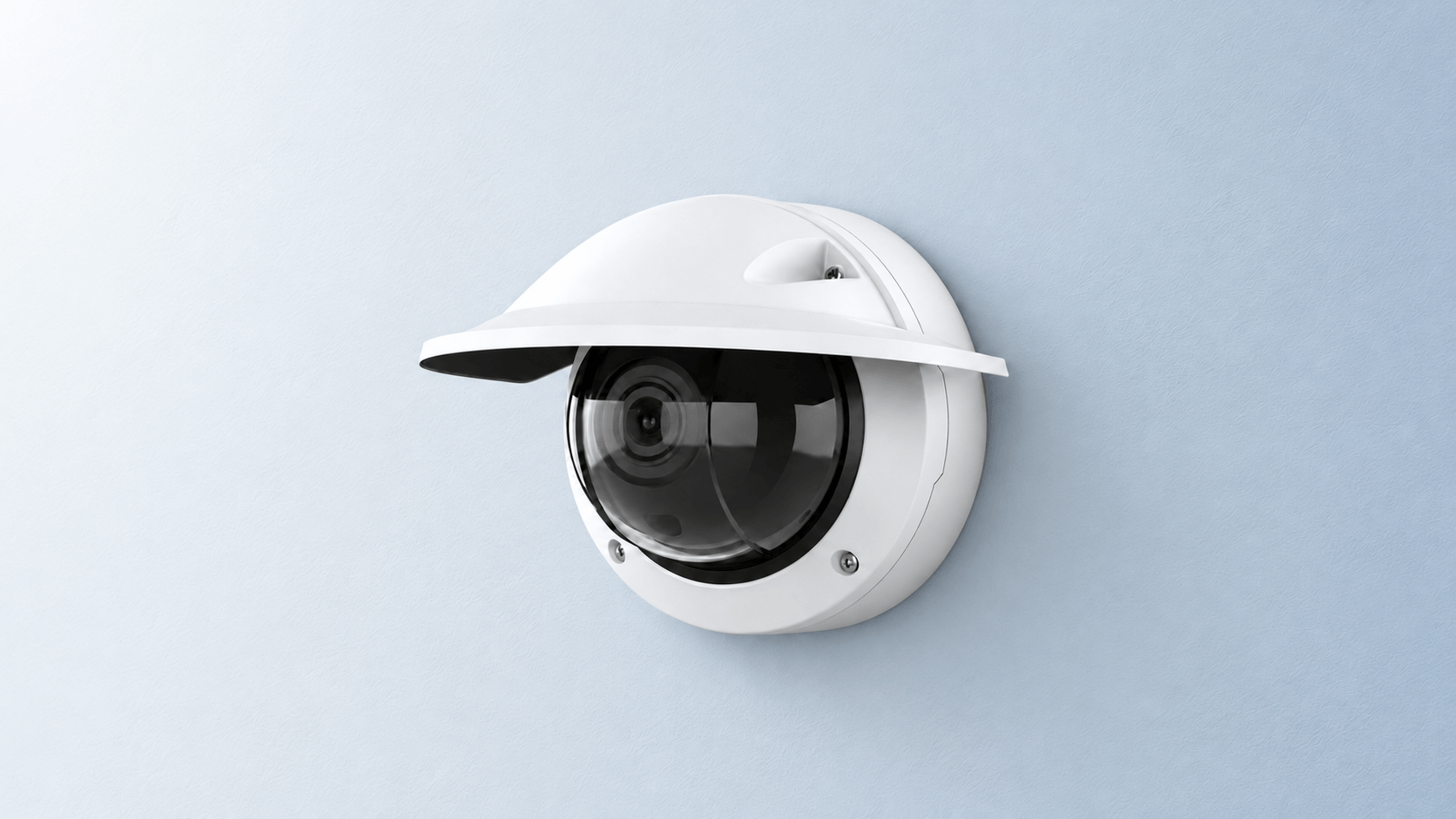
Measured on the AXIS Q3548-LVE camera

Facial Recognition for AXIS Camera Station Pro

Enhance Monitoring and Speed Up Investigations

FaceMe® Security adds facial recognition to supported AXIS Camera Station Pro deployments. Operators can view live video alongside recognition records and quickly find related recordings using FaceMe® bookmarks.

View Live Video and Recognition Records Together

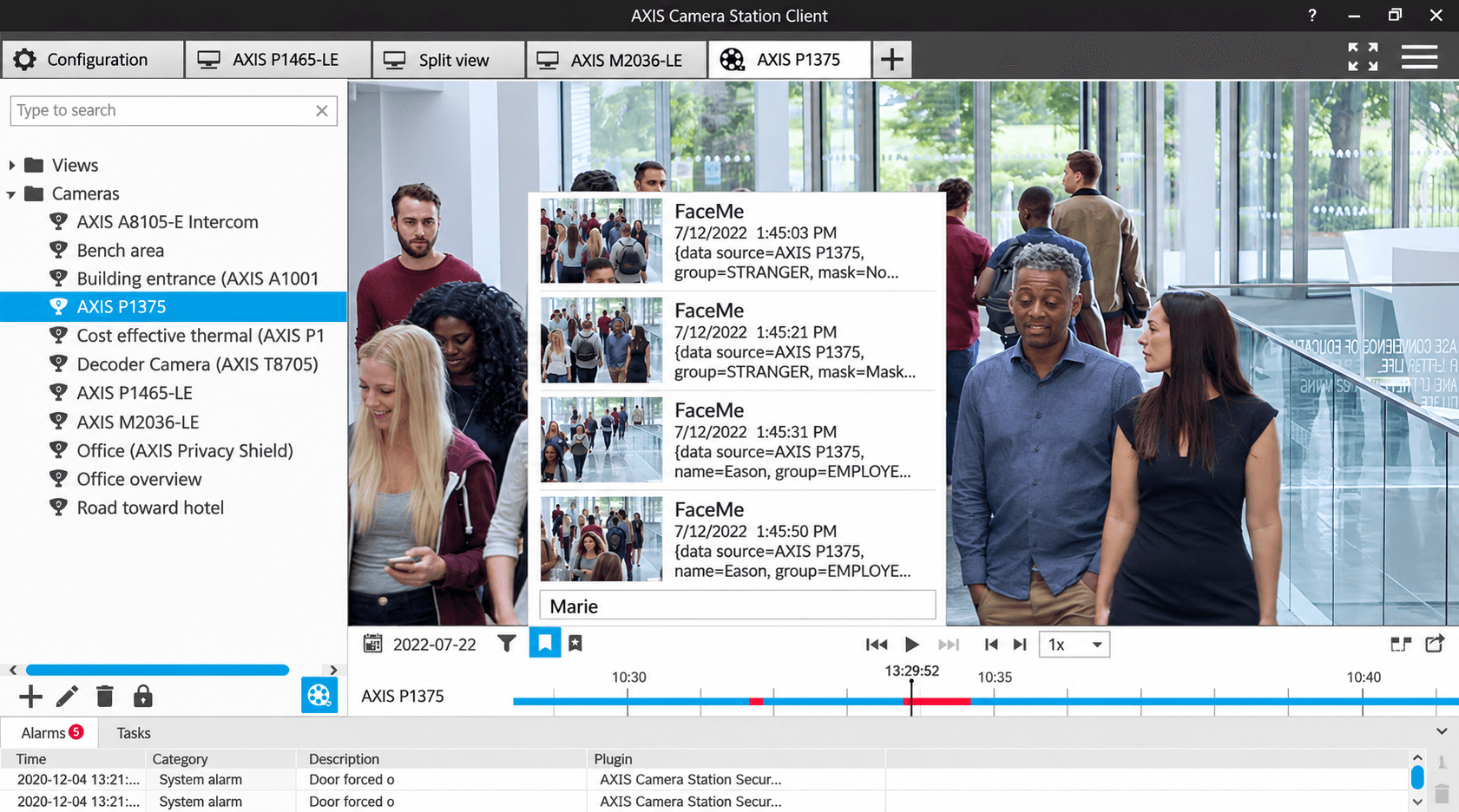
Combine multiple live Axis video feeds with FaceMe® Security recognition records in a customized split view. Operators can see recognition events alongside corresponding live video.

Find Recorded Events with FaceMe® Bookmarks

FaceMe® Security automatically creates bookmarks in AXIS Camera Station Pro when configured recognition events occur. Search bookmarks by person, group, camera, or event details to quickly find and review related recordings.

Trigger Devices and Alerts with FaceMe® Security and VAPIX® API

Use VAPIX® API to turn configured facial recognition events into on-site actions, from audio-visual alerts to control of connected equipment.

Trigger Audio-Visual Alerts

FaceMe® Security uses VAPIX® API to trigger theAXIS D4200-VE Network Strobe Speaker, activating colored strobe lights, prerecorded messages, alarm sounds, or combined audio-visual alerts.


Control Doors and Gates via Camera I/O

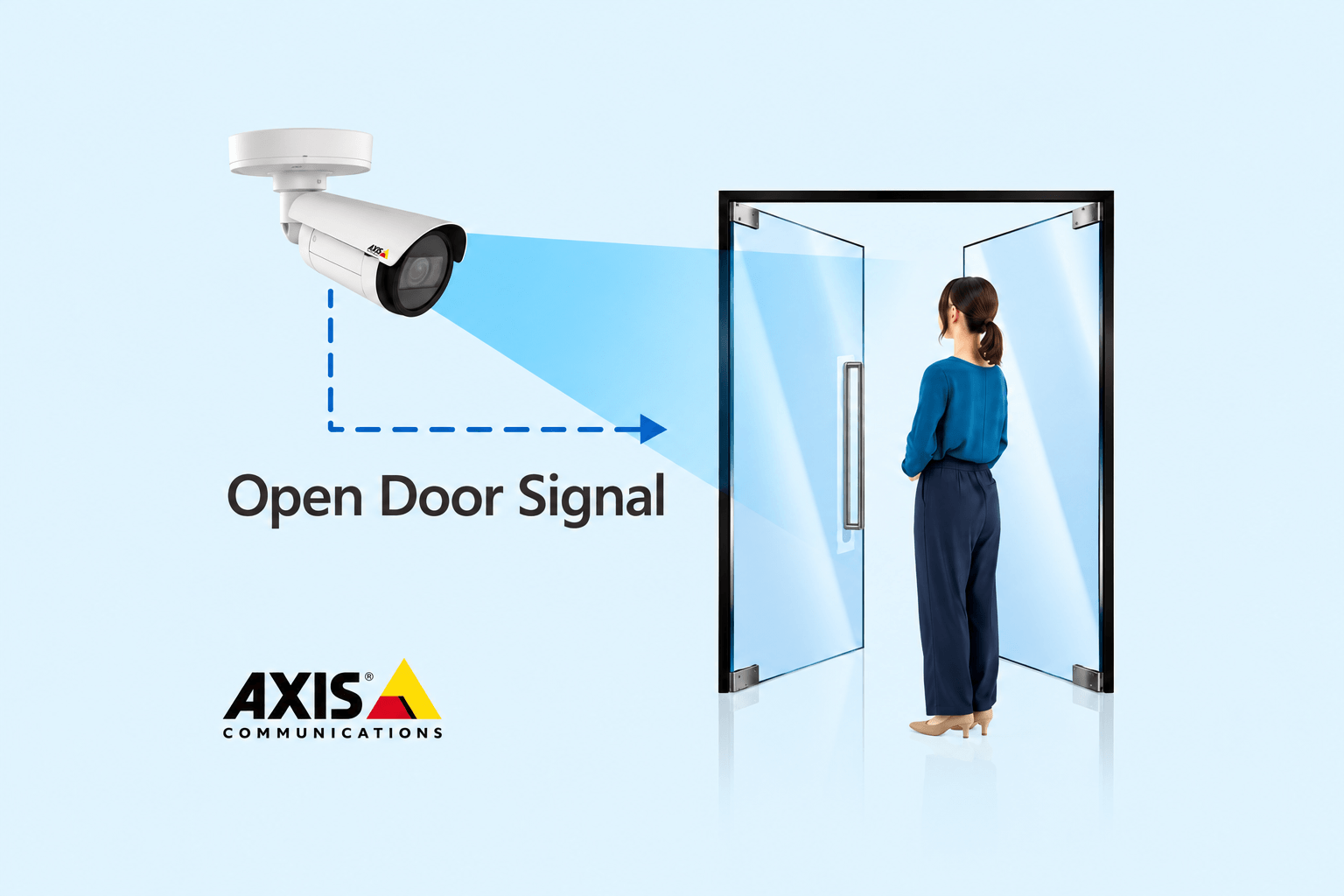
FaceMe® Security uses VAPIX® to trigger digital outputs on supported Axis cameras, controlling connected door locks, gates, barriers, and other equipment through the appropriate wiring and relays.

Connect Facial Recognition with Axis Access Control

FaceMe® Security adds facial recognition to supported Axis door-controller deployments while preserving existing access permissions and schedules.

Extend Recognition from Surveillance to Door Access

FaceMe® Security integrates with Genetec Synergis™ and AXIS A1610 / A1210 Powered by Genetec door controllers. When a person is recognized, their registered card information is passed to the controller, which applies the configured access rules.

  • Add facial recognition without rebuilding access rules
  • Keep access decisions local to the door controller

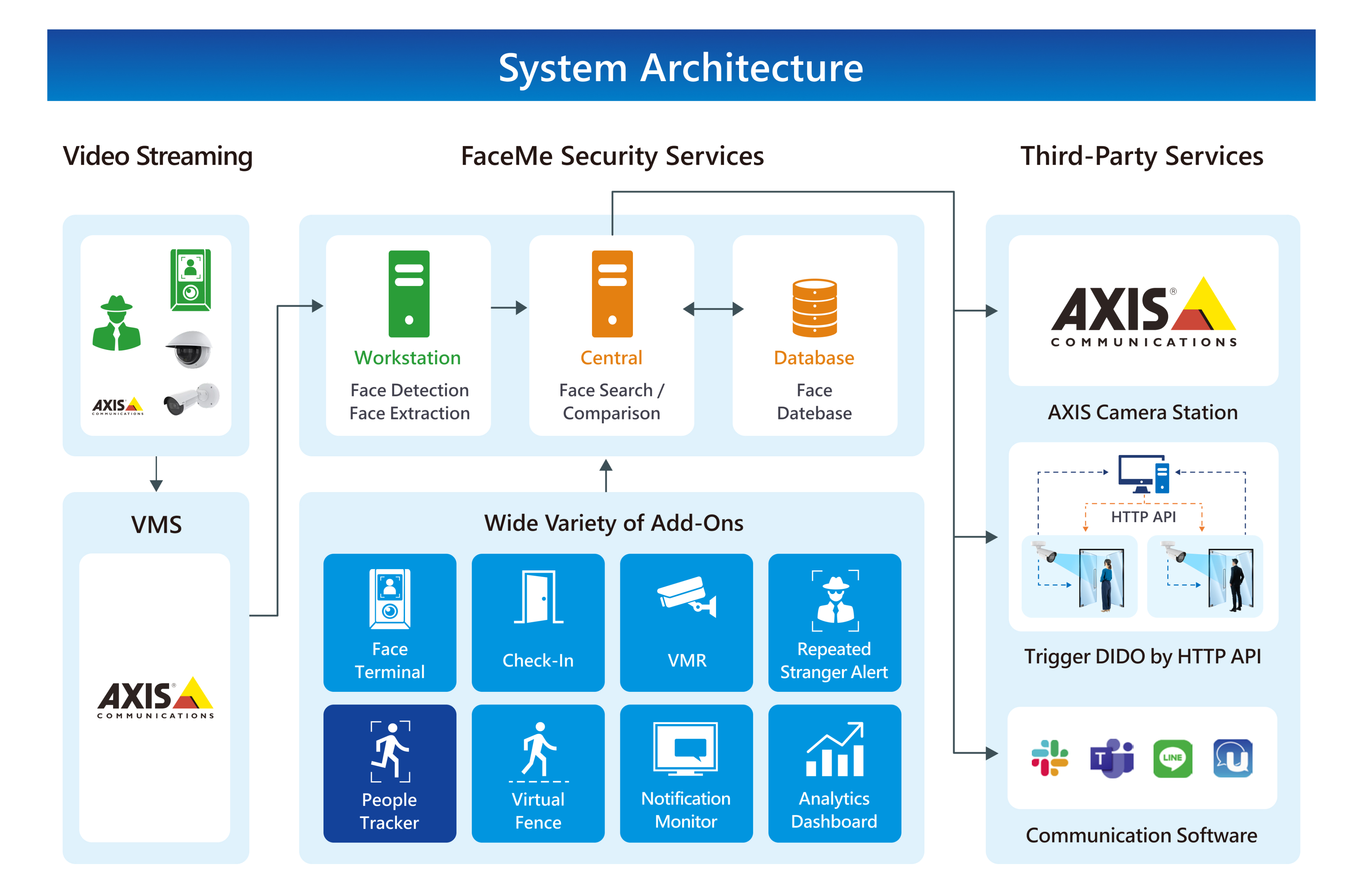
FaceMe® Security System Architecture for Axis

Choose what fits your deployment, on-camera or workstation-based recognition. FaceMe® Security Central manages cameras, enrolled people, rules, and recognition records across sites.

FaceMe® Security System Architecture for Axis

Note: The diagram illustrates a workstation-based deployment. Supported ARTPEC-9 cameras perform detection, template extraction, and matching entirely on camera, without a dedicated recognition workstation. Central provides centralized management. Add-on availability varies by deployment architecture.

Cloud-Managed Facial Recognition for Axis Cameras

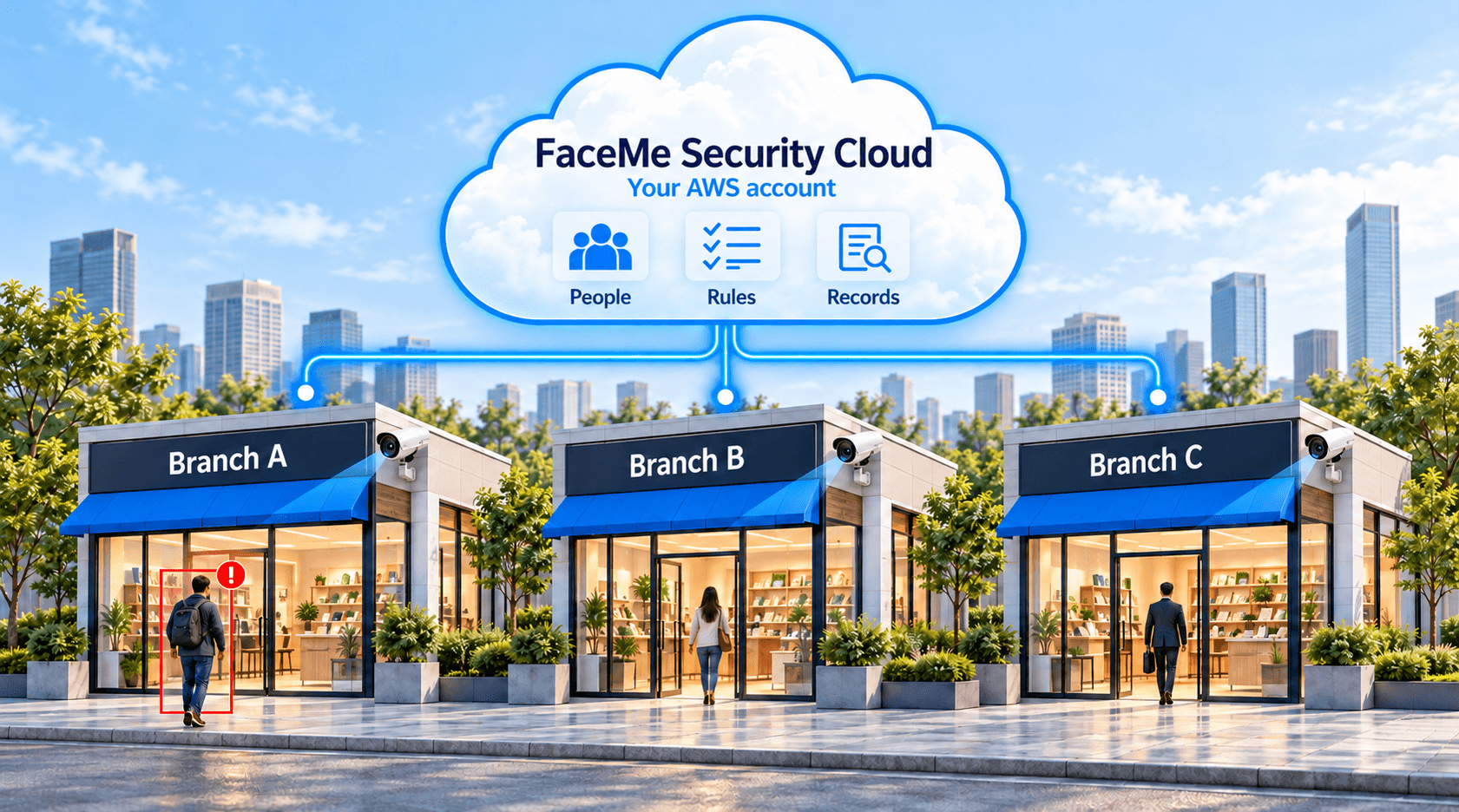
Run facial recognition on supported Axis ARTPEC-9 cameras and manage sites through your own AWS account.

How Camera to Cloud Works

  • On-camera recognition:The FaceMe® Security ACAP app runs 1:N recognition on supported ARTPEC-9 cameras, with no dedicated recognition workstation required at each site.
  • Centralized cloud management:Manage people, rules, and recognition records across sites through a single browser-based console in your own AWS account.
  • Data sync without continuous video streaming:The face database, rules, and recognition records sync with the cloud. Recordings remain on camera SD cards and can be viewed through AXIS Camera Station Edge.
  • Offline operation:Cameras continue recognizing faces and applying configured door-access rules while disconnected from the cloud. Stored records are uploaded when the connection is restored.

Frequently Asked Questions

FaceMe® Security runs as an ACAP application on supported Axis cameras. ARTPEC-8 cameras perform face detection and template extraction locally, while facial matching runs on a workstation. Supported ARTPEC-9 cameras perform the full 1:N facial recognition process on camera, without a dedicated recognition workstation. Contact us to confirm compatibility with your camera models and software versions.
Yes. FaceMe® Security integrates with supported AXIS Camera Station Pro deployments, allowing operators to view live video alongside recognition records and use FaceMe® bookmarks to find related recordings. Supported ACAP and non-ACAP cameras can be managed within the same FaceMe® Security system.
FaceMe® Security Central supports on-premises deployment. For cloud management, FaceMe® Security can be deployed in your own AWS account. Supported ARTPEC-9 cameras continue local recognition using stored facial templates when disconnected from Central, although functions that depend on Central may be affected.
No. The full on-camera ARTPEC-9 mode supports facial recognition only. Additional FaceMe® Security add-ons require a supported workstation-based deployment.
With Genetec Synergis™ and supported Axis A1610 and A1210 door controllers, FaceMe® Security passes the recognized person's registered card information. The controller applies existing access permissions and schedules to determine entry.

Camera I/O instead triggers connected equipment through digital outputs and appropriate relays when a configured recognition event occurs. Use door-controller integration when access decisions need to follow existing permissions and schedules.
Book a DemoBook a Demo

Submit Your FaceMe Business Inquiry