Finding the perfect eyeliner look is easier than ever with eyeliner filter apps. Whether you're exploring new styles, matching colors to your eyes, or simply refreshing your makeup look, PhotoDirector lets you preview and customize your eyeliner in seconds.
Let’s dive into the world of virtual eyeliner and discover the perfect match for your eyes.
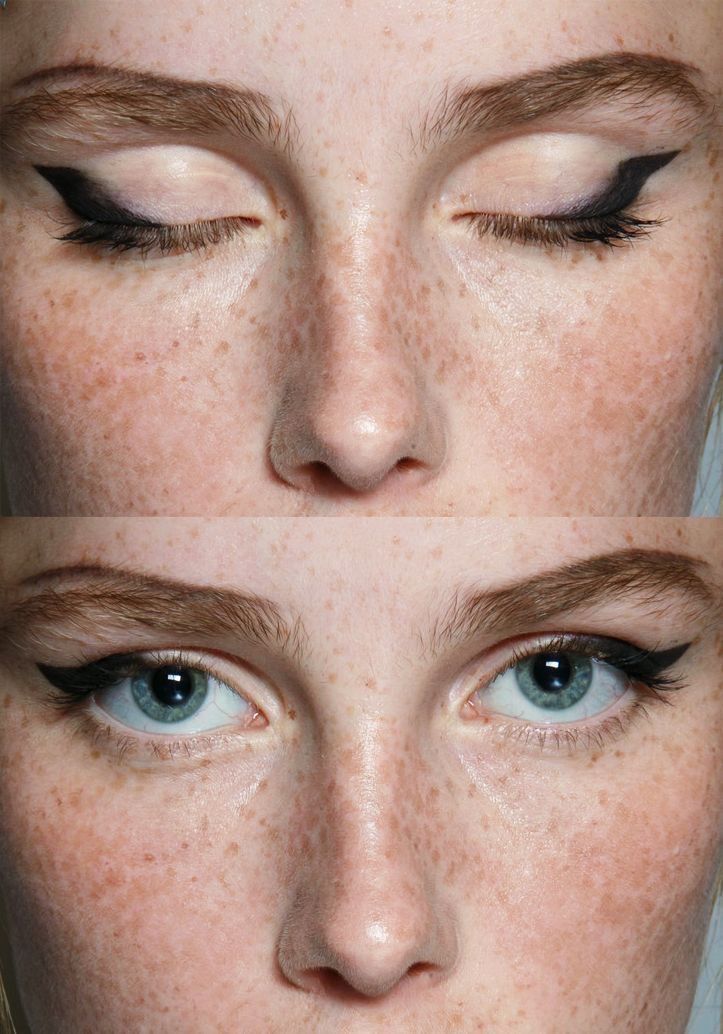
Go for a thin line that thickens toward the outer corner, with a sharp wing that extends slightly outward. Keep the lid space clean to avoid smudging.
Rounded EyesImage source: Beauty & The Brows
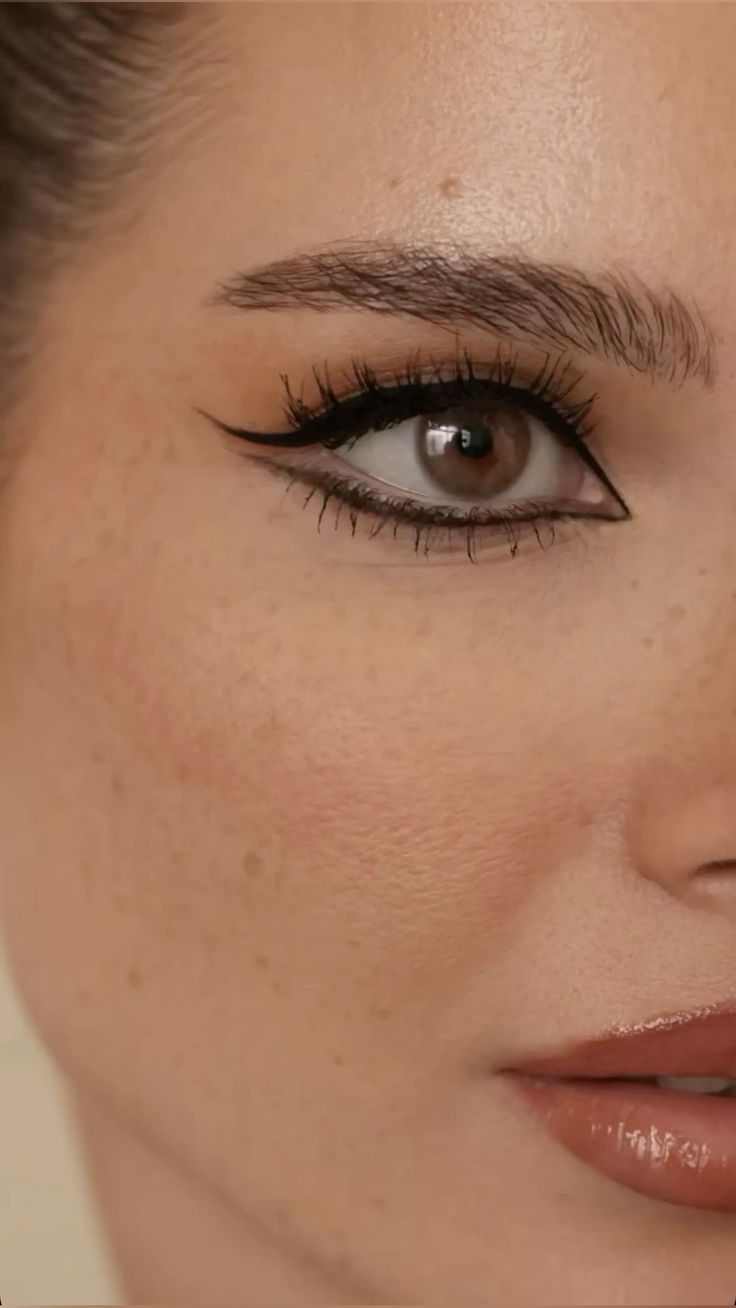
Wing it out! Elongate the eyes with a sleek cat-eye to give a more almond-like effect.
Almond EyesImage source: Pinterest
This versatile shape suits almost every eyeliner style. Experiment with bold wings, double lines, or even graphic liners.
Downturned EyesImage source: Pinterest
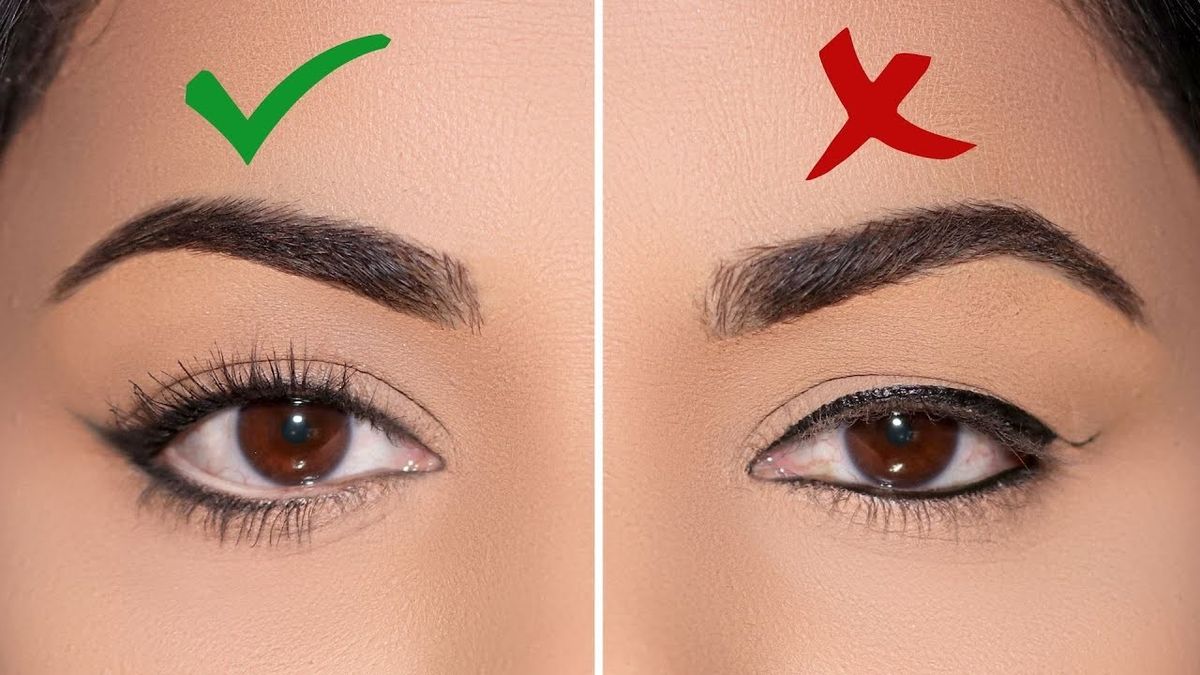
Focus on lifting. Start your liner at the outer third of your lash line and flick it upward to create a more lifted appearance.
Upturned Eyes Image source: Dappered
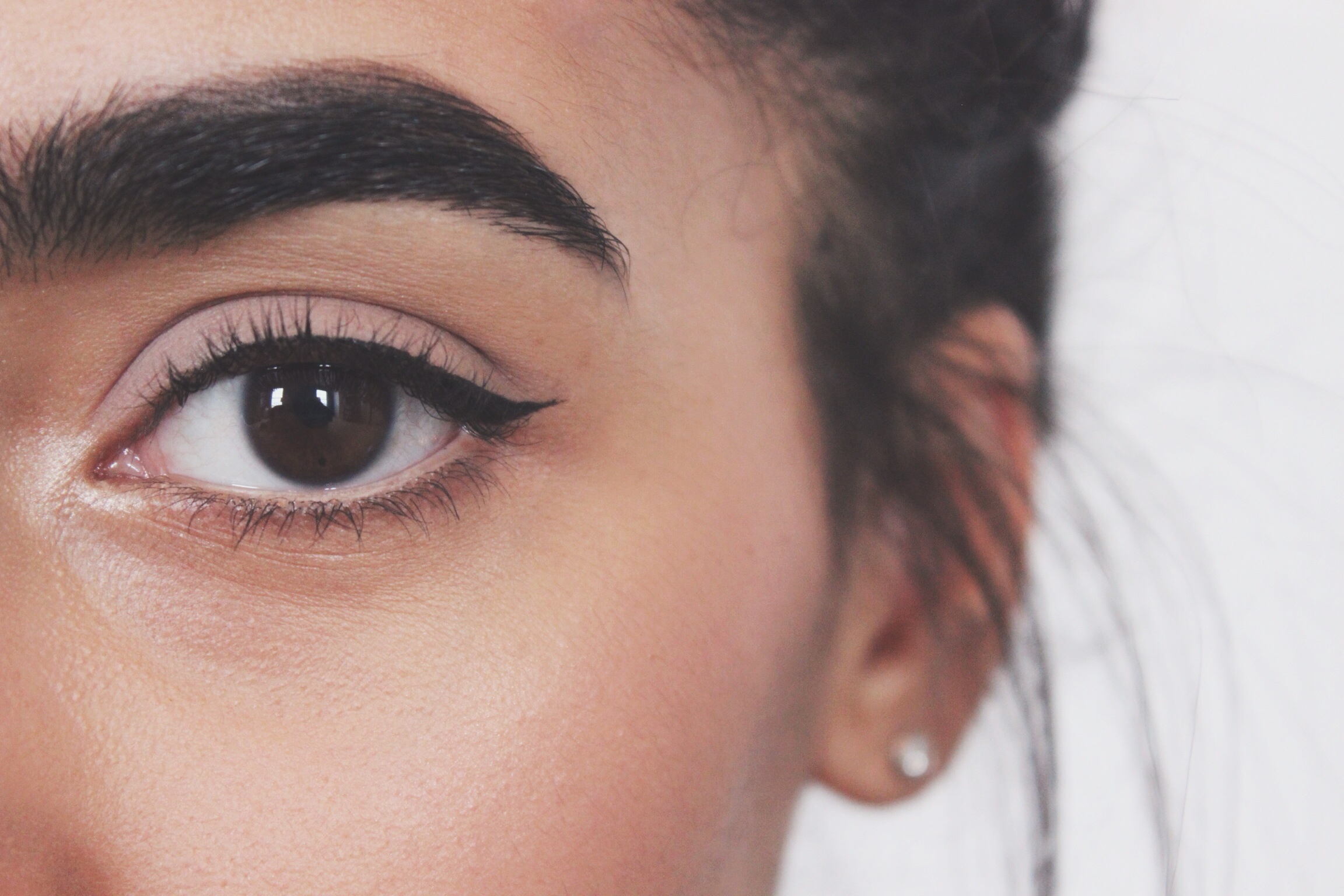
Enhance your natural shape with a classic wing that follows the natural curve of your lash line.
MonolidsImage source: Pinterest
Try a thick, straight eyeliner look across the lash line or a soft smoked-out line that adds depth without needing a crease.
Don’t be afraid to experiment. Using a virtual eyeliner filter app first. It’s the easiest way to test different shapes without the commitment
Download from the App Store for iOS
and Android
.
Eyeliner Colors for Different Eye Colors
The right eyeliner color can make your eye color pop, brighten your gaze, and totally elevate your makeup game. It’s also fun to switch things up with the seasons.
Here’s how to pick the most flattering eyeliner colors based on your eye color:
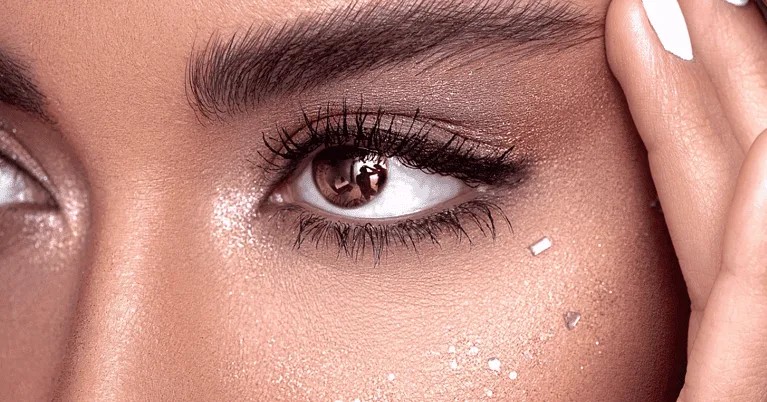
Brown Eyes
Brown eyes go with just about everything. Try deep plum, navy, or bronze for a subtle contrast, or go bold with emerald green for a playful twist.
Blue Eyes
Copper, bronze, and warm browns bring out the cool tones in blue eyes beautifully. Want to make your eyes look even bluer? Try a rust or burnt orange liner for contrast.
Green Eyes
Plum, burgundy, and rich purples are your secret weapons. These shades intensify green tones and add instant drama without being harsh.
Hazel Eyes
Hazel eyes are chameleons, they can shift from green to brown depending on the light. Golden browns, olive greens, and warm purples will bring out the flecks in your irises.
Gray Eyes
Steel, slate blue, and charcoal shades work like magic to add definition while maintaining the cool elegance of gray eyes. A navy liner is especially flattering.
Download from the App Store for iOS
and Android
.
How to Add Eyeliner to a Photo Using an Eyeliner Filter
Open the PhotoDirector app and tap “Beautify”
Upload a photo and tap “Makeup”
Select “Eyeliner”, then choose your preferred style and color
Preview your look and save if you're happy with the result
Download from the App Store for iOS
and Android
.
Best Makeup App: Lipstick, Contour, Eyebrows & More with PhotoDirector
If you're looking for an all-in-one virtual makeover tool, PhotoDirector is one of the best makeup apps available. Its intuitive interface and AI-powered features make editing effortless and fun. Whether you're touching up a selfie, perfecting a profile pic, or experimenting with creative looks, PhotoDirector is like having a digital makeup bag at your fingertips.
Lipsticks
PhotoDirector boasts a palette of over 60 colors and 7 finishes, ranging from Dried Rose and Coral to Nude, Wine, and Gradient. Each color comes with seven texture options, allowing you to mix and match for diverse and creative lipstick looks.
Read More:
How to Choose Best Lipstick Color with the Best Lipstick Try On App
Contour
Contouring is a key makeup technique, and finding the right contour for your face can add dimension and refinement. PhotoDirector offers 16 contour styles, each designed with distinct highlights and shading from various angles.
Read More:
How To Contour Face and Nose on Photos with the Best Contour Makeup App
Eyebrows
PhotoDirector stands out with its wide variety of eyebrow shapes. Its extensive collection of styles, along with customizable color and intensity settings, makes it easy to find the perfect match for your unique features.
Read More:
Free Eyebrow Filters: How to Try and Choose Your Perfect Shape
Blush
Add some life to your makeup look with PhotoDirector’s blush collection. Whether you want a subtle flush of pink across your cheekbones or a bolder, more dramatic glow, you can easily adjust the intensity to achieve the perfect rosy finish.
Foundation
In the Foundation section, you’ll find 15 different shades to choose from. Just tap the one you want to try, and PhotoDirector will apply it instantly. With so many options available, you can experiment with subtle variations to find the perfect match for your skin tone.
Download from the App Store for iOS
and Android
.
If you want to learn more about perfecting your photos, check out our Ultimate Guide to Photo Retouching.
FAQs About Eyeliner Filters
Adding eyeliner to your photo is quick and easy with the right app, such as PhotoDirector. Just follow these simple steps:
Open the app and tap “Beautify”
Upload a photo and tap “Makeup”
Select “Eyeliner”, then choose your preferred style and color
Brown Eyes: Deep plum, Navy, Bronze, Emerald green.
Blue Eyes: Copper, Bronze, Warm browns, Burnt orange.
Green Eyes: Plum, Burgundy, Rich purples.
Hazel Eyes: Golden browns, Olive greens, Warm purples.
Gray Eyes: Steel, Slate blue, Charcoal, Navy.
Here’s a quick breakdown for beginners:
Start with clean, dry eyelids
This helps the liner go on smoothly and last longer.
Use short, light strokes
Don’t try to draw the whole line at once, but build it gradually for better control.
Follow your lash line
For a natural look, stay close to the lashes. For a bolder effect, go slightly above.
Wing it (if you want to)
Extend the line outward and upward at the corner for that classic cat-eye finish.
You can also use a virtual eyeliner filter app like PhotoDirector to try on different eyeliner styles and instantly add them to your photos. It’s a fun, mess-free way to experiment with new looks and see what suits your eye shape before you even pick up a brush.











![5 Best Apps to Remove Audio from Video in 2026 [iOS & Android]](https://dl-file.cyberlink.com/web/content/b984/l_Thumbnail.webp)


