Cute, chaotic, and impossible not to replay. The AI Baby Dance trend has completely taken over TikTok and Instagram. With just one baby photo and a bit of AI magic, anyone can turn a still image into a hilarious dancing video that feels made for endless scrolling.
In this guide, we will break down what AI Baby Dance is, why it goes viral so easily, and exactly how to create your own baby dance video online using MyEdit.
AI Baby Dance is a viral AI video trend where users upload a baby or child photo into an AI tool and generate a short dancing video using motion templates, reference videos, or text prompts.
Source: Instragram@kcstauffer
Instead of traditional animation or filming, AI models handle everything. Facial features stay recognizable while the body performs exaggerated, rhythmic dance moves. The result is a baby that looks like it was born ready for the dance floor.
This trend exploded on TikTok and Instagram Reels because it combines three things algorithms love. Babies, movement, and surprise.
Why AI Baby Dance Videos Go Viral So Fast
Instant Emotional Comfort
The videos feel emotionally comforting. Many viewers describe AI baby dance videos as stress-relieving and mood-lifting. Watching a tiny baby dance confidently to upbeat music works like a mental reset button.
Built-in Cuteness Bias
Babies naturally trigger caregiving instincts. From a social psychology perspective, humans are hard-wired to respond positively to infant-like features such as big eyes, round faces, and small proportions. When dancing is added, the brain gets an extra boost of novelty and humor.
Parental Emotional Projection
These videos allow parents to imagine their baby growing up, dancing, performing, and developing a unique personality, which strengthens emotional attachment.
Low-Effort, High-Reward Entertainment
Non-parents enjoy instant, context-free entertainment. No background story is needed. The content is easy to understand, easy to share, and instantly funny.
Emotionally Safe and Universally Shareable
AI baby dance content is cute, absurd, and harmless, making it highly shareable across platforms, age groups, and cultures.
How to Make an AI Baby Dancing Video Online
MyEdit offers three easy ways to create AI baby dance videos, whether you prefer visual references or full creative control. All methods work online and require no editing skills.
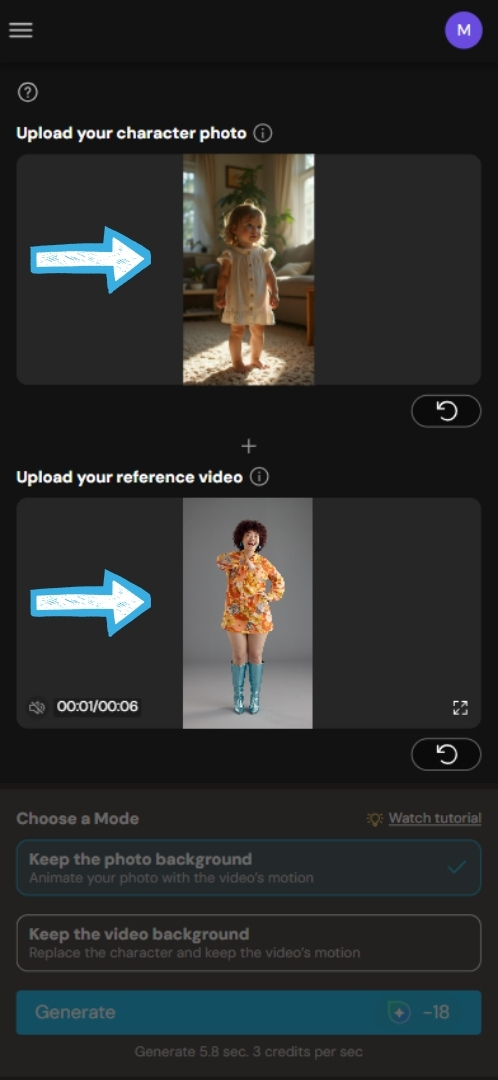
Open MyEdit in the web browser and head to Character Motion Swap.
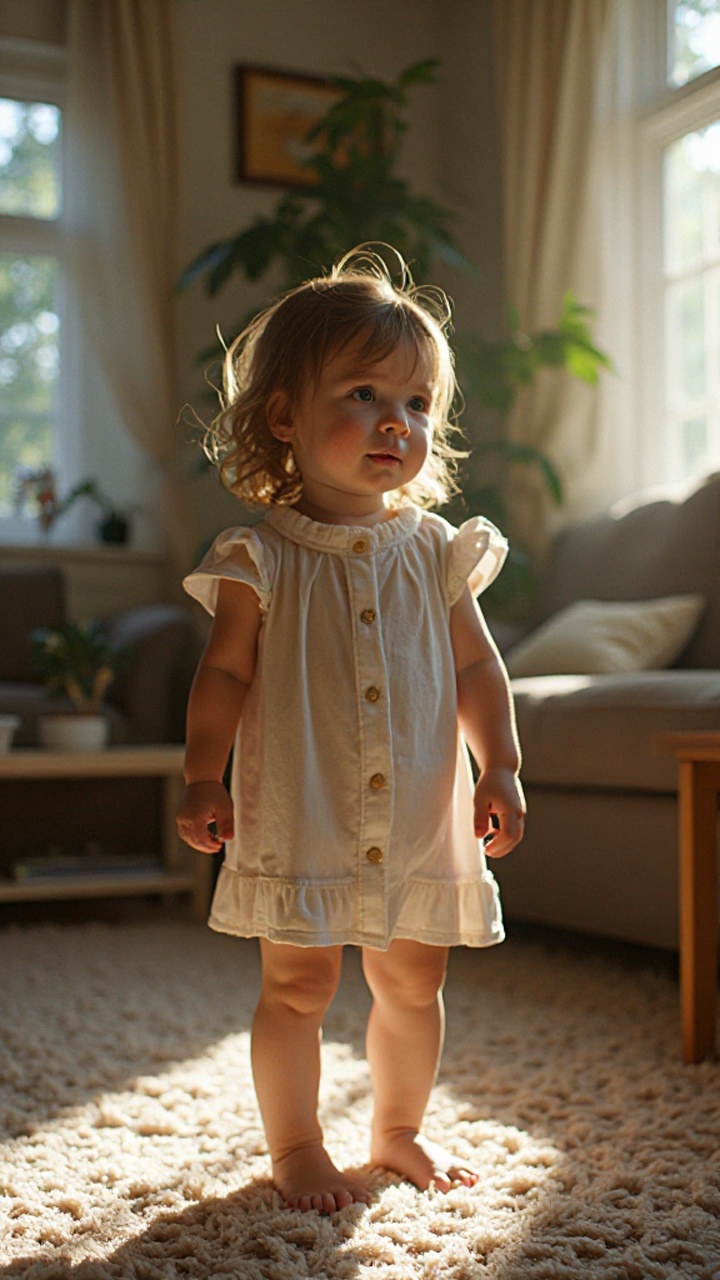
Upload a baby photo and a reference dance video.
💡For better results, use footage of a single character with an aspect ratio similar to the uploaded image.
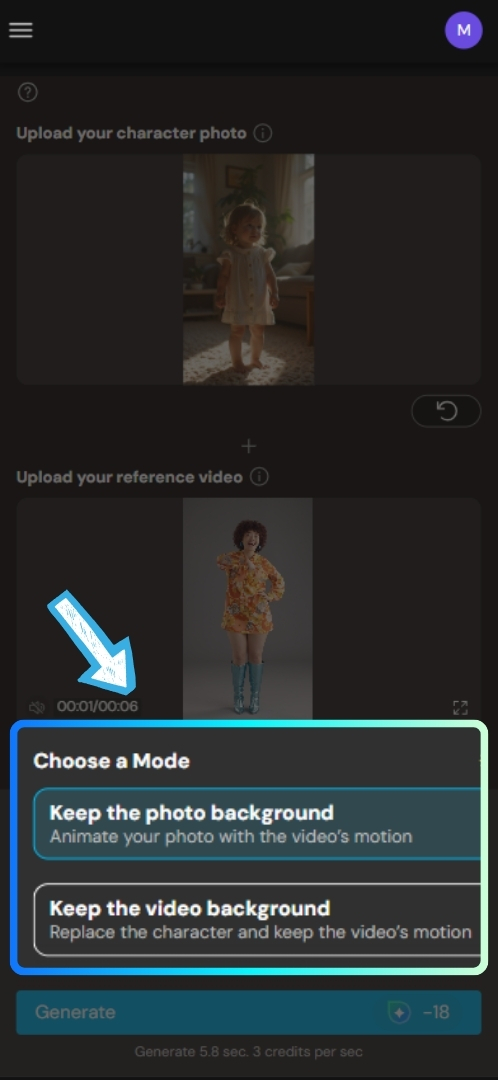
Choose between the original photo background or the background from the video.
Click "Generate." Generation time depends on your footage length, but it usually takes 5 to 15 minutes. You can continue working on other projects while you wait for your cute baby dance video.
+=
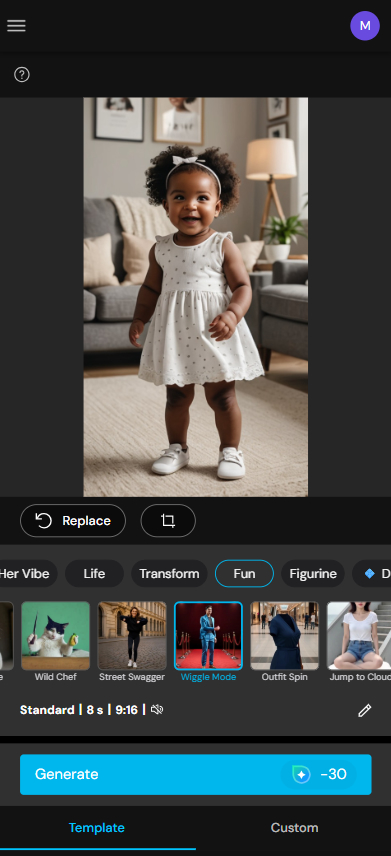
Image to Video Templates - Fast Creation
Open MyEdit in the web browser and head to Image to Video Templates.
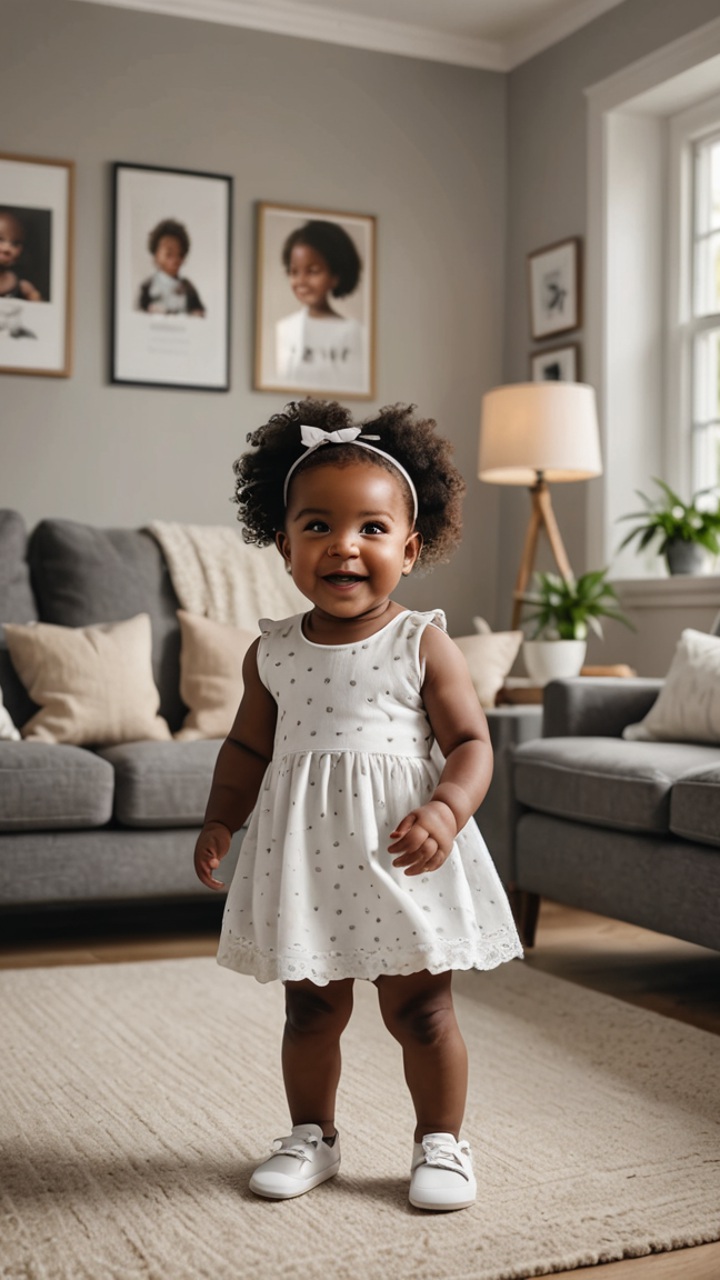
Upload your baby photo.
💡For better results, use a clear and front-facing photo.
Select a built-in dancing template you like.Recommendation: Wiggle Mode, Street Swagger and Dance Group.
Click "Generate" and watch the AI magic work.
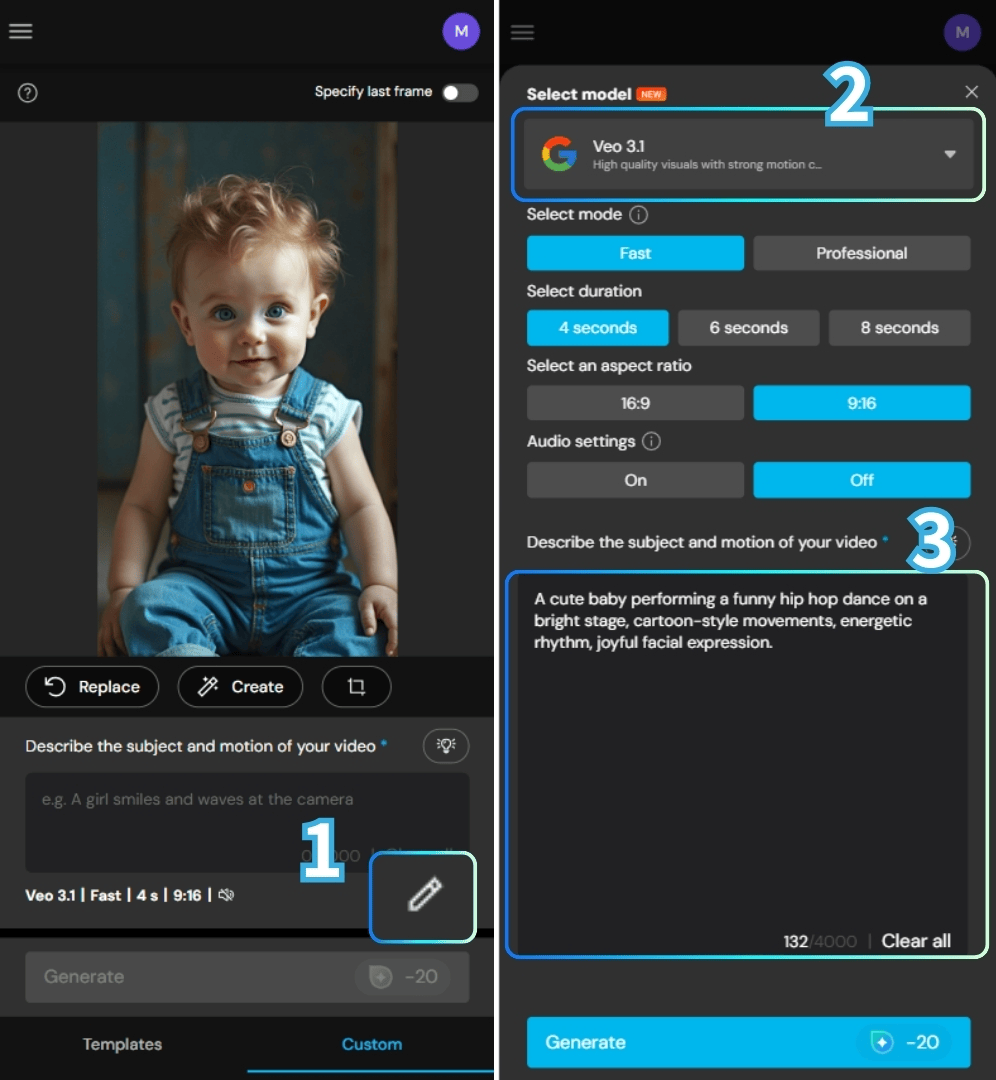
Custom Propmt - Creating Unique Dance
Open MyEdit in the web browser and head to Image to Video.
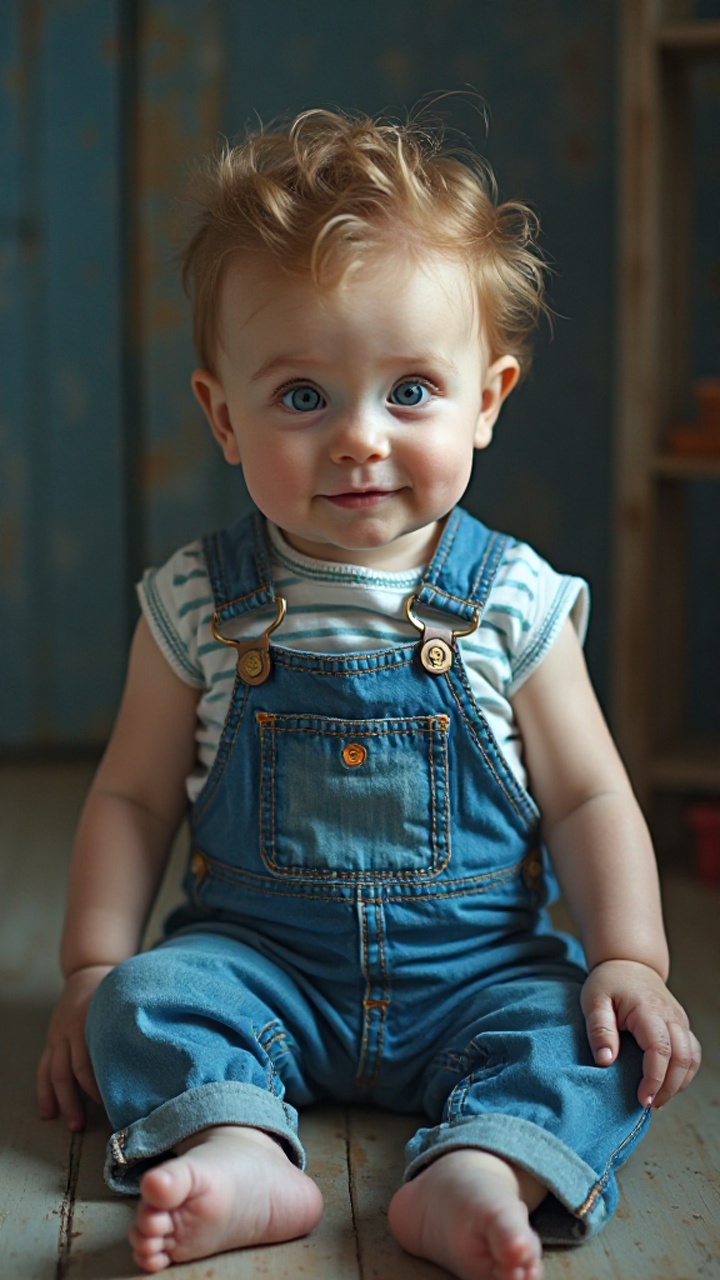
Upload your baby photo. Choose a Video Model.
💡For better results, use a clear and front-facing photo.
Enter your dancing prompts in the custom box. Be as detailed as possible.
Here are some fun and creative baby dancing promtps you can try.
Prompt:
· A chubby baby wearing colorful pajamas happily dancing with exaggerated arm swings and bouncy steps, cheerful mood, smooth motion, playful energy.
· A cute baby performing a funny hip hop dance on a bright stage, cartoon-style movements, energetic rhythm, joyful facial expression.
· A smiling baby dancing to upbeat pop music, tiny feet moving side to side, lively and adorable, social media viral style.
Click "Generate" and let the AI work its magic.
More AI Baby Video Ideas You Should Try
AI Baby Dance is just the beginning. If you enjoy experimenting with baby-themed AI content, here are more ideas worth trying.
📻AI Baby Podcast - Generate talking baby avatars that read out your podcast script using AI-generated voices. Check out the AI Baby Podcast tutorial.
🎤AI Baby Singer - Turn a baby photo into a tiny pop star singing on stage with dramatic gestures.
👶AI Future Baby - Predict what your future baby might look like. Check out the AI Future Baby tutorial.
🦸AI Baby Superhero - Create a baby in a superhero costume flying or striking heroic poses.
FAQs About AI Baby Dance Videos
You can use most baby or child photos as long as the face is clear and front-facing. Images with heavy filters, extreme angles, or blocked facial features may result in lower-quality AI baby dance videos. Please ensure you have the rights to use the baby's photos and refrain from using them for any harmful purposes.
MyEdit is one of the best free AI baby dance tools available online. It offers free credits and multiple creation methods, including Character Motion Swap, image-to-video templates, and custom prompt generation.
Yes, as long as you use trusted platforms and avoid uploading sensitive or private photos. Always review the tool’s privacy policy to understand how uploaded images are processed and stored.
Yes. Many creators post AI baby dance videos on TikTok, Instagram Reels, and YouTube Shorts. Just be transparent and avoid presenting the content as real footage.
No editing experience is required. AI baby dance tools are beginner-friendly. Simply upload a photo, select a template or prompt, and let the AI generate the video for you.