



Promeo: The Best Ad Maker with AI-Generated Templates
The right message and graphics in your ads are the first step to bringing your audience in and getting them to buy your product. With an ad-maker app, you can cut down on your marketing budget while still creating eye-catching ads that make your ideal customers click. An app that comes with templates makes the process even easier by giving you a starting point for your ad design. We’ll show you how to use Promeo’s AI-generated templates to start your next ad campaign and get your audience’s attention.
- Key Features To Look for When Choosing an Ad Maker
- Promeo—The Ultimate Ad Maker With AI-Generated Templates
- How To Create AI-Generated Ads From Product Photos
- How To Create Free Ads From a Template
- FAQs About Ad Makers
- Download Promeo—The Ultimate Ad Maker With AI-Generated Templates
Key Features To Look for When Choosing an Ad Maker
You want your ads to reach your target audience and boost sales. Your ad maker should not only have the features to create them but also simplify the process. Here are a few things to look for before you download an AI ad generator.
-
Easy To Use
Many people who create ads for their businesses don’t have a design background. Your ad maker should have a simple interface to make it easy for you to put together your ads. It should have plenty of design features so you can make something unique to your brand, but you don’t want a steep learning curve like Photoshop.
-
Multipurpose
Your business uses ads in multiple ways on various platforms, so your AI ad generator should reflect that. It should make it easy to share your design online and in print. For example, if you make a flyer with your app, it should have quick tools to repurpose your design.
-
Design Assets
An ad maker should have design features that help you build your ad. Look for balanced templates, backgrounds in different styles, and high-quality stock images that you can add to your designs.
Promeo—The Ultimate Ad Maker With AI-Generated Templates
Available on: iOS and Android
Key features:
- AI-generated ad maker features, including Image to Template and Text to Template
- A vast selection of built-in templates, design assets, and stock images
- Various background tools, like AI Product Background
Promeo has some of the best ad-making tools you can find on an easy-to-use platform. The AI ad generator’s AI-powered template features let you create templates with images or text from the app’s gallery, giving you a starting point that suits your business. The app is free to download foriOS andAndroid, and it works great for small businesses on tight budgets.
- Image to Template
- Text to Template
- AI Product Background
- Promeo-Best Product Photo App For Amazon Ads
- How to Edit Product Images with the Best Product Photo Editor App in 2026
- Built-In Templates
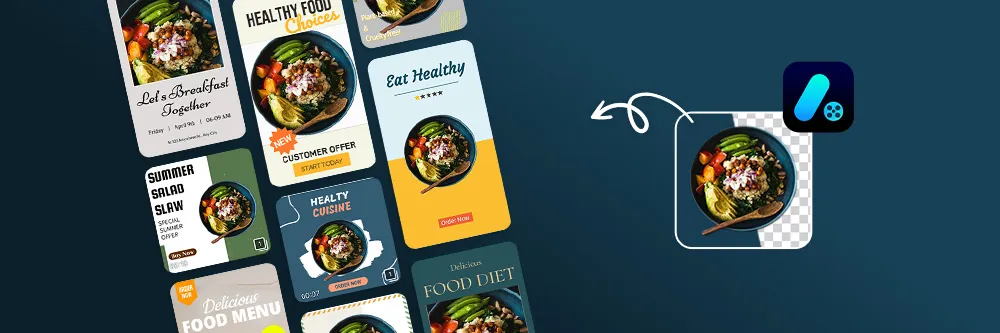
Promeo’s Image to Template feature has a library of stock images you can use to create your ads. You can also put in an image of your own, and the AI ad generator will turn it into a template. That way, you can keep your branding colors and imagery consistent across ads and platforms.
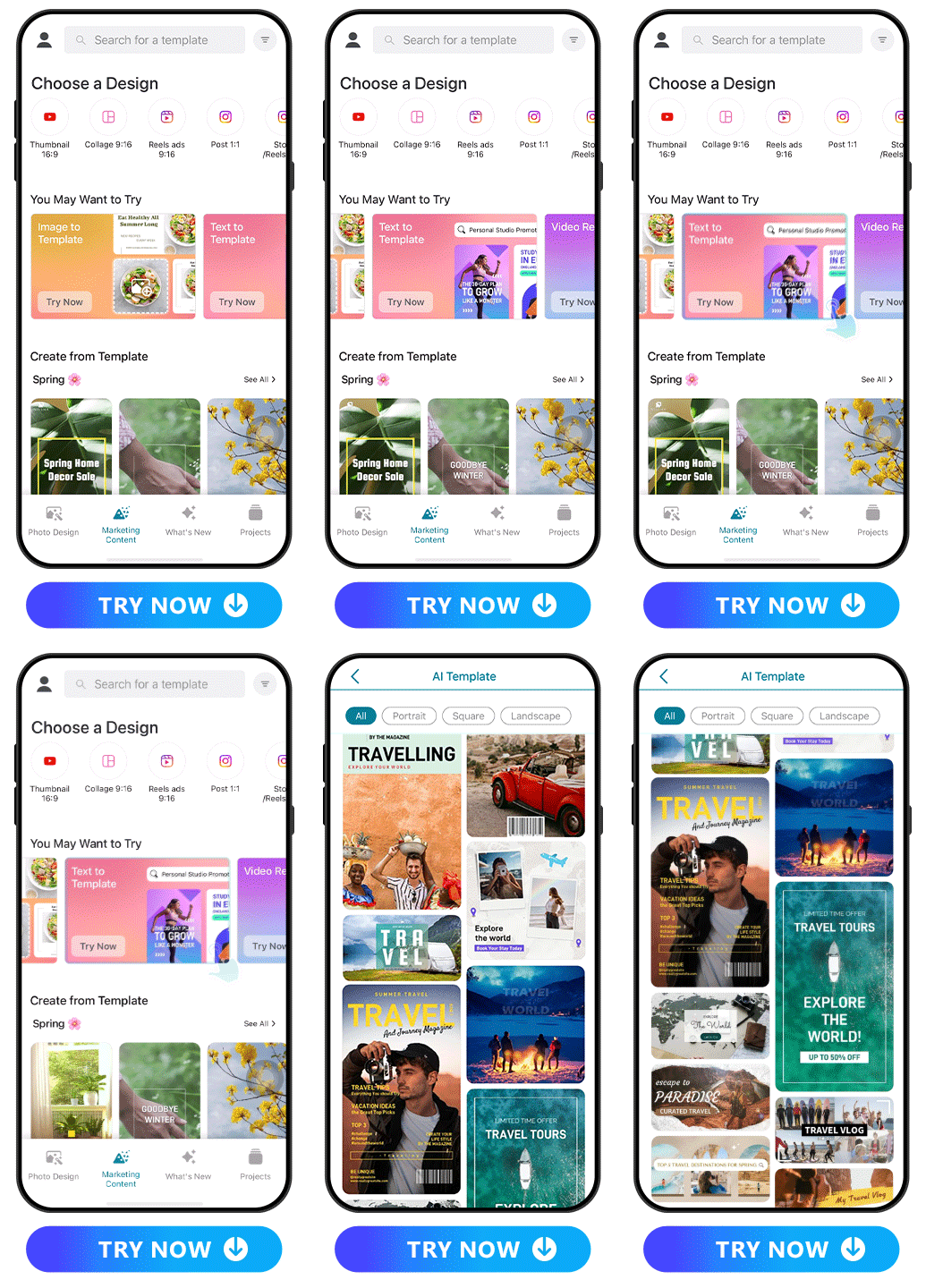
With Promeo’s text fonts, colors, and styles, you’ve got tons of freedom to get your message across. You can even put in a text prompt to get a template from the app, allowing you to describe what you want and see your vision created with AI.
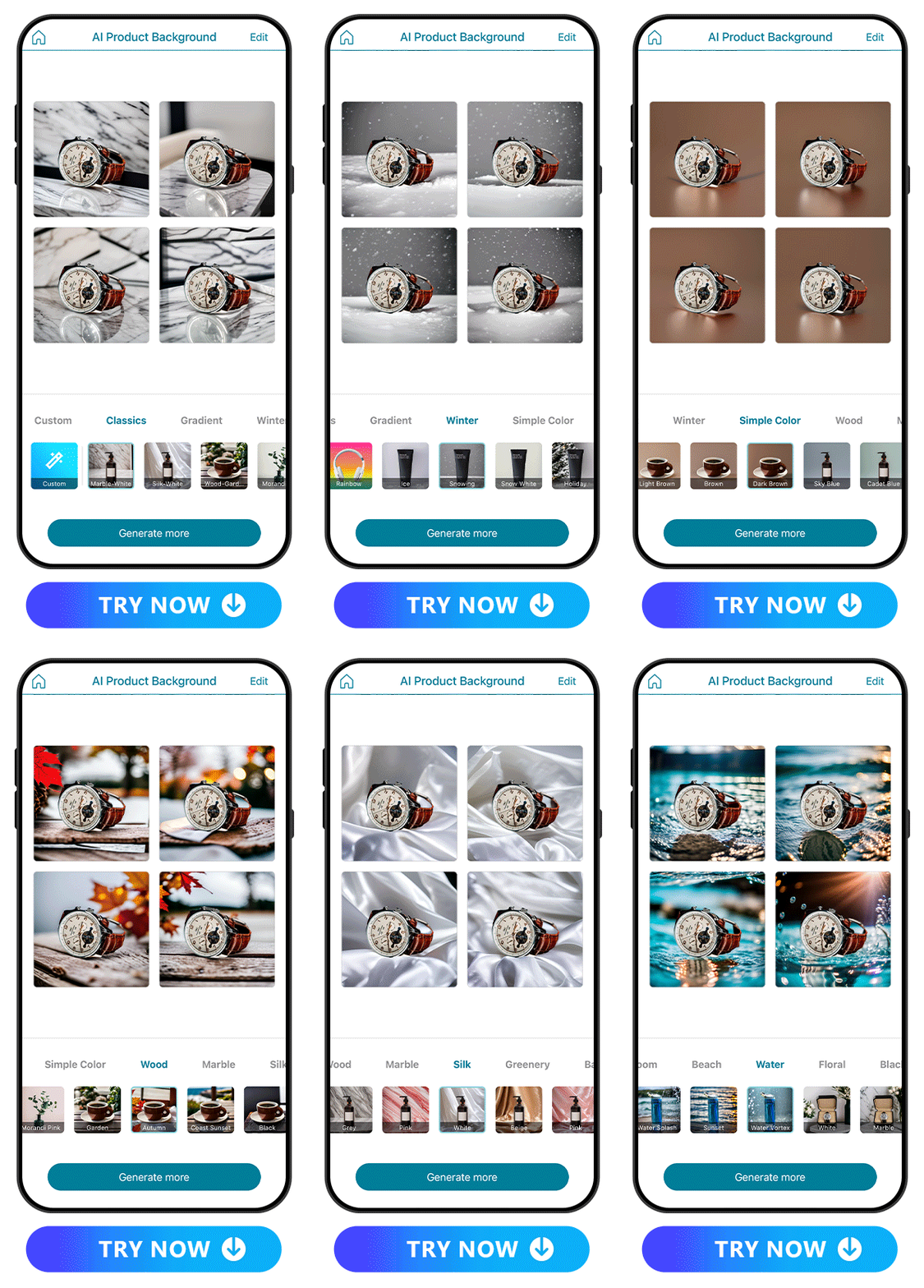
Promeo’s background generator creates realistic product backgrounds that complement your product photos. Choose your background style from the app’s many collections, such as Classics, Simple Color, and Wood. You can also customize your background with text prompts or edit it to make it match your brand aesthetic.
Learn More About Product Background:
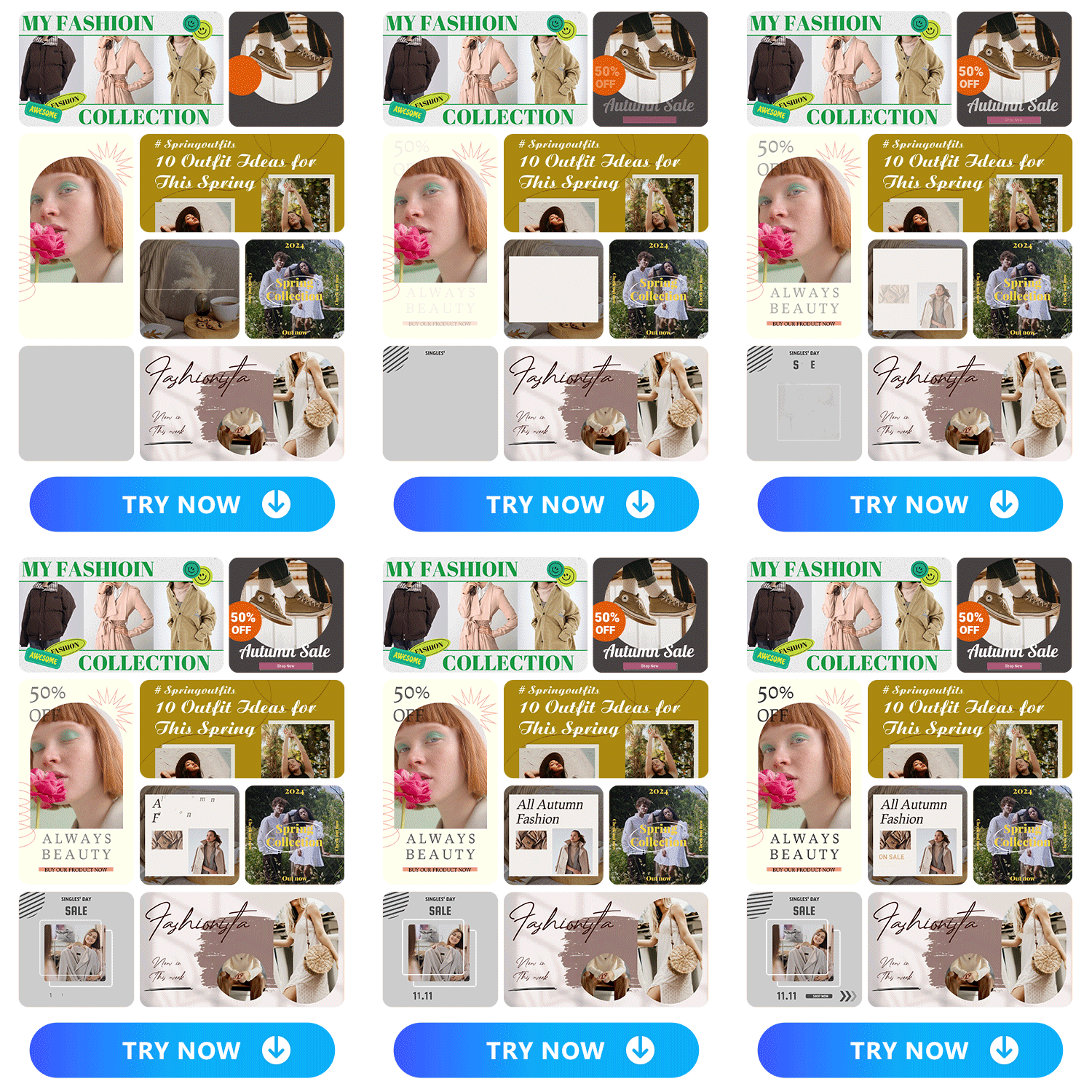
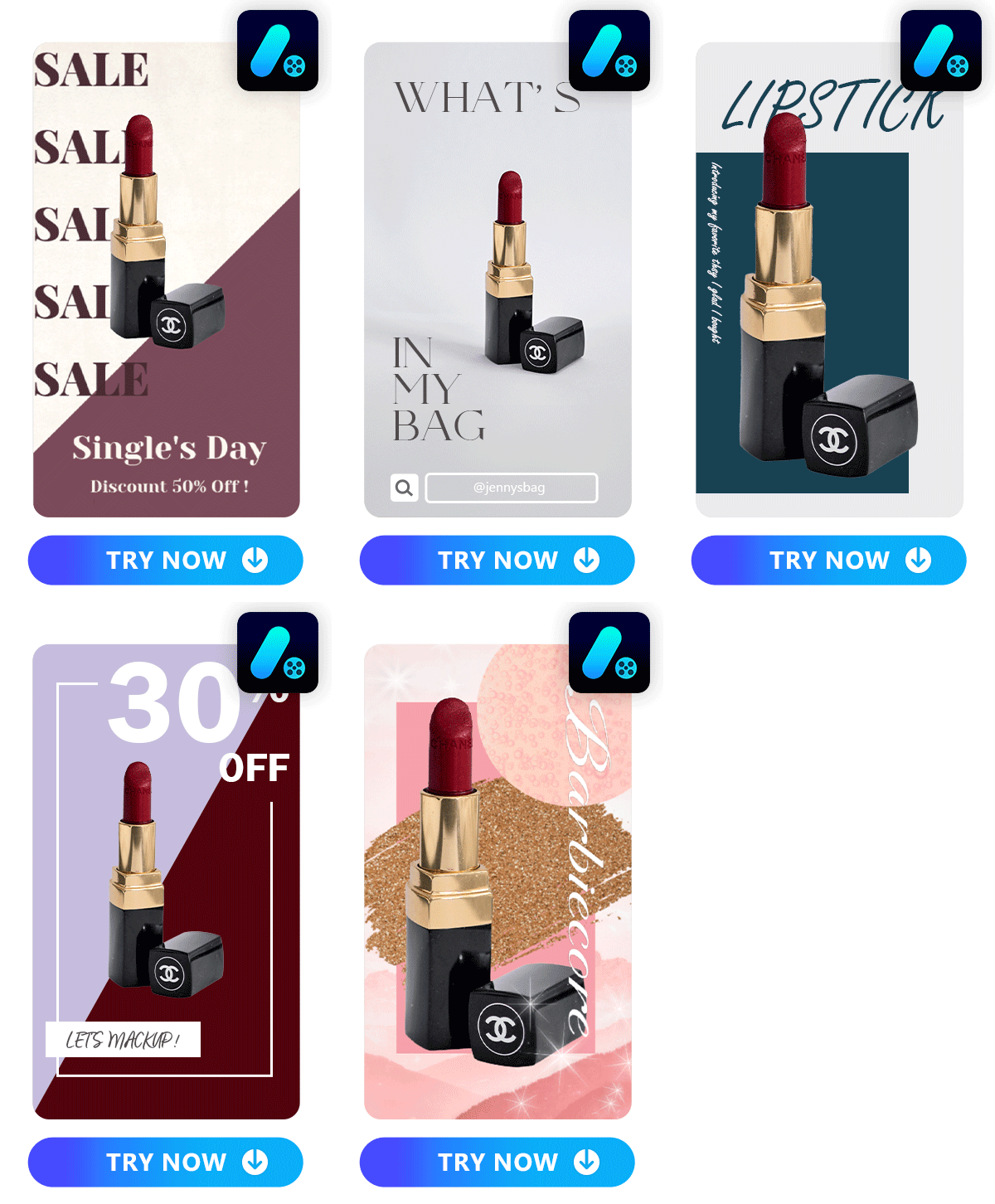
Promeo has a huge collection of templates you can edit to suit your business. It has both static and video templates, so you can create ads for every platform, from Instagram to TikTok. The templates come in collections tailored to your needs, including product promotion, food, events, education, gaming and others.
The ad maker app makes them all easy to find, save, and customize with its other AI editing tools.
How To Create AI-Generated Ads From Product Photos
1. Download Promeo and Tap “Start from Photo”
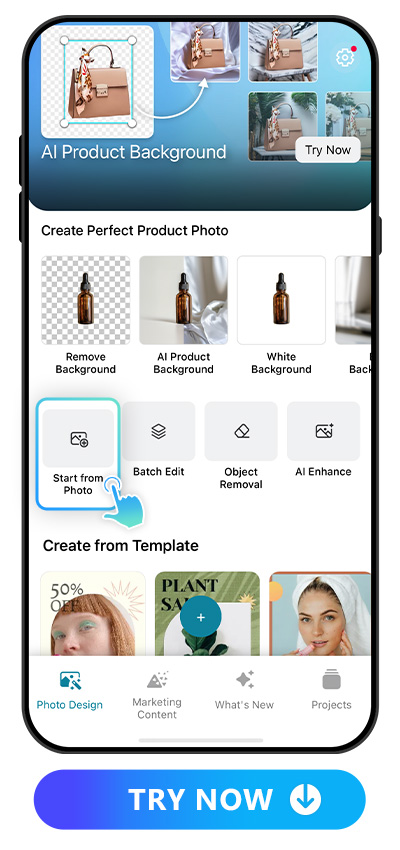
First, go to the App Store or Google Play, depending on your device, and download Promeo for free. Open the app, and you’ll see all its AI features laid out on the main screen. To start creating your ad, tap “Start from Photo.”
2. Upload a Photo
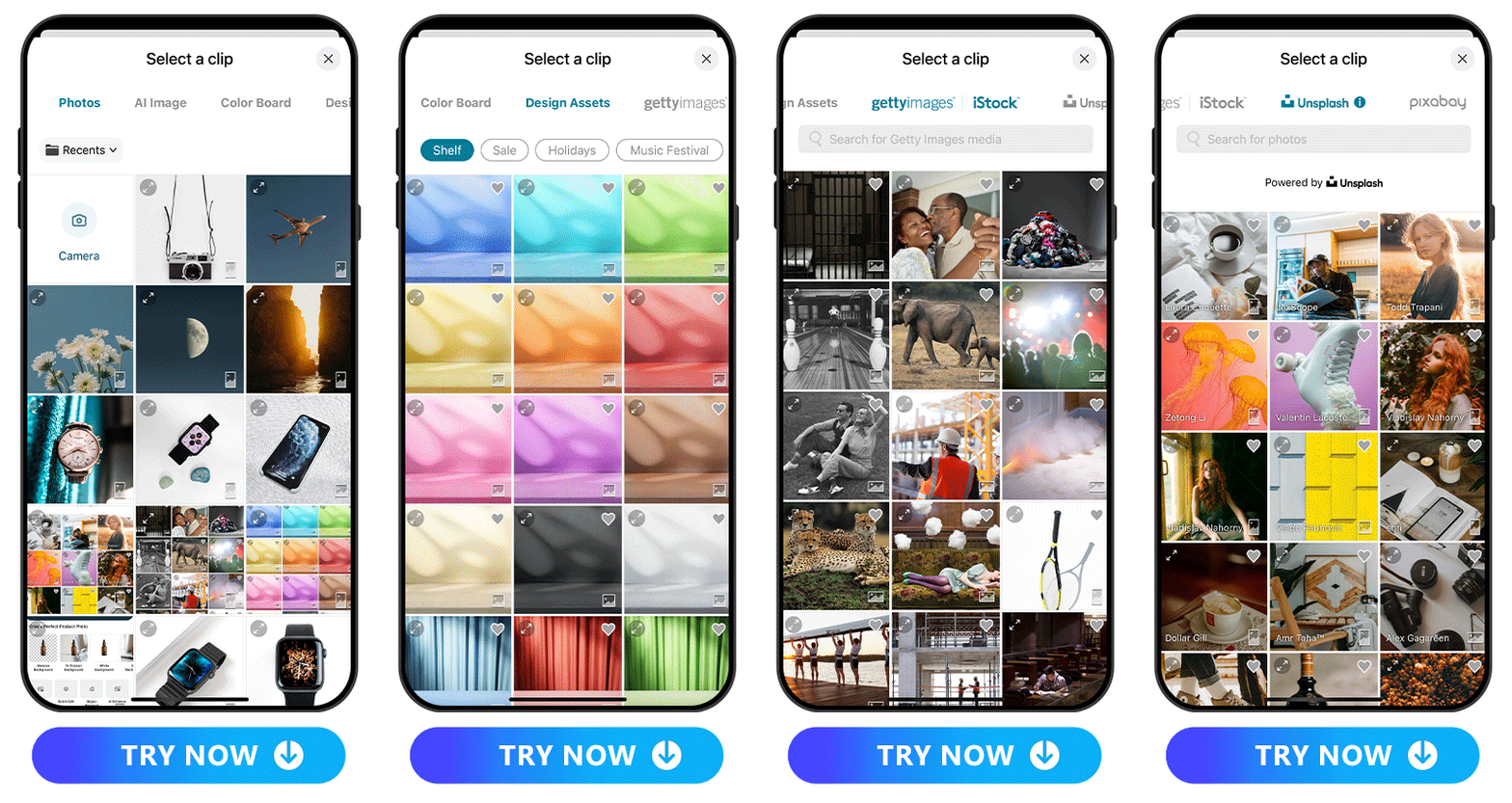
Before you can work on a template, you’ll need to upload an image. You can use one from your album, like a product photo or brand image, or choose from Promeo’s built-in design assets. If you can’t find what you want in an existing photo, Promeo can also create AI-generated images that match your ideas based on your prompts.
3. Tap “AI Template Match” and Choose Your Favorite
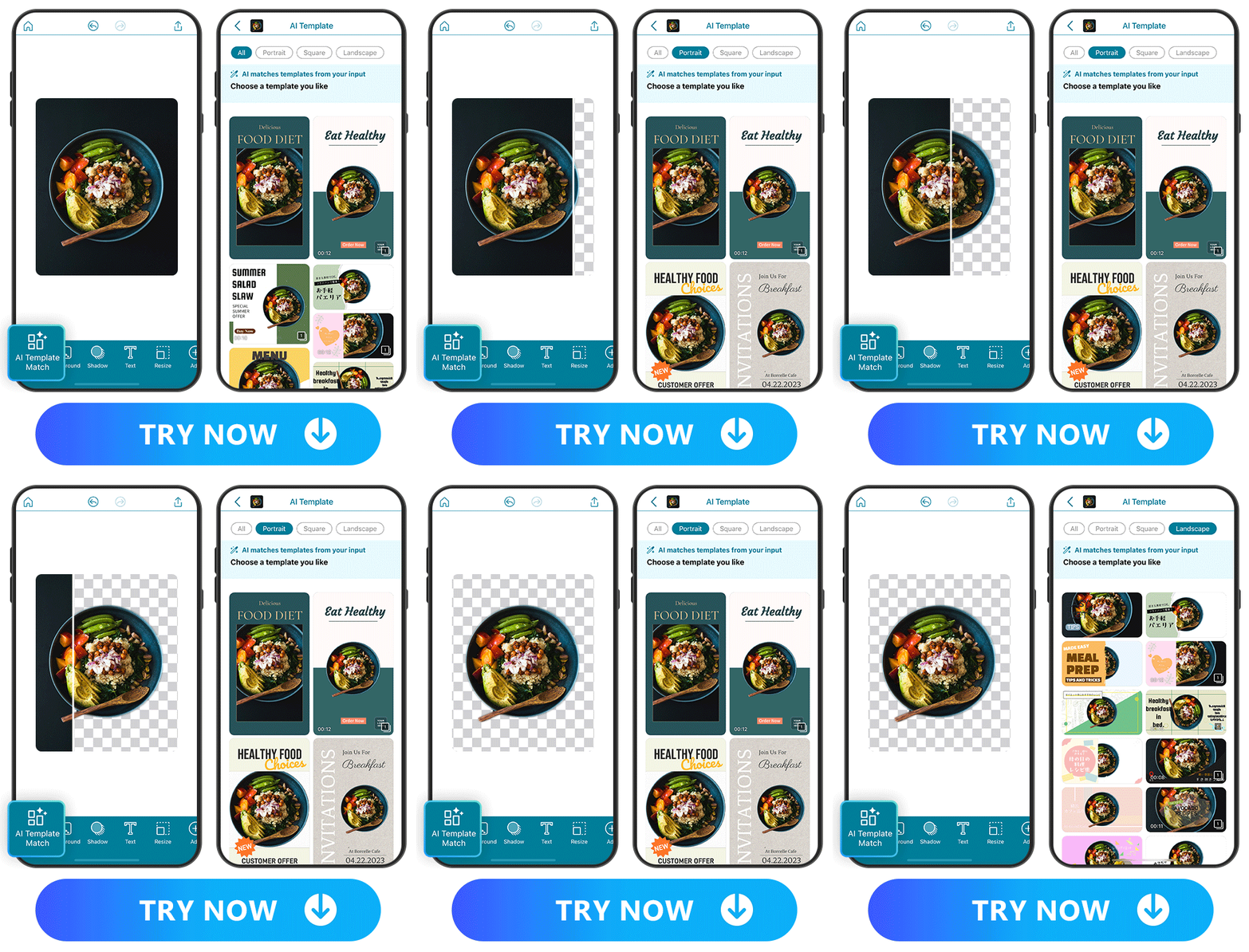
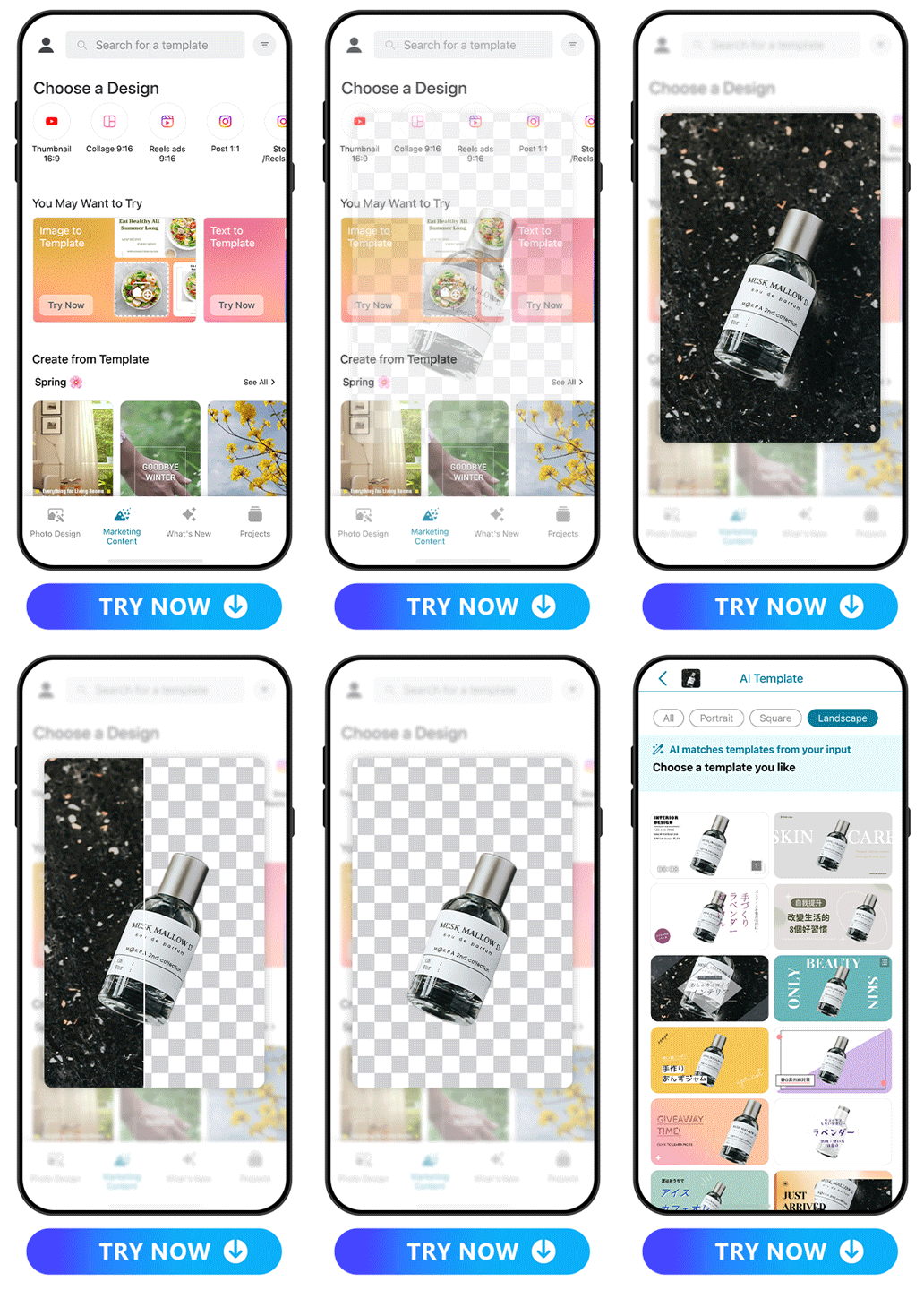
Along with using the right image, you need to make sure your ad fits the platform you want to use it on. Go to Promeo’s AI Template Match tool and select the right ratio from its portrait, square, and landscape orientations. That will prevent your ad and its message from getting cut off when you post it.
4. Make Further Edits
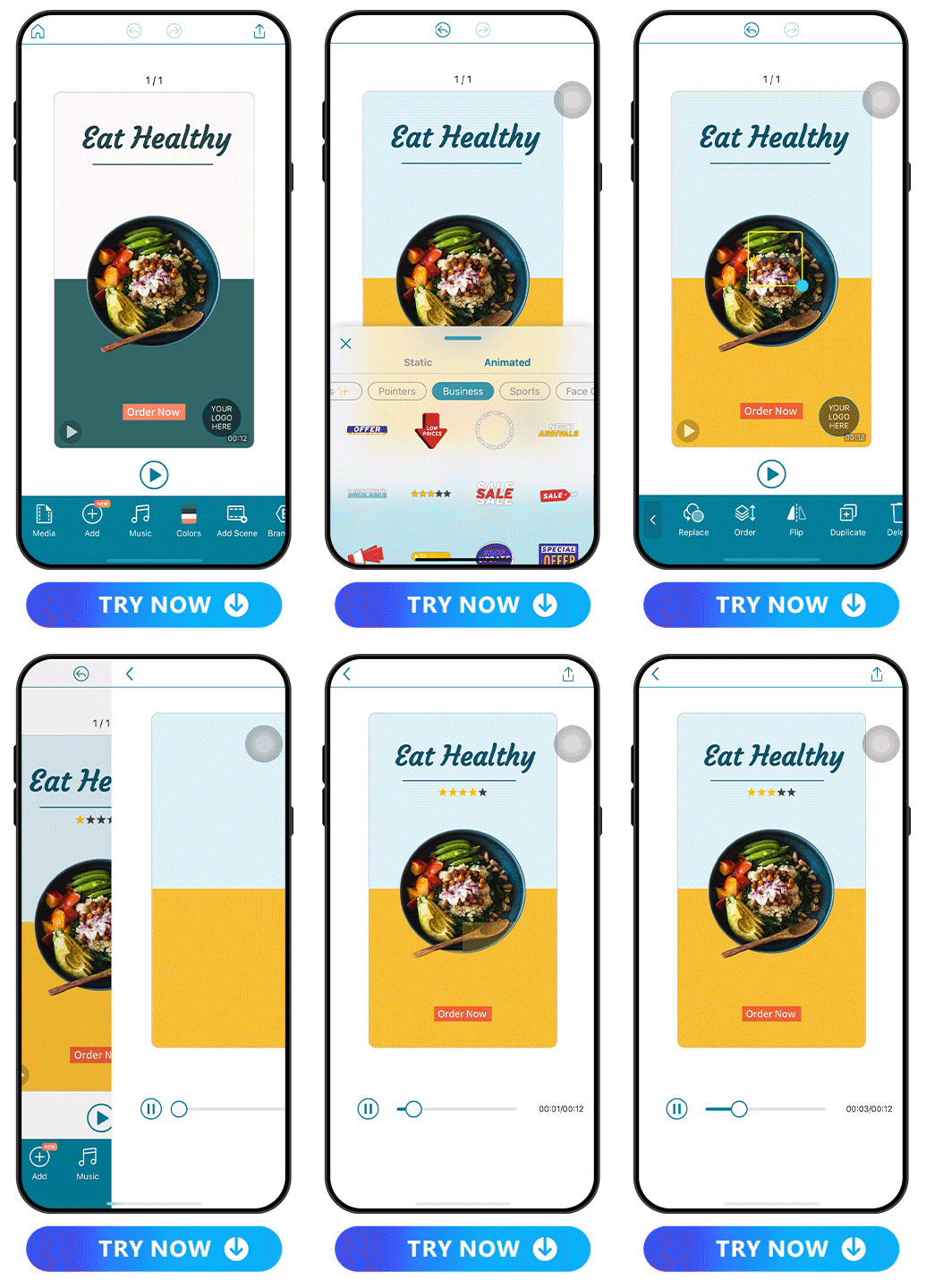
Now that you’ve got your template, you can use Promeo’s other image editing tools to add text, change colors, and apply other elements from the app. It has graphics collections that match different brand aesthetics, from food to stars to sports.
5. Save and Share Your Amazing New Ad
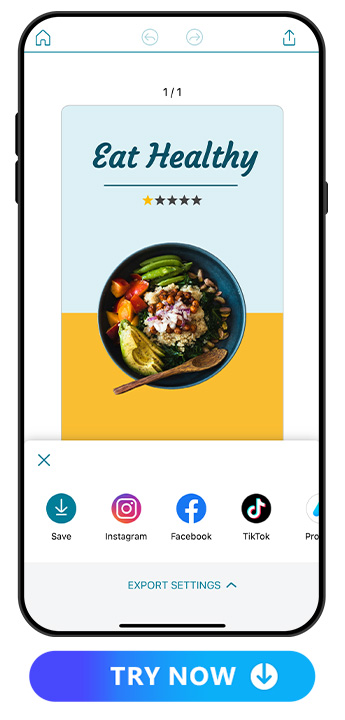
Download your ad to your device and get ready to add it to your campaign. Post it directly to any platform or send it off to print. Promeo seamlessly integrates with Instagram, Facebook, TikTok, and other social platforms, so you can share it right from the app, too!
How To Create Free Ads From a Template
1.Download Promeo and Tap “Marketing Content”
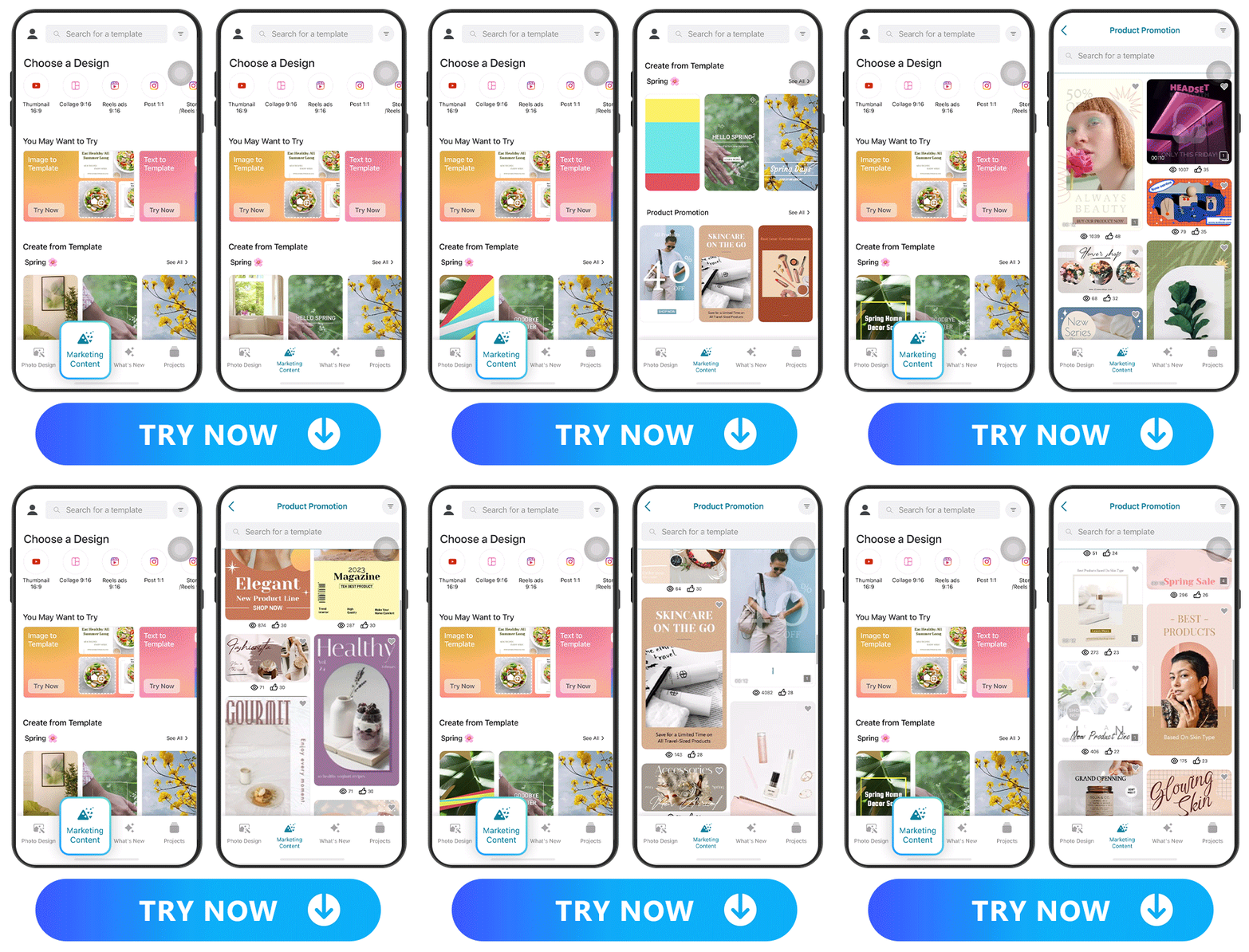
First, get Promeo for iOS or Android and open it to the main screen. The AI ad generator has a whole section dedicated to its ad templates, including static and video options. Go to “Marketing Content” to access it and start making your free ad.
2. Select a Template and Edit
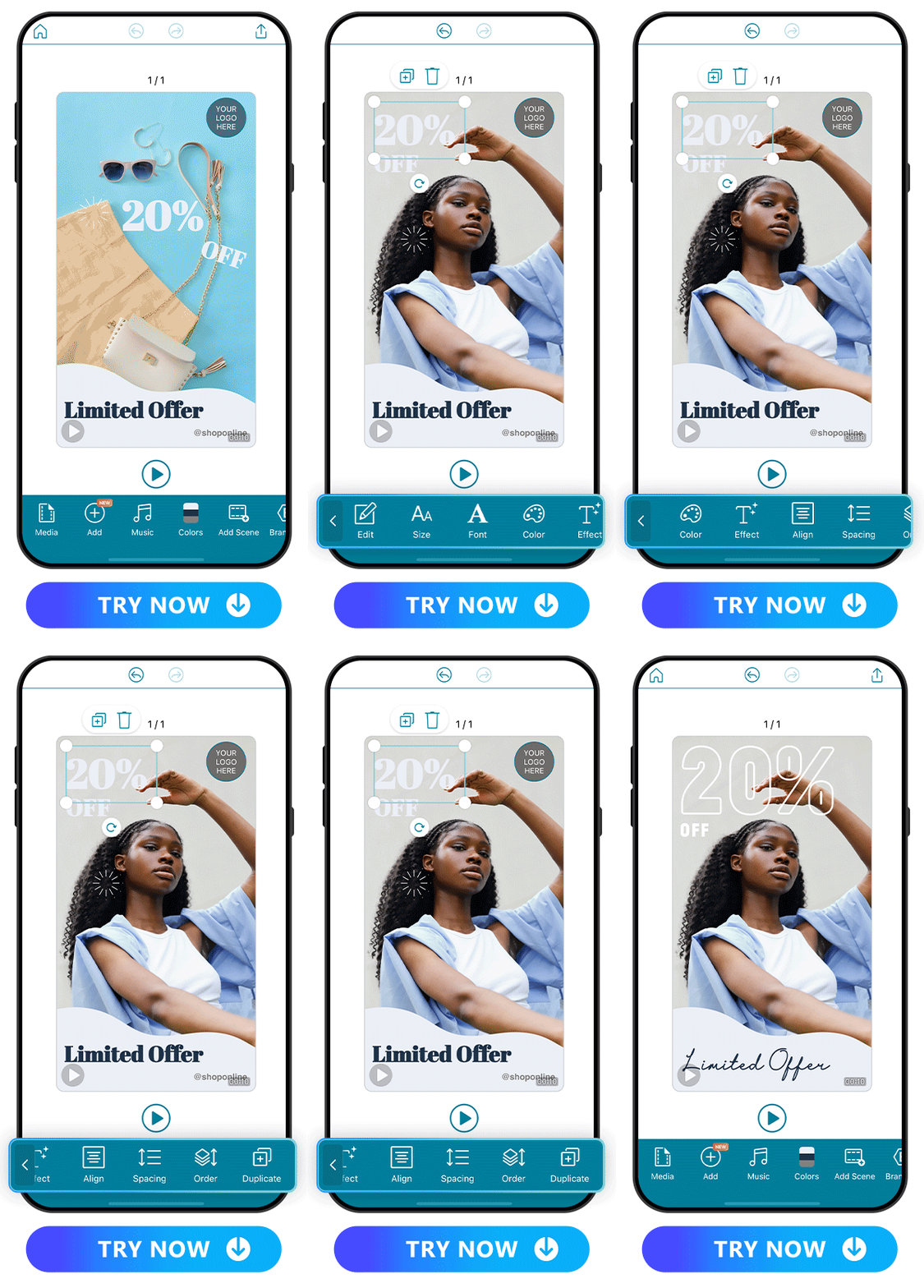
Explore Promeo’s many template collections based on your ad’s theme and your branding. You want the template to coordinate with your brand and message, even if you plan to edit it.
Promeo has plenty of editing tools, including static and animated text and stickers that catch your audience’s attention. Add music, scenes, or clips to make a video ad, or use the app’s other design assets to make a personalized ad.
3. Save and Share!
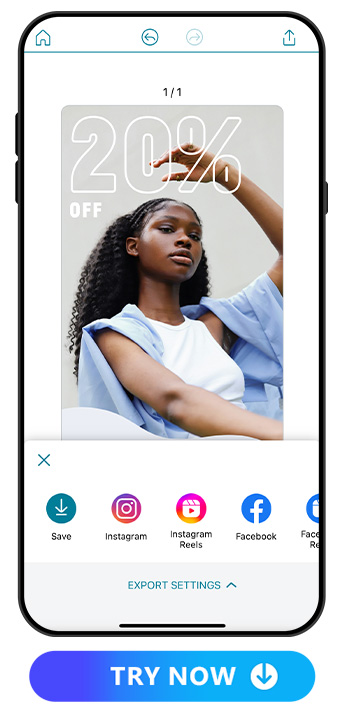
You can share your ad directly on social media from Promeo to promote your products or save it for when you’re ready to launch. Since the app is free, you can keep using it to get ahead and create more ads when you need them!
FAQs About Ad Makers
A good ad maker should be easy to use, especially since you’re busy running your business. It should also have plenty of design assets for ad customization. You want an app that lets you post your ads across platforms and in print, letting you reach the widest possible audience.
Follow these steps to create an Instagram ad with Promeo:
- Download Promeo and go to its “Marketing Content” section.
- Choose the format you want for your IG ad from Reels ads, Posts, or Story/Reels.
- Select your template and start editing it to create your ads!
Promeo is the best ad maker for its user-friendly platform and many design assets. It has built-in templates and an AI product background generator to make it easy for you to get started with creating your ads. With its Image to Template and Text to Template features, you can create a template that perfectly matches your brand.
Promeo is a free and ideal AI ad generator for small business owners. Whether you’re just starting out or have a small budget, Promeo’s extensive template and stock image libraries, as well as its design assets, give you the tools you need to get noticed.
Promeo helps you create AI-generated ads using its AI Template Match tool. Upload your photo or choose a stock image, and then choose a template to match it. You can edit the template with themed sticker collections and text to send your message out.
Download Promeo—The Ultimate Ad Maker With AI-Generated Templates
Promeo is the best ad maker for small businesses, with plenty of template options and AI features to refine your ads. You have plenty of freedom to get creative and enjoy sharing your products and brand aesthetic on social media. Download Promeo to create your first free ad now!


