CyberLink Logo
Image
PowerDirector
Learn MoreFree Download

How to Go Viral on TikTok in 2025: Complete Guide & 10 Best Tips

Last Updated on Oct. 31, 2025 - by CyberLink Editorial Team
How to Create A Viral TikTok

Going viral on TikTok isn't just luck—it’s a mix of creativity, strategy, and smart tools. In this article, we’ll share 10 practical tips to help you boost your visibility and grow your audience, along with the best app to enhance your video content. From choosing the right trends to maximizing engagement, you’ll learn how to make the most of TikTok’s features and stand out on the platform. If you're ready to consistently create content that gets noticed, keep reading!

Download from the App Store for iOS and Android.


10 Proven Tips to Go Viral on TikTok

Do you want to make it big on TikTok and reach the "For You" feed—even if you're just starting out? Here are 10 key tips (updated for 2025) to help you go viral. Each one explains how to apply it, why it works, and how it boosts your visibility on TikTok. Let’s dive in!

  1. Join Viral Trends
  2. Start Your Videos with a Powerful Hook
  3. Use Relevant and Smart Hashtags
  4. Leverage Keywords and SEO on TikTok
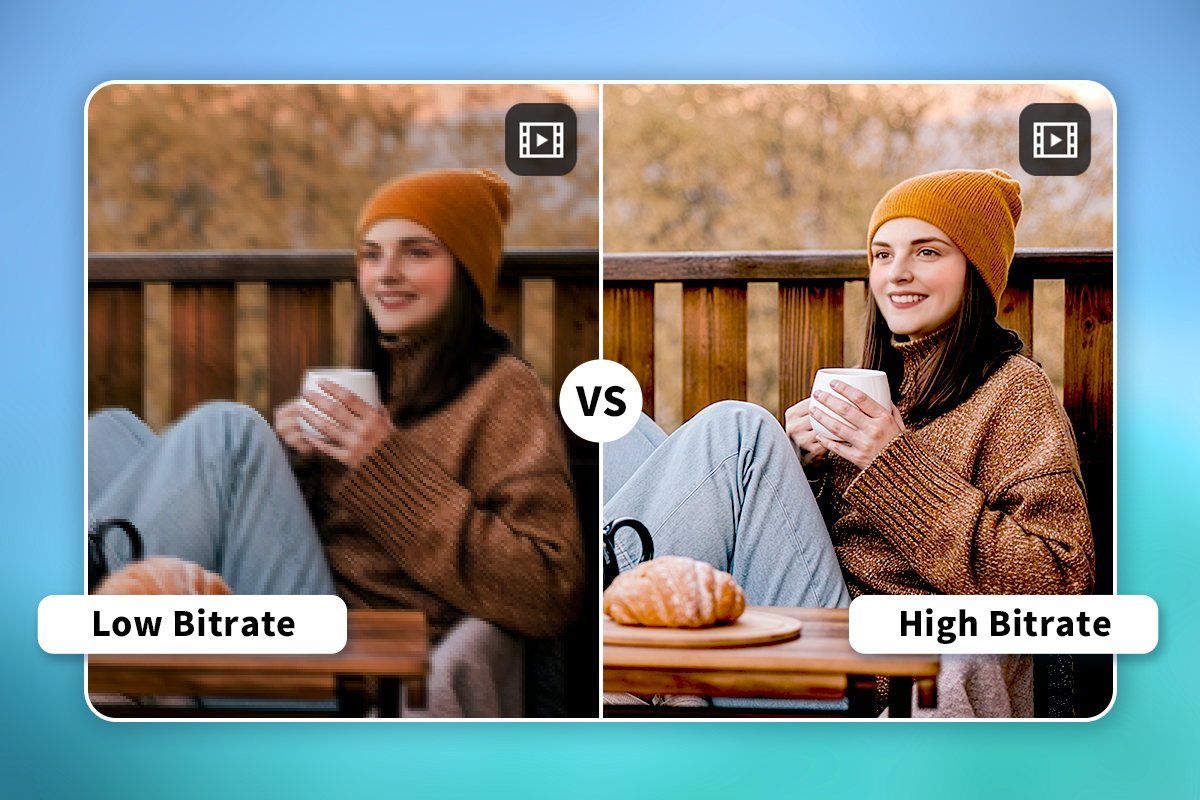
  5. Create High-Quality Videos Tailored for TikTok
  6. Be Consistent and Post at the Right Times
  7. Encourage Audience Interaction
  8. Collaborate with Other Creators
  9. Be Authentic and Show Your Personality
  10. Try TikTok’s New Features

1. Join Viral Trends

TikTok Trends

TikTok is known for its rapidly changing trends—whether it's dances, viral challenges, memes, or trending audio. Stay current by browsing the "Discover" tab or your For You feed to spot what's gaining traction.

2. Start Your Videos with a Powerful Hook

On TikTok, the first 3 seconds are everything. If you don’t grab attention right away, viewers will scroll past.

3. Use Relevant and Smart Hashtags

Hashtags help categorize your content and guide TikTok’s algorithm in showing your videos to the right audience.

4. Leverage Keywords and SEO on TikTok

In 2025, TikTok isn’t just a platform—it’s a search engine. Optimizing for search is a game-changing strategy.

5. Create High-Quality Videos Tailored for TikTok

You don’t need professional gear, but your video must look and sound good.

6. Be Consistent and Post at the Right Times

Consistency helps build momentum. Creators who post regularly tend to grow faster.

7. Encourage Audience Interaction

Engagement is king on TikTok. The more your audience interacts, the better your chances of going viral.

8. Collaborate with Other Creators

Partnering with others puts you in front of new audiences.

9. Be Authentic and Show Your Personality

Polished content isn’t everything—realness resonates.

10. Try TikTok’s New Features

New features = new opportunities for visibility.


How to Go Viral on TikTok Using the Best Video Editing App

If you're ready to put tip number 5 into action—creating quality videos tailored for TikTok—you’ll need a powerful video editing app that gives you all the tools to make it happen. That’s where AI-powered PowerDirector comes in. Below, we’ll show you how to use some of its smart features to easily produce high-quality, scroll-stopping TikTok videos.

🔤 Create Automatic Captions for Your TikTok Video

Create Automatic Captions for Your TikTok Video with PowerDirector
  1. Download and open PowerDirector App.
  2. Tap New Project and upload your video clip.
  3. Tap on the video clip to access editing tools, from the bottom tool bar, select Tools > Auto Captions.
  4. Select your language—add bilingual subtitles if desired—and pick your favorite subtitle template.
  5. Tap Start and let the AI generate the subtitles for you.
  6. Save and share your subtitled video on TikTok!

🎬 Turn Your TikTok Video into Anime

Figure Image
  1. Download and open PowerDirector App.
  2. Go to AI Creation, and select AI Anime Video.
  3. Choose your preferred anime style and tap Try it Now.
  4. Select a payment plan or use credits, then tap Generate.
  5. Pick the video you want to transform and let AI work its magic.
  6. Save and share your anime-style video on TikTok!

✨ Add Body Effects to Your Dance Videos

Add Body Effects to Dance Challenge Videos with PowerDirector
  1. Download and open PowerDirector App.
  2. Tap New Project and upload your video clip.
  3. In the bottom tool bar, tap Effects > Body Effects.
  4. Choose an effect you like, then fine-tune it using the sliders to adjust the Speed, Color, Direction, and other factors of the body effect.
  5. Save and post your dynamic video on TikTok!

🎤 Change Your Voice for Fun & Creativity

Change Your Voice with PowerDirector
  1. Download and open PowerDirector App.
  2. Tap New Project and upload your video clip.
  3. In the bottom tool bar, select Audio > AI Voice Changer.
  4. Pick your favorite voice profile and tap Apply.
  5. Save and share your newly voiced video on TikTok!
Download from the App Store for iOS and Android.

Download the Best Free App to Create Viral TikTok Videos

PowerDirector is a powerful and versatile video editing app that lets you edit, enhance, and completely transform your videos for TikTok. Standout features include an automatic subtitle generator, dynamic body effects perfect for dance videos, a voice changer with a variety of fun profiles, and even a tool to turn ordinary videos into anime-style creations.

Ready to go viral? Start creating your first standout TikTok video with PowerDirector today!

Download from the App Store for iOS and Android.

FAQs: How to Go Viral on TikTok

One of the most important steps in creating viral content on TikTok is using a powerful video editing app. PowerDirector is a top choice, offering a wide range of tools to help you craft high-quality, eye-catching videos designed to perform well on TikTok. From AI-powered effects to automatic subtitles and trendy visual enhancements, PowerDirector gives you everything you need to boost your chances of going viral.

Download from the App Store for iOS and Android.

Going viral in 5 minutes isn’t guaranteed, but you can optimize your video for quick traction:

  1. Hook the viewer immediately—make the first few seconds count.
  2. Use trending audio and pair it with a popular format or challenge.
  3. Add relevant, high-performing hashtags like #foryou, #viralvideo, or niche-specific tags.
  4. Post during peak engagement hours (usually early evening).
  5. Encourage interaction—ask a question or provoke a reaction.

If your content hits the right note, the algorithm might start pushing it almost instantly.

To boost your views on TikTok:

  • Start with an engaging hook within the first 3 seconds.
  • Use trending music and effects to ride the algorithm wave.
  • Post consistently, especially during your audience’s peak activity hours.
  • Use relevant hashtags and keywords to help TikTok categorize your content.
  • Reply to comments and collaborate with others to stay visible. Quality, timing, and relevance are key.
Share this article via emailShare this article on FacebookShare this article on LinkedInShare this article on XShare this article on Pinterest